Check a purchased membership
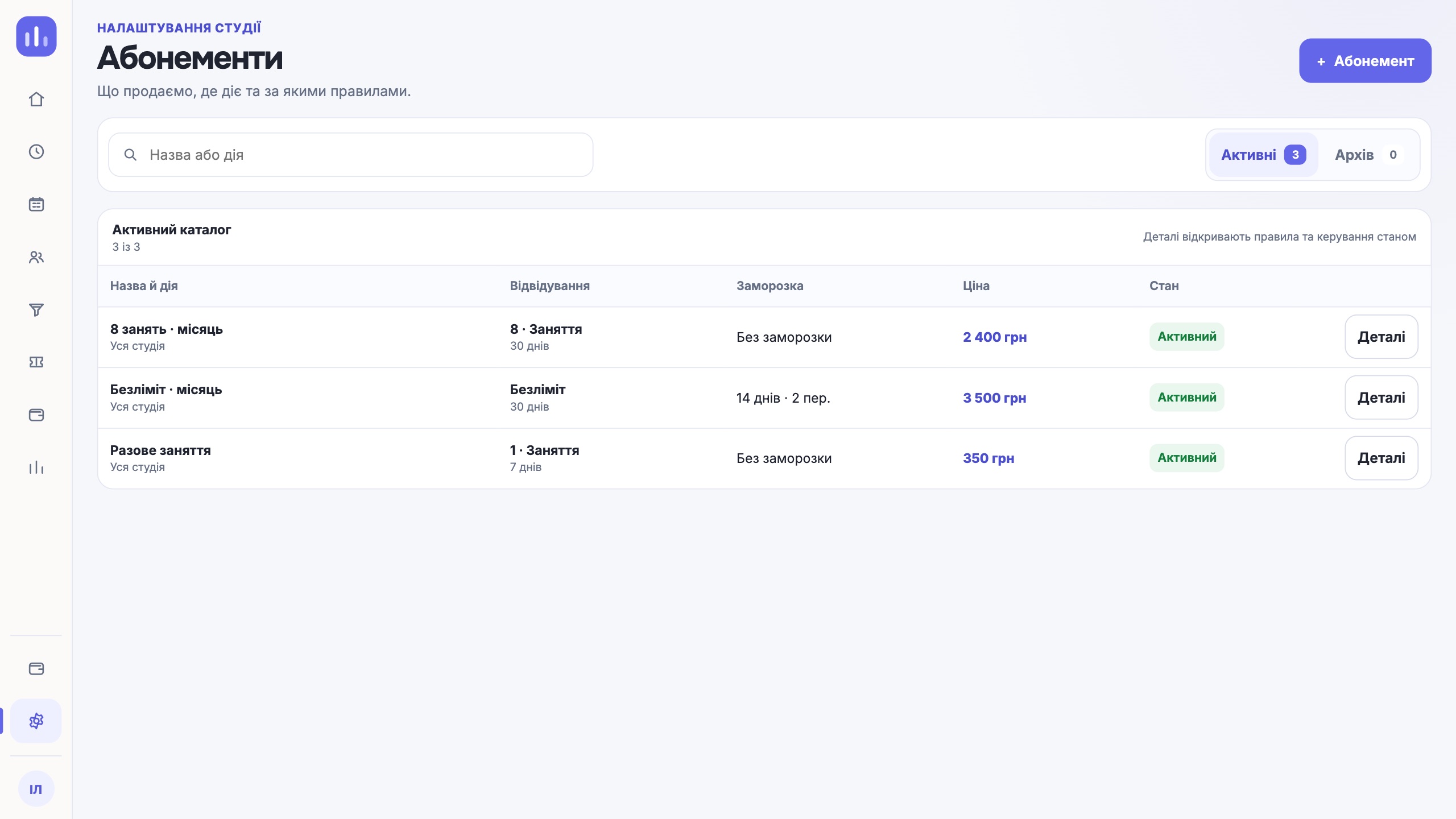
Tell a catalog product apart from the membership a person bought: check price, number of classes, dates, purchase terms and the classes left.
- Who it is for
- Team members with permissions for memberships and the person’s records.
- What to prepare
- The person’s profile, the product, validity dates and purchase terms.
Steps
- In the catalog, check the price, number of classes, validity period and rules of the product.
- In the person’s profile, open their purchased memberships.
- For a new purchase, choose the product, check the dates and amount, and confirm the operation.
- Check the purchased membership and what is left on it. Verify the payment separately against the payment record.
Result
The profile holds a specific membership with its own dates, terms and remaining classes.
If it did not work
If the membership has expired, is frozen or does not fit the class, check that status. A catalog change must not replace the terms of a past sale.