Record a payment and check a debt
Record money actually received, the payment method and the payer, then check the person’s outstanding balance in the profile and in finance.
- Who it is for
- Team members with permission to record and view payments.
- What to prepare
- The actual amount, currency, payer, method and purpose of the payment.
Steps
- Find the person’s profile or open the payments section.
- Create a record of the amount actually received and choose the payment method.
- Check the payer and the linked membership before confirming.
- In the profile and in finance, reconcile the record, the amount paid and the remaining debt. A bank transfer is reconciled separately.
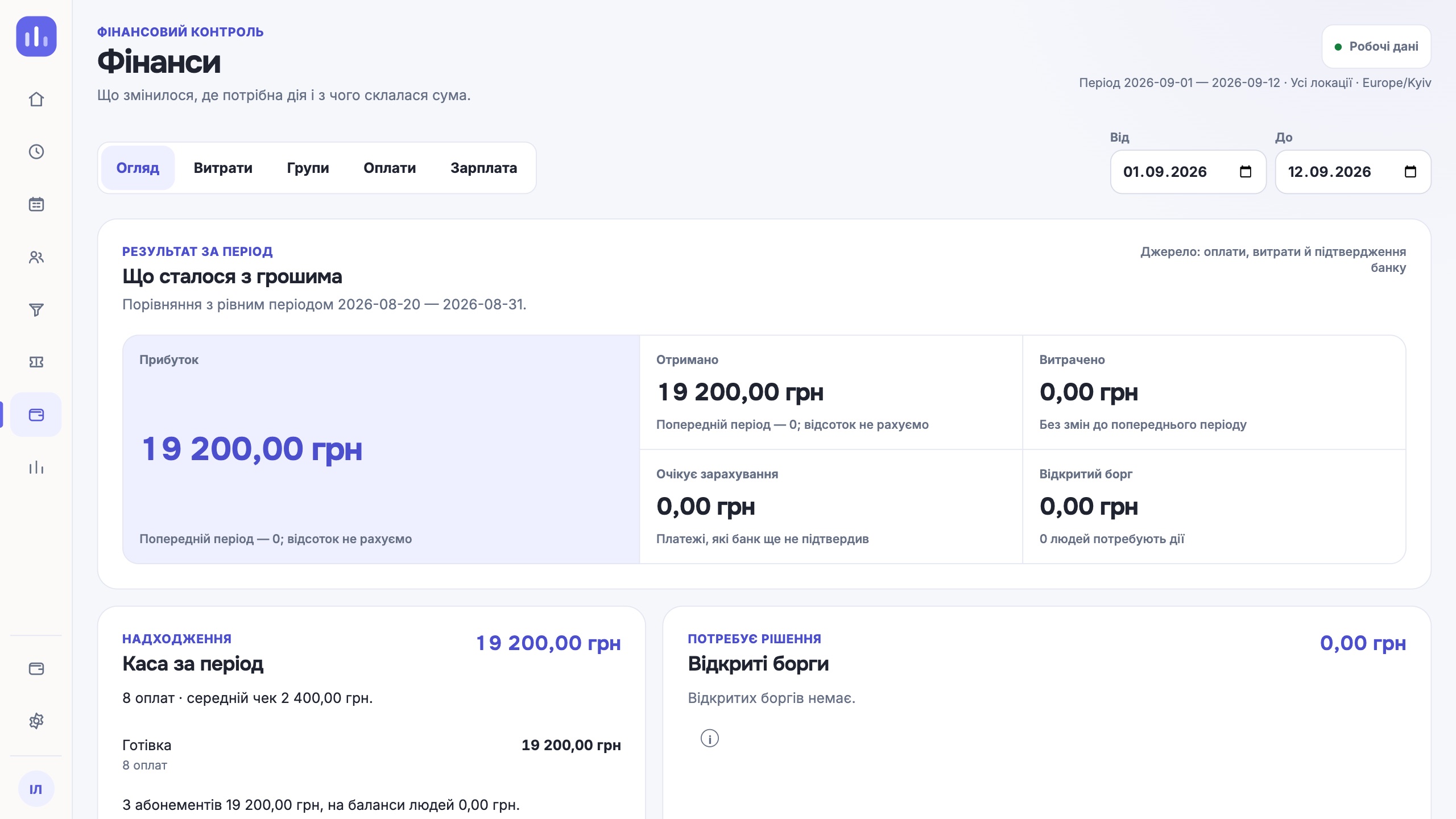
Result
The payment is visible in the CRM, and the debt matches the recorded charges and payments.
If it did not work
If the response was delayed, check the log first so you do not record the amount twice. A record in the CRM does not make a bank payment.