Find a person and check their profile
Search for a client by name or contact before creating a new profile, then check contacts, family, memberships, balance and attendance in one place.
- Who it is for
- Team members with permission to view or edit people.
- What to prepare
- A name or a known contact; for a new profile, verified details of the person.
Steps
- Open the people section: its name depends on your studio’s terminology.
- Search for the person by name or contact before creating a new profile.
- Open the profile and check contacts, family, memberships and balance.
- Change only the fields you need; after saving, check the result in the profile.
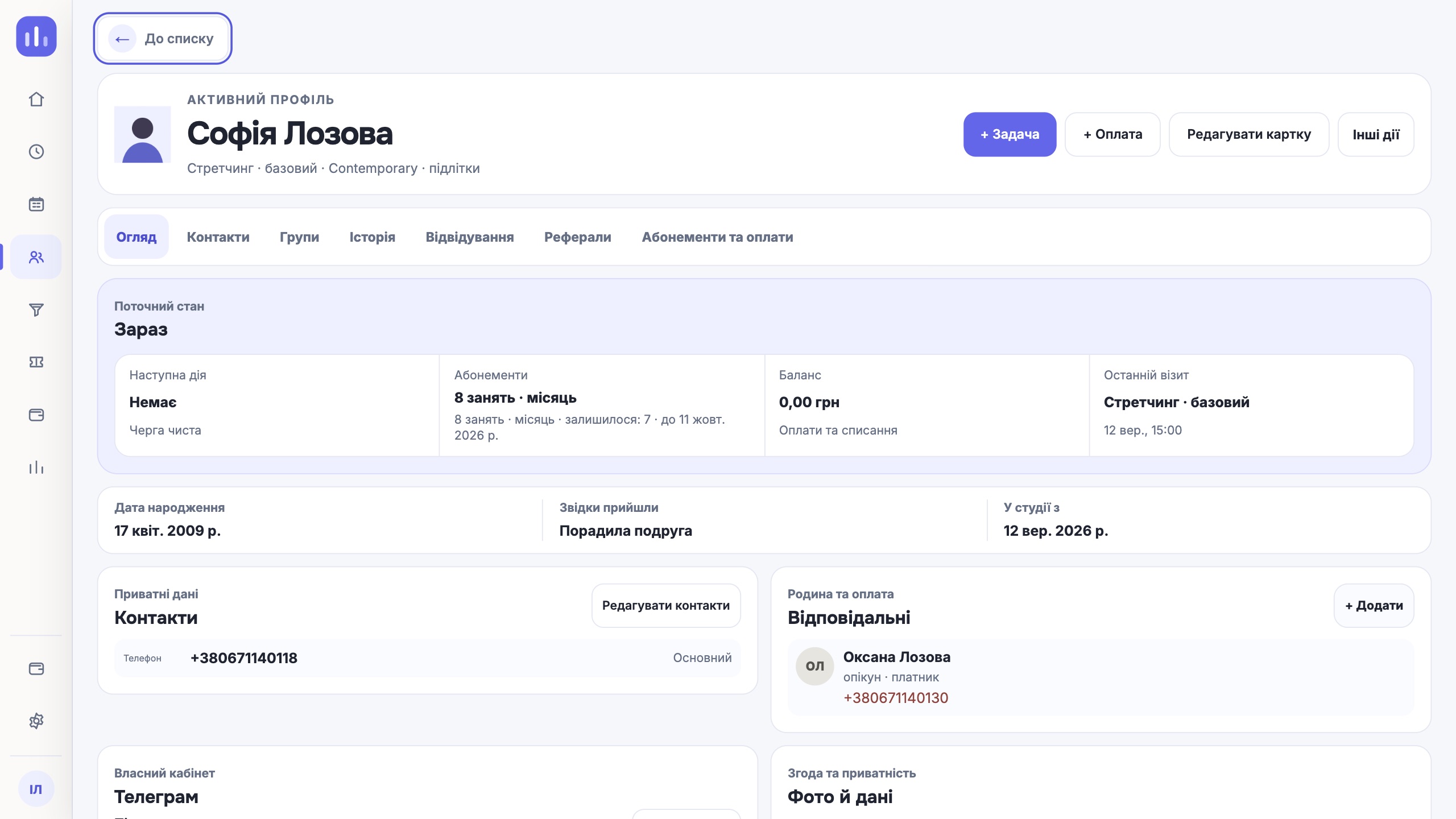
Result
You have found the right person; their memberships and bookings are not split across duplicates.
If it did not work
An empty result may mean a different filter or location. Check those first; do not create a second profile just because a search found nothing.