A rule instead of a spreadsheet formula
The pay rule is set once. The base can be one of four:
- a monthly salary;
- a rate per hour;
- a rate per class run;
- a rate per person present.
On top of the base you can add a percentage of the revenue the coach brought in, and deductions: a fixed amount or a percentage. For example, room rent is taken off the revenue before the percentage is calculated.
Different rules for different people and formats
There is a default rule for the whole studio, and you can set a separate one for an individual coach. A coach’s rule can be narrowed to a discipline, a group or a format: group, individual or rental. This way one instructor gets a rate for a group and a different calculation for personal sessions.
Substitutions, fines, bonuses and advances
When another coach ran the class, the pay line is marked as a substitution, and the money goes to the person who actually worked.
Anything that does not follow from the schedule is entered as a separate record with a reason: an adjustment, a fine, a bonus or an advance. Both the owner and the coach can see the reason.
Closing the month and the payout
At the end of the period the owner checks the amounts and closes the period. After closing it cannot be rewritten, only adjusted. So what has already been paid will not change retroactively.
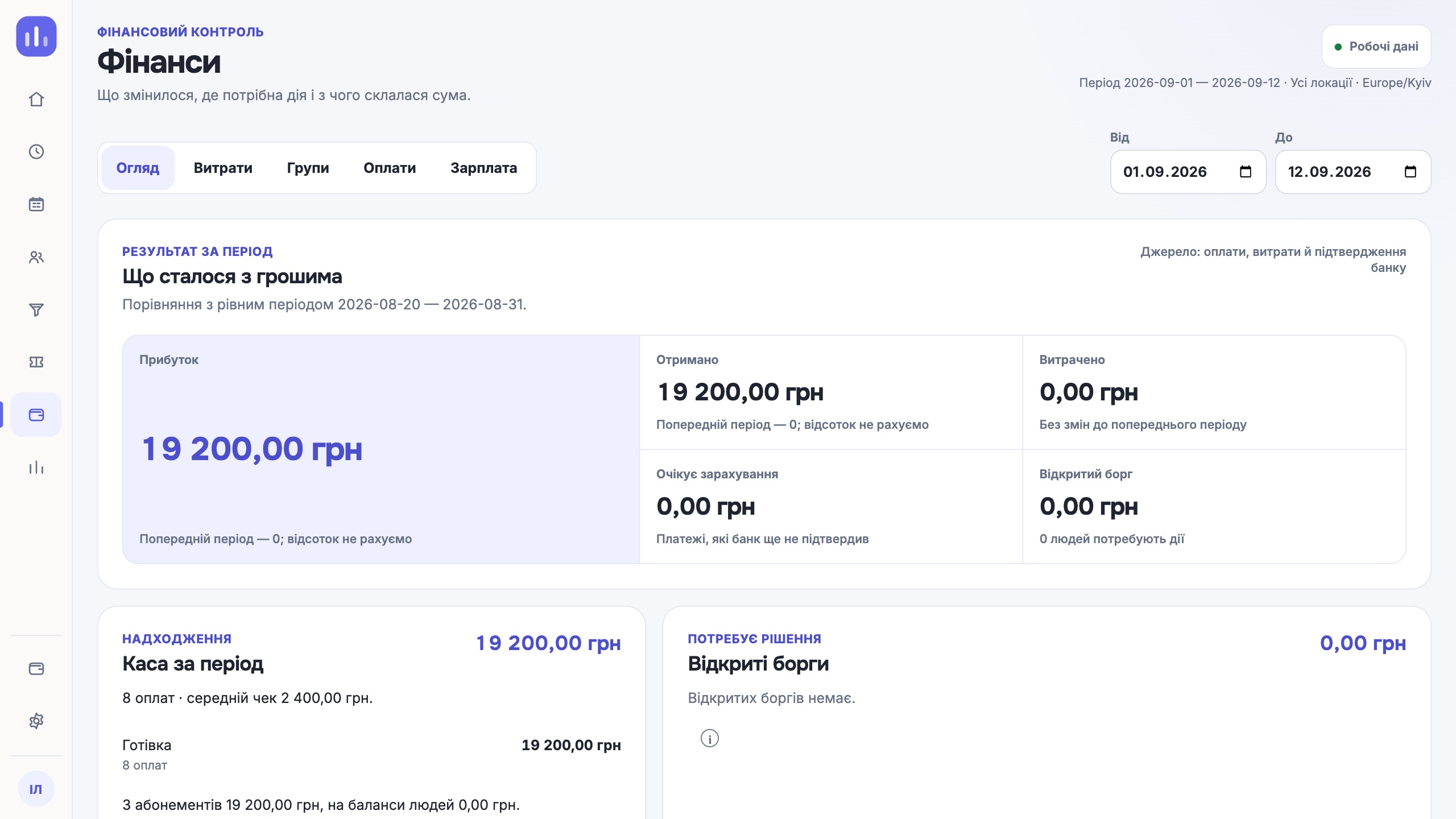
A payout is recorded with an amount, a date and a method: cash, card or bank transfer. The amount has to be entered twice, so that an accidental tap does not create an extra payout. An extra payout is handled as a refund, not deleted.
What the coach sees
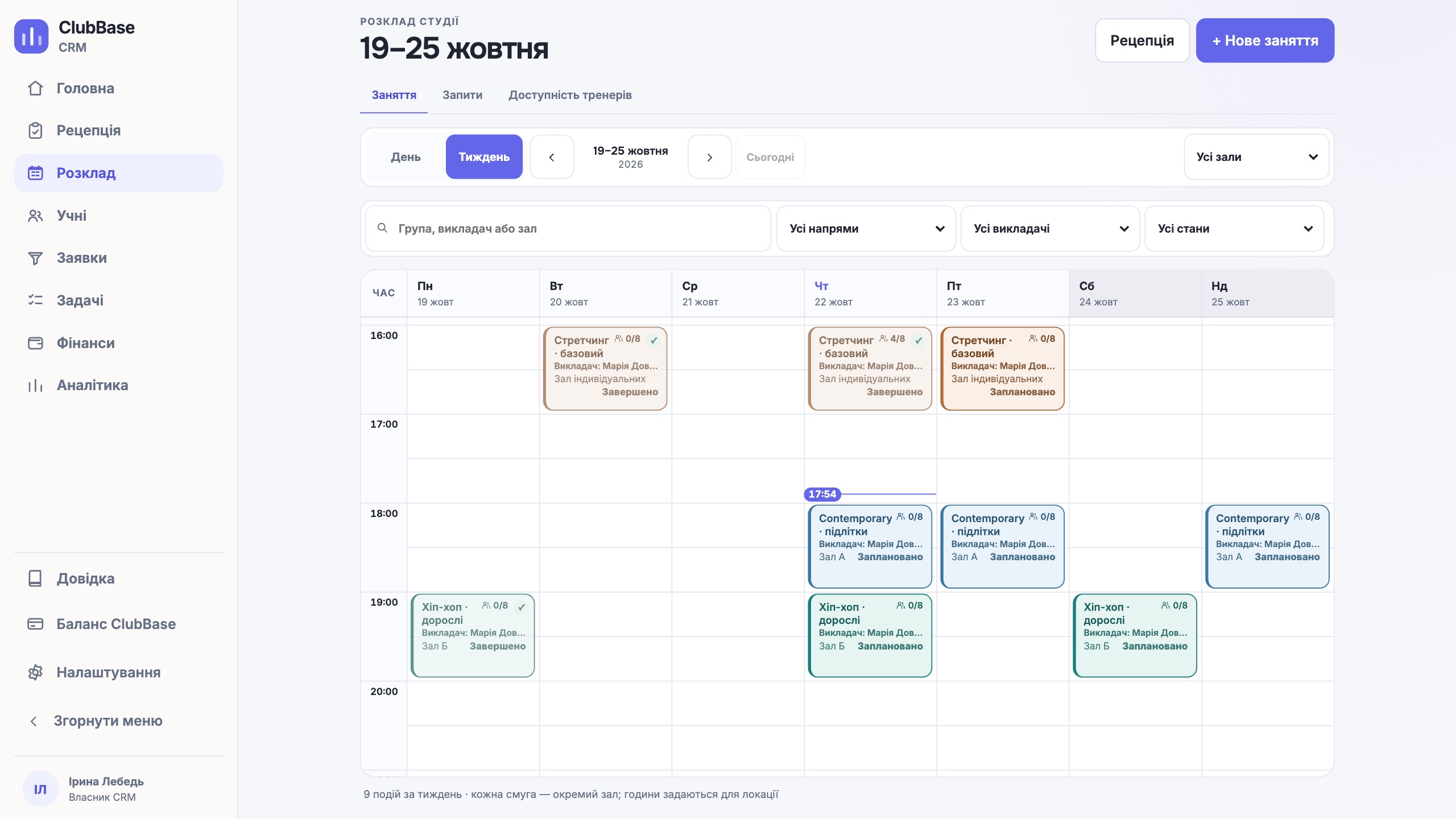
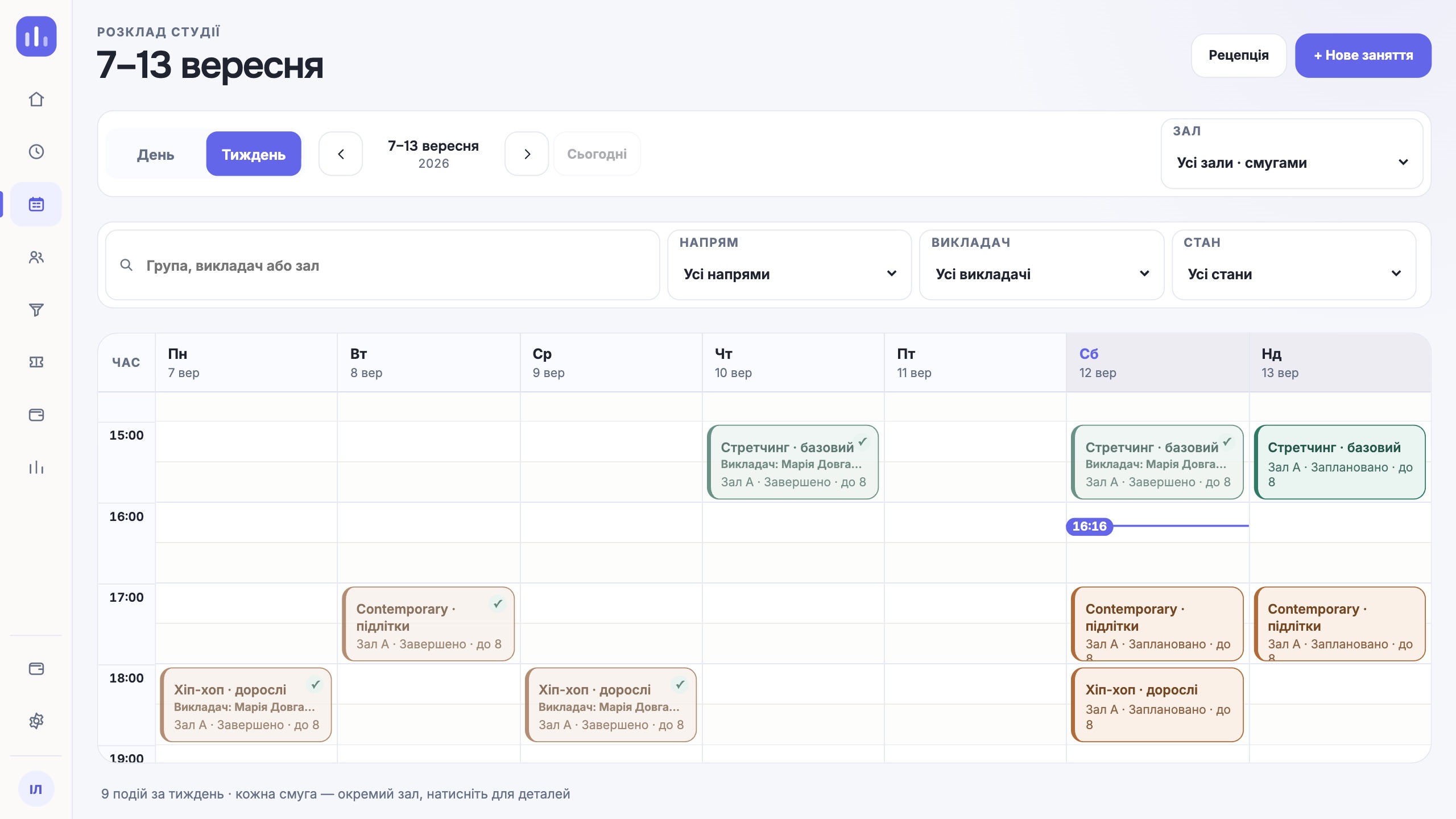
The coach’s area has an Earnings («Заробіток») tab. It lists each class with the number of people present, the amount and the formula it was calculated by, and at the top how much is closed, how much has already been paid out and the balance due. The coach does not see colleagues’ pay or the studio’s general finances.
| Part | Source |
|---|---|
| Rate per class or per attendee | Log of classes run and attendance marks |
| Percentage of revenue | Payments linked to the coach’s classes |
| Substitution | Who actually ran the class |
| Fine, bonus, advance | A separate record with a reason |
One next step
Start with one coach and one rule. When the amount from the CRM matches the spreadsheet for a month, you can close the spreadsheet.
Try it free