Collect every source in one list
Start with a list of the files, services and chats the team uses now. Next to each source, note the person responsible, the date of the last update and the process kept there.
Duplicates are normal at this stage. The point of the inventory is to see the full picture and decide which source counts as the main one for each type of data.
- clients, children, parents and payers;
- groups, instructors, locations and rooms;
- the schedule and upcoming reschedules;
- class packs, balances, freezes and debts;
- payments and agreements that affect the work.
Agree on rules before cleanup
One person can be recorded as “Olena, Mark’s mum”, as “Olena” and as a bare phone number. Merging automatically by name is dangerous here. First decide which fields really identify a record and who settles disputed cases.
In the same way, agree on the phone format, how locations are spelled, client statuses and the date from which you move financial data. Write the rule down next to the migration file, so the check does not depend on one person’s memory.
Keep the links between people and actions
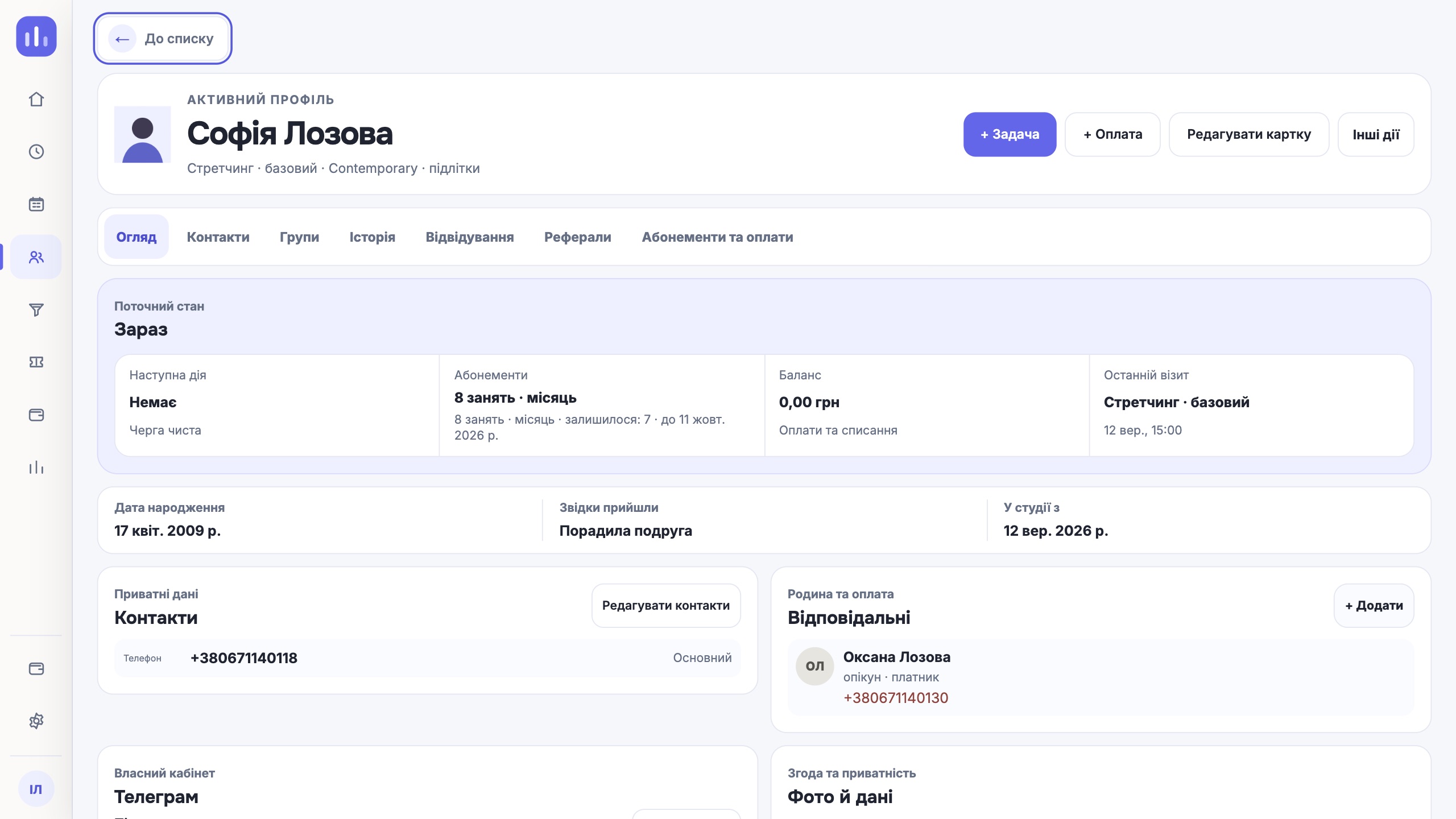
A row with a phone number does not explain who attends and who pays. When preparing the data, mark the person who attends, the contact person and the payer separately. Groups and class packs need the same explicit links.
Sort comments by meaning. Some can move into structured fields, some into a note. Outdated reminders and random internal marks are better left in the archive.
Run a test import on a small sample
Pick records with different situations: a family with several children, a one-to-one client, an active class pack, a debt, a freeze and an upcoming class. After the import, walk through them by hand from the person’s profile to the schedule and balance.
Check more than the row count. Compare links, dates, amounts, statuses and the history the team uses at work. If an import rule changes, repeat the test on a clean set.
Set the switch-over moment
Choose a date and time after which new records are made only in the CRM. Before the final migration, save a backup of the source files and limit accidental editing of the old spreadsheets.
The team must know where to report a mismatch and who decides on the fix. Keep the old source available read-only for an agreed period.
Check the first working cycle
After launch, reconcile the next classes, active class packs, balances, debts and team permissions. Then run a few real operations: a new booking, a payment, a check-in and a reschedule.
Automated tools can speed up field mapping and the search for suspicious duplicates. Merge rules, financial balances and disputed links are still confirmed by the person responsible at the studio.
- totals match the control file;
- links between people are kept;
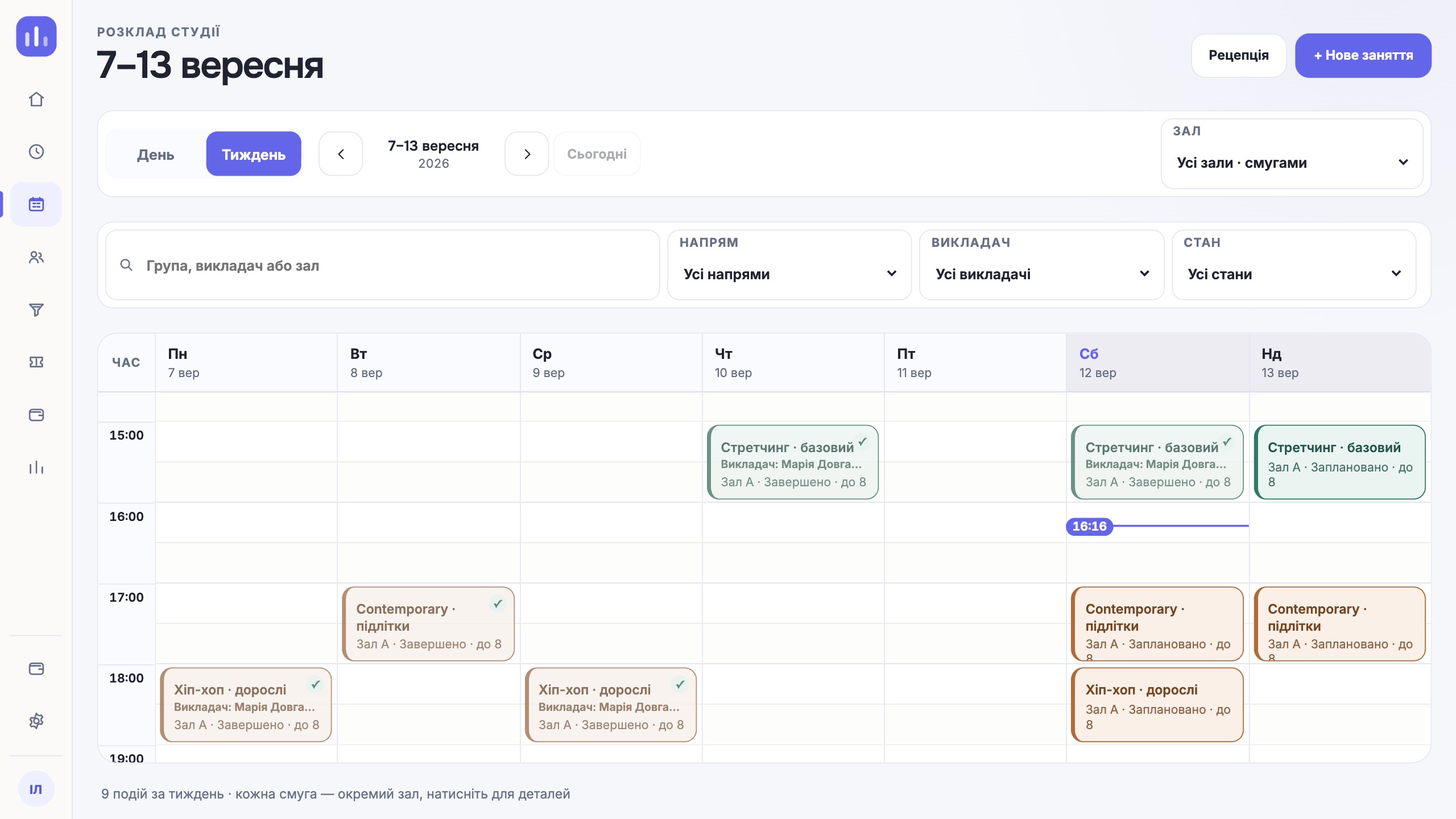
- the upcoming schedule opens without conflicts;
- each role sees only the data it needs;
- the team knows how to fix an error it finds.
One next step
A good migration is measured by whether the team can carry on the next day without guesswork or double bookkeeping. Upload speed does not decide that.
Walk through your workflow in a demo