Trial classes do not get lost
Each lead gets a next step, a trial class time and a person responsible.
ClubBase for dance studios
Everyday workflows
Each lead gets a next step, a trial class time and a person responsible.
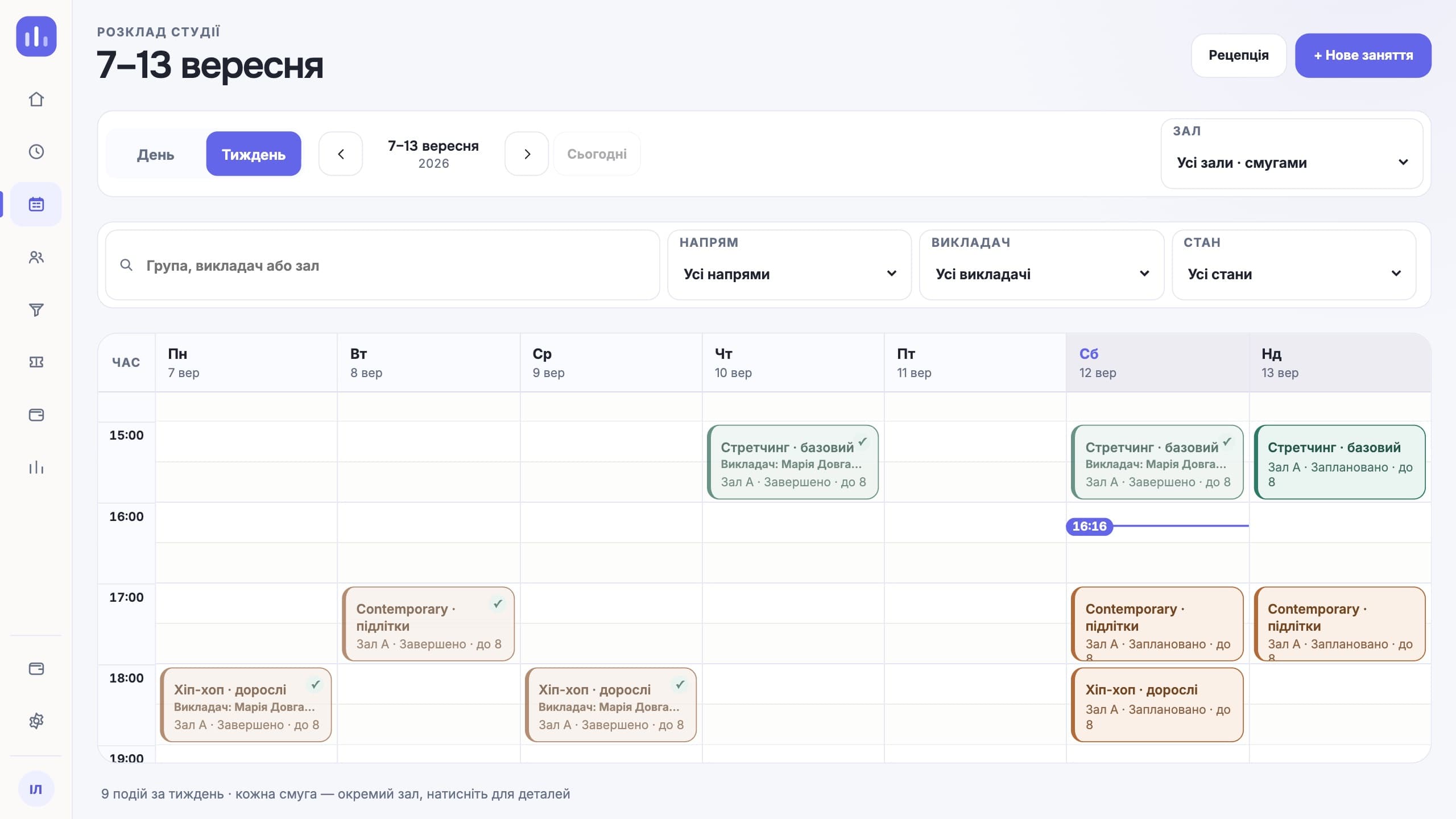
A room or teacher conflict shows up before you save.
Student, guardian and payer are linked in one profile.
Every pay line is tied to the classes held and the studio’s rules.
Features for this type of studio
Looking specifically for class booking? How the online booking software works — groups, capacity, memberships and reminders.
Roles and access
Sees the cash, debts, occupancy and teacher pay.
Runs the schedule, students, trial classes and payments.
Works with their own schedule and groups.
See the schedule, the remaining balance and the QR code in Telegram.
What people come with
The schedule checks the room and the teacher while you are still saving the class. If someone is already booked for that time, you find out right away, not on Monday from parents in a chat.
A teacher substitution is confirmed and stays in the schedule. The team sees it, and the same record goes into the pay calculation at the end of the month, so nobody has to remember who covered for whom.
In the profile these are three separate roles: student, guardian and payer. The mother’s contacts do not end up in a "comment" field, and the payment reminder goes to the person who pays.
Teacher pay is based on the classes held and the studio’s rules. You can open any amount down to the classes it came from and show the teacher the same calculation.
A working day
The first week
A spreadsheet or notebook of students goes into the import. The system shows rows with errors before anything is saved.
You add styles, groups and rooms. A recurring class is created once for the whole season, not again every week.
Each profile gives a personal link to the Telegram bot. Parents see the schedule, the remaining membership balance and the child’s QR code without asking the front desk.
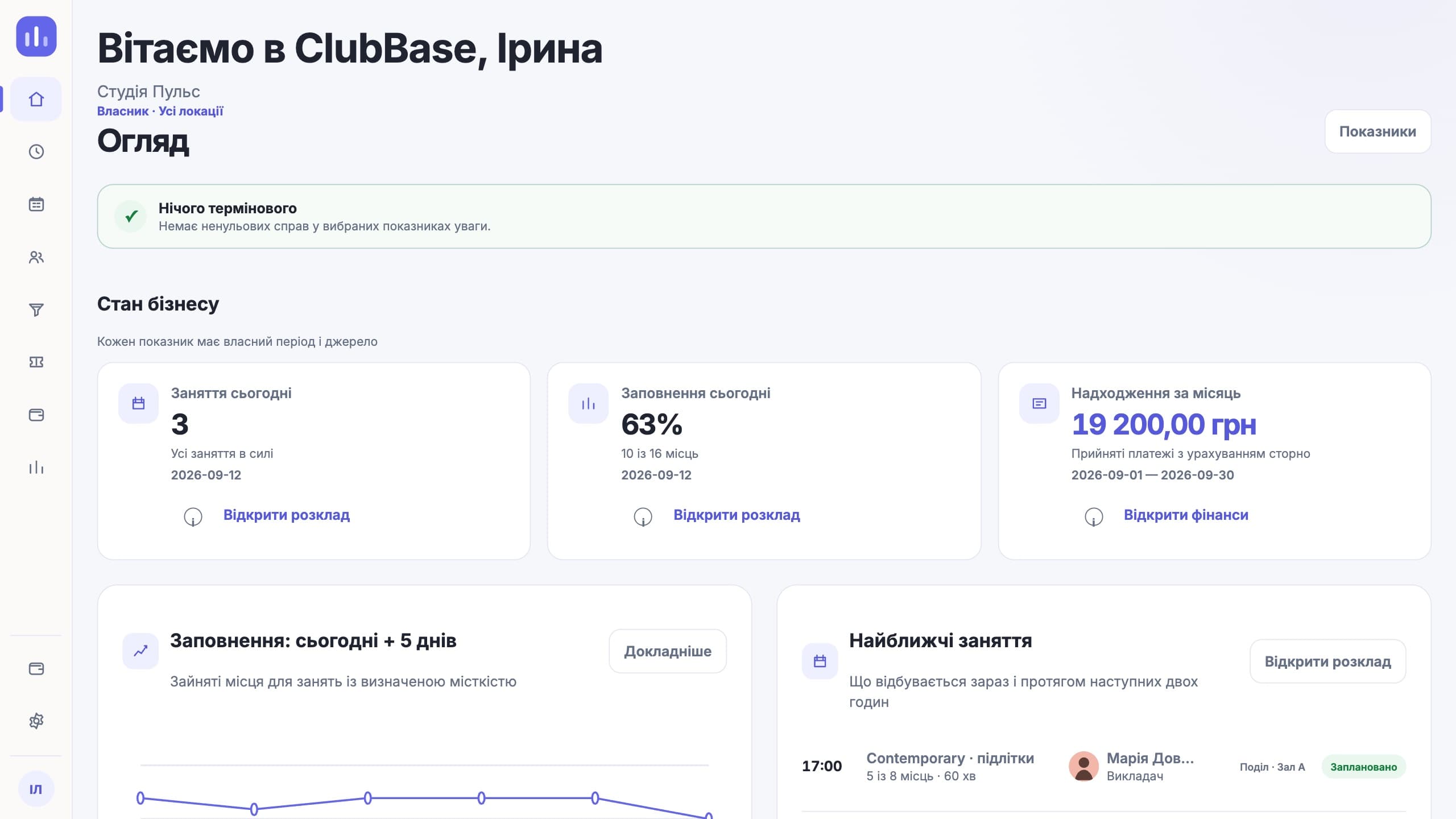
After a week you can see who attends, who dropped off and how much the studio earned. A notebook does not give you that picture.
Compared with a generic CRM
In a regular CRM the main object is a deal or a contact. In a dance studio the main object is the class: it has a time, a room, a teacher, a group list and a limit on places. Everything else hangs off it. You can build this out of a deal pipeline, but then you maintain it yourself, and every new style has to be added by hand.
A pack of eight classes lasts a month, can be frozen during an illness and has a balance that the front desk and parents see the same way. A generic CRM records that a payment happened. A studio needs to see how many classes are left, when they expire and whether a visit was deducted twice.
The child comes to class, the mother pays, and sometimes a grandmother does the pick-up. A single "contact" field is not enough here: you need separate roles with separate phone numbers, so the payment reminder goes to the payer and the schedule goes to whoever drives the child.
Honestly
Questions about this type of studio
Yes. The profile keeps the student, guardian and payer roles separate.
Yes. A substitution is confirmed and then counted in teacher pay.
Yes. Rooms belong to locations, and the schedule shows how busy each one is.
Yes. Style and age group are separate fields, so hip-hop for kids and contemporary for adults share one schedule and do not get mixed up in reports.
The membership can be frozen. The balance and end date move, and the profile keeps a record of when it happened and who did it.
Yes. A teacher sees their schedule and the members of their groups. The studio’s finances stay closed to them.
The studio sets the rule: pay per class held or per person present. The system takes the data from the attendance log, not from the calendar.
No. ClubBase handles people, the schedule, memberships, attendance and money. Costumes, props and performance results have to be kept elsewhere: these modules do not exist, and we do not present them as ready.
Rooms belong to locations, and the location is used in access rights, the schedule and the summary. A front desk admin works with their own location; the owner sees all of them together and the difference between them.
The price depends on the number of active students; the Telegram bot for clients is already included. Current prices are on the pricing page. The first days of access are free, no card required.
Start with your own structure