Capacity without overbooking
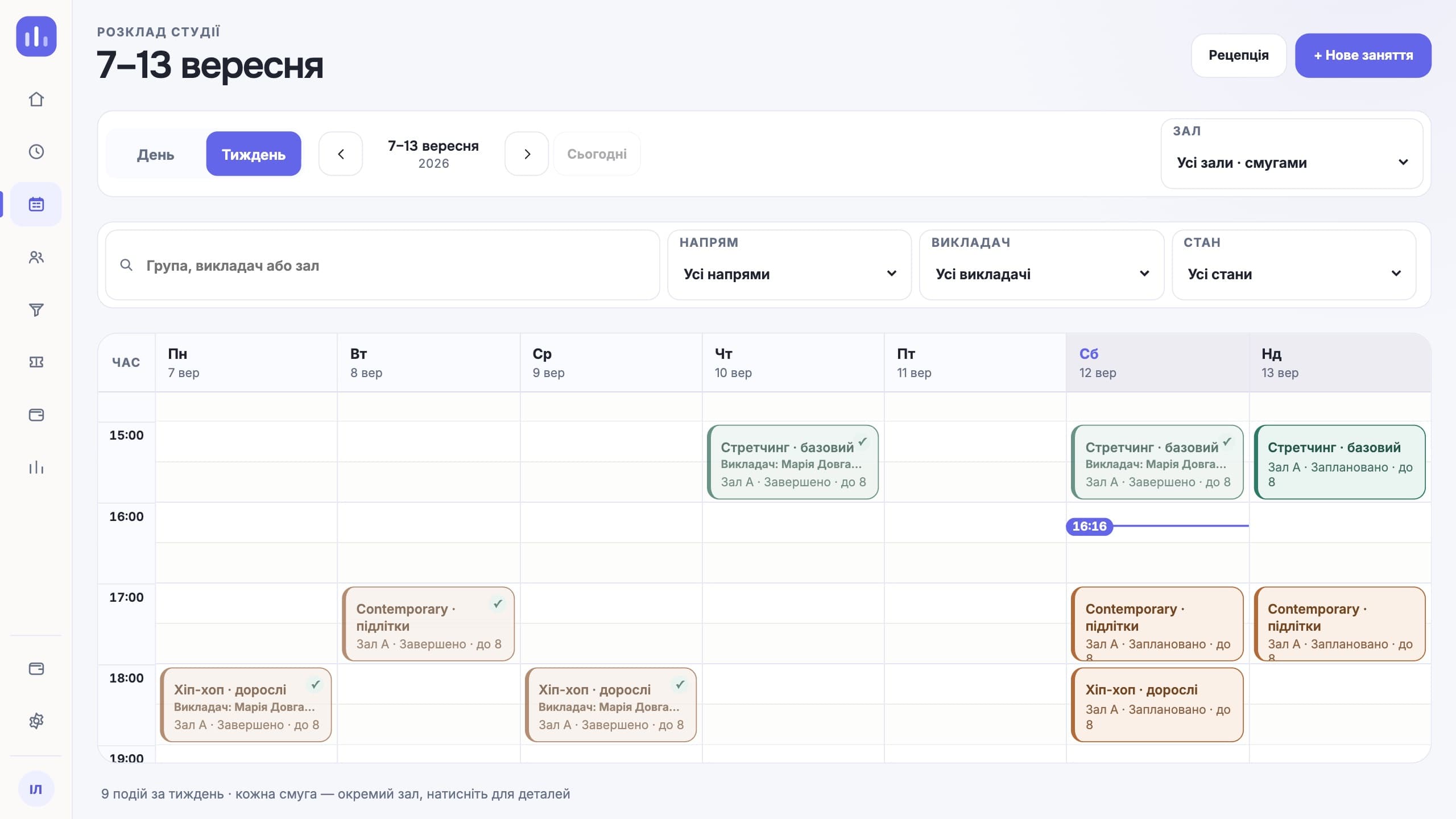
Booking and the waitlist work from the same capacity.
ClubBase for yoga studios
Everyday workflows
Booking and the waitlist work from the same capacity.
The client gets a short message in Telegram.
The studio confirms the substitution, and the schedule updates.
The class pack balance is visible to the client and the team.
Features for this type of studio
Looking specifically for class booking? How the online booking software works — groups, capacity, memberships and reminders.
Roles and access
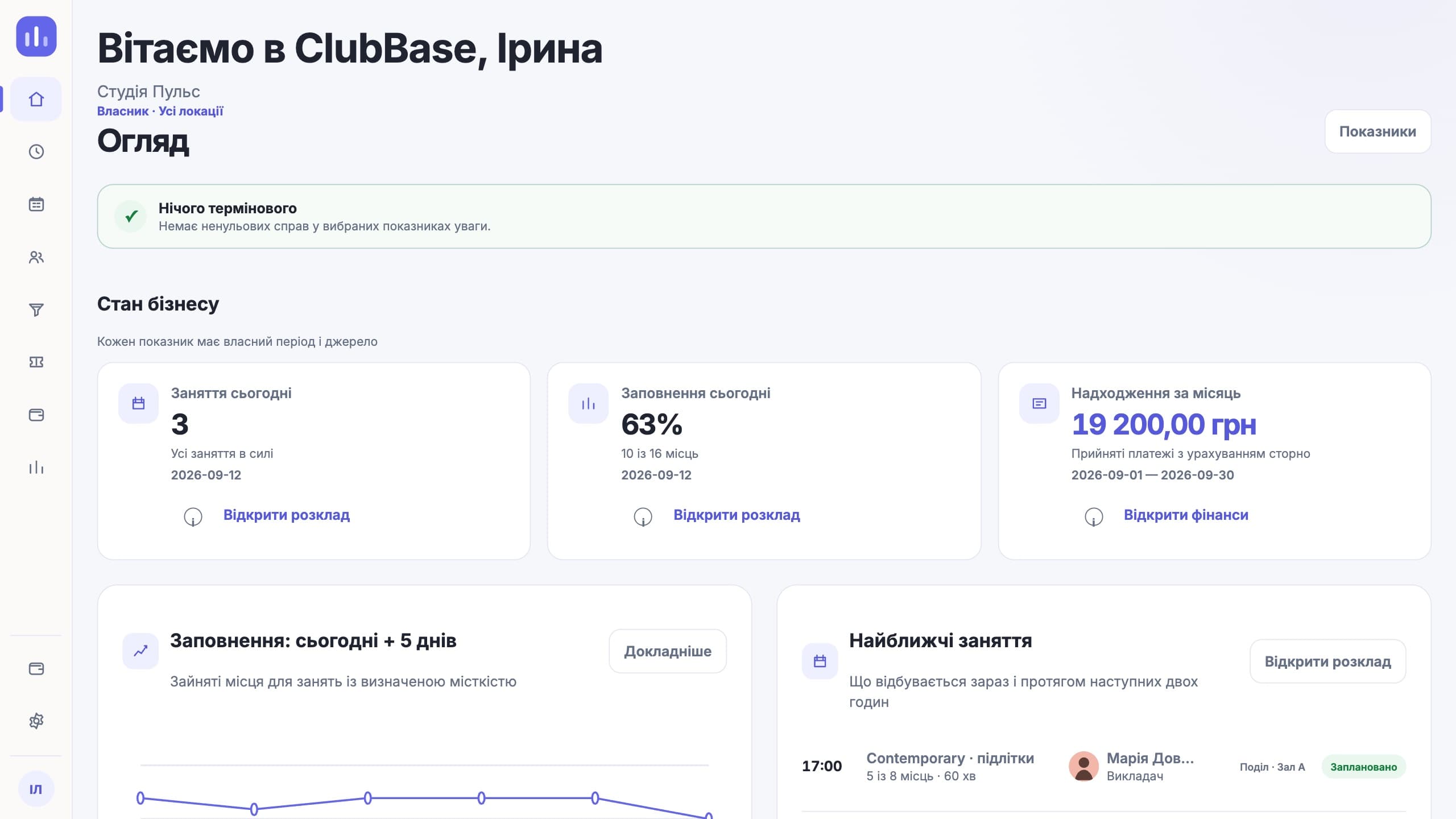
Sees occupancy and money.
Manages bookings and the waitlist.
Sees their practices and substitutions.
Gets the schedule, reminders and balance.
What people come with
When someone cancels three hours ahead, their spot should go to the next person. In a chat that depends on who saw the message first. The waitlist passes the spot on by itself and does not need an admin sitting on the phone.
The question "how many do I have left" comes up before every practice. When the balance is visible in Telegram, the question goes away, and so do arguments about a visit deducted twice.
The studio confirms the substitution, and the schedule updates in one place. The person sees it where they check the schedule, not in a chat whose notifications they muted back in winter.
Level and style are separate fields. A beginner will not book a class that does not suit them, and the summary shows which levels fill up and which stay half empty.
A working day
The first week
A spreadsheet of people and class pack balances goes into the import. The system shows rows with errors before anything is saved.
Practices, levels, instructors and the number of places in the room. A recurring class is created once per season.
The client gets the schedule, a reminder before practice and their balance. The front desk stops answering "when is class".
After a week you can see which hours and levels draw people and where the room stands almost empty. With that you can start moving the schedule.
Compared with a generic CRM
A regular CRM cares about getting a person to pay. In a yoga studio the interesting part starts after that: the person attends, skips, freezes a class pack, takes a freed-up spot. The main object here is a class with a specific number of places, not a deal card.
When someone cancels, the spot should go to the next person in the queue for the same time and the same instructor. In a CRM this is assembled from reminders and manual statuses, and it works exactly as long as someone keeps an eye on it.
A CRM shows the balance to a manager. Here the client and the studio have to see it the same way, otherwise every deduction becomes a reason to argue. So the balance lives in the profile and in the bot, not in the front desk’s file.
Honestly
Questions about this type of studio
Yes. A freed-up spot can be passed to the next person.
Yes, the studio and the client see one authoritative balance.
Yes. The balance and end date move, and the profile keeps a record of when it was frozen and by whom.
Yes. Level and style are separate fields, so a beginners’ class does not get mixed with an advanced one in the schedule or in reports.
The studio confirms the substitution and the schedule updates. The person sees it where they check the schedule: in the Telegram bot.
No. ClubBase handles the schedule, people, class packs and money. Videos and streams have to be kept elsewhere: there is no such module.
The price depends on the number of active clients; the Telegram bot for clients is already included. Current prices are on the pricing page. The first days of access are free, no card required.
Start with your own structure