Age group
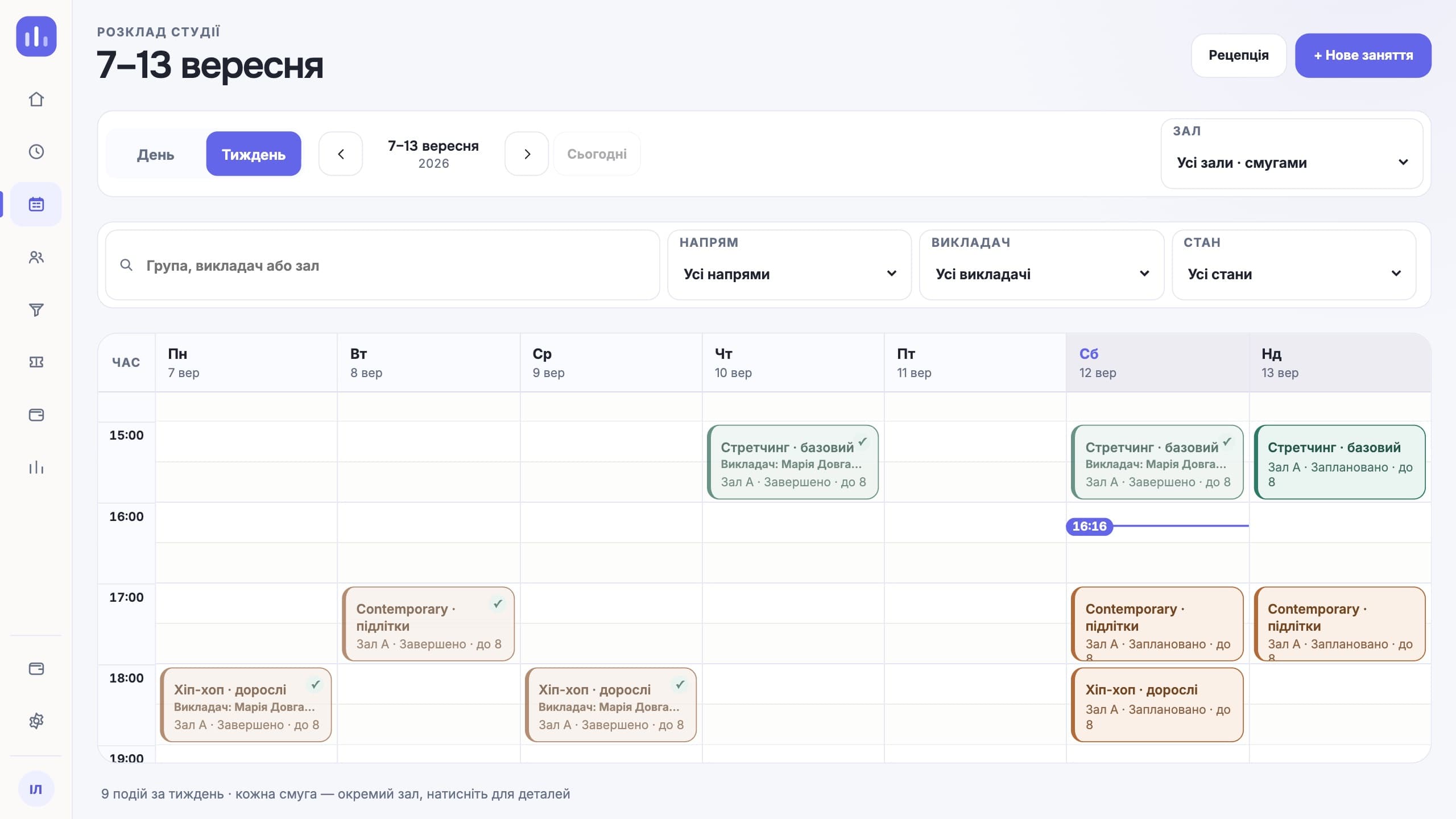
The schedule and the group list come from one source.
ClubBase for gymnastics studios
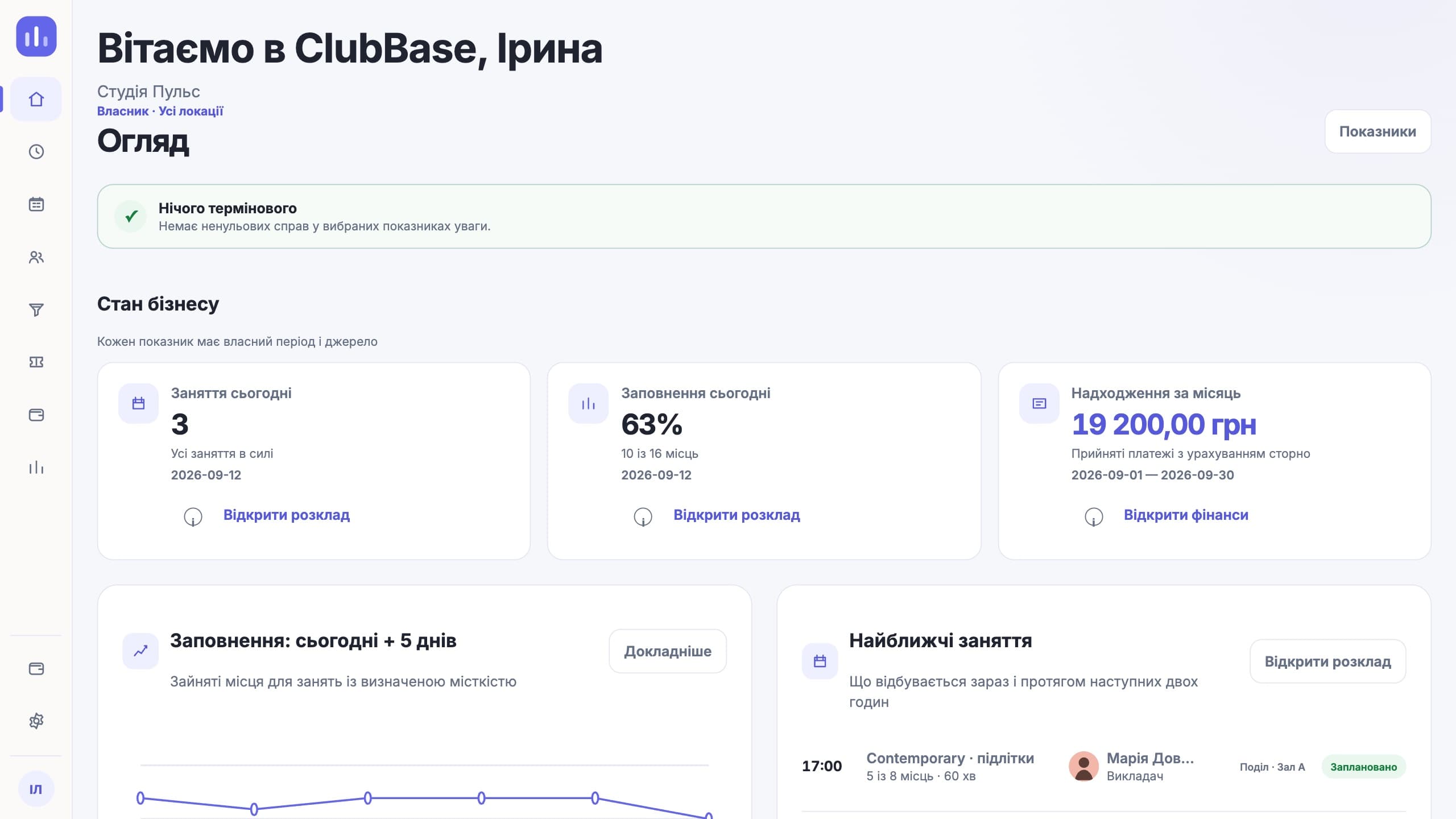
Everyday workflows
The schedule and the group list come from one source.
The payment belongs to the payer, and the visit to the athlete.
One check-in updates the log and the membership.
The formula can count people present or time taught.
Features for this type of studio
Looking specifically for class booking? How the online booking software works — groups, capacity, memberships and reminders.
Roles and access
Sees payments and coach pay.
Handles groups, parents and memberships.
Works with their own groups.
See the schedule and balance.
What people come with
The child attends, the mother pays, and sometimes a grandmother does the pick-up. In the profile these are three roles with separate contacts, so the payment reminder goes to the payer and the schedule to whoever drives the child.
When attendance is kept in a notebook and memberships in a spreadsheet, the two lists drift apart by the second month. One check-in updates both the log and the balance.
At the end of the month someone sits down to count how many classes each coach taught and how many people came. The formula takes this data from the log, and any amount opens down to specific classes.
The schedule is in one file, the group list in another, and after a few changes they stop matching. Here they have one source, so the coach and the parents see the same thing.
A working day
The first week
A spreadsheet of students, guardians and balances goes into the import. The system shows rows with errors before saving.
Groups, rooms and coaches. A recurring class is created once for the whole season.
A personal link to the Telegram bot from the profile. The schedule, balance and the child’s QR code, without calls to the front desk.
You choose the rule: per class held or per person present. After that, pay is calculated from the log automatically.
Compared with a generic CRM
This is where a generic CRM most often breaks on children’s groups. It has one "contact" field, so the mother’s details end up in a comment on the child’s card. Here these are separate roles with separate phone numbers and separate reminders.
A coach’s pay depends on the classes held, and often on how many children came. That data exists only in attendance. A CRM sees the calendar and payments, but not who was actually in the room.
An age group has a schedule, a coach, a room and specific children. When the roster lives apart from the schedule, they drift apart after the first change, and the coach ends up checking against their phone.
Honestly
Questions about this type of studio
No. ClubBase does not present these modules as ready.
Yes, one of the formulas pays by attendance.
It can be frozen: the balance and end date move, and the profile keeps a record of when it happened and who did it.
Yes. They see the schedule, the remaining membership balance and the child’s QR code in Telegram without asking the front desk.
Yes. The studio sets the pay formula, and it can count classes held or the number of people present. Any amount opens down to the classes it came from.
Yes. Rooms belong to locations, and access rights, the schedule and the summary take the location into account.
The price depends on the number of active students; the Telegram bot for clients is already included. Current prices are on the pricing page. The first days of access are free, no card required.
Start with your own structure