Pick one area of work
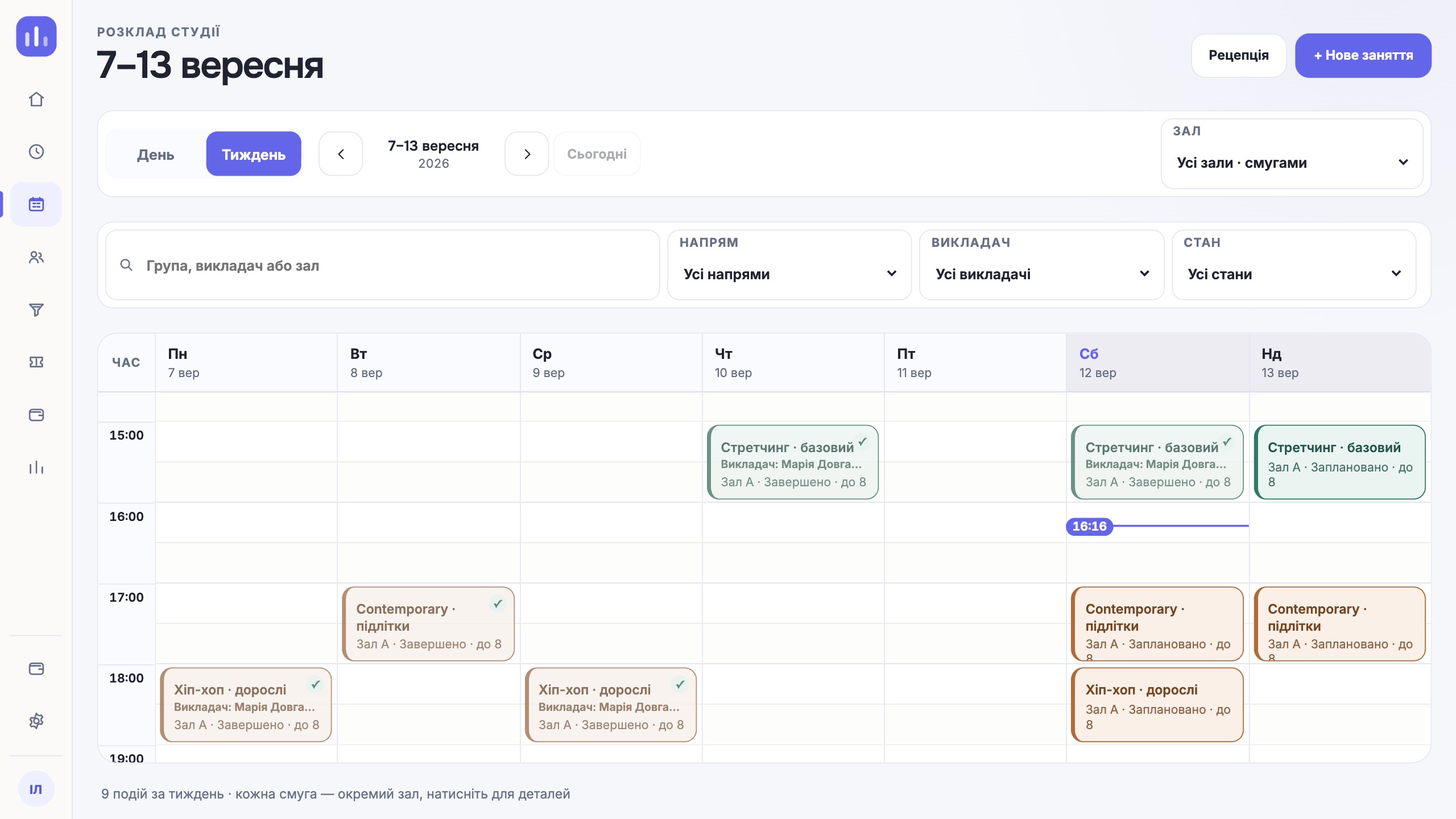
Take one location, one group and the next class. Put one person in charge of this scenario and agree where the team will write down questions. At this scale you see the whole process while mistakes are still easy to sort out.
If you are still comparing systems, first prepare scenarios for choosing a CRM. Test exactly those during the trial.
Prepare the location, the team and the profiles
- Check the location, room, capacity and working hours. The class will be tied to them.
- Clarify who works with the schedule, who records payments and who only views their own classes. Check each person’s access under their own account.
- Add a small sample of profiles. For a kids’ group, check separately who attends, who is the guardian and who pays.
Do not move the whole spreadsheet before these links are checked. First go through the short routine for filling in a profile with one person, then repeat it for the rest of the group.
Run one working cycle
| When | What to do | How to check |
|---|---|---|
| Day 1 | Set up one location, room and team access. | Each person sees the sections they need under their own login. |
| Day 2 | Check people’s profiles, contacts and group members. | It is clear who attends, whom to contact and who pays. |
| Days 3–4 | Prepare classes and test a one-off time change. | Date, room and instructor are correct; the schedule conflict was reviewed before saving. |
| Days 5–6 | Run the class, then check attendance and recorded payments. | Check-ins match actual visits, and payment records match money received. |
| Day 7 | Review this cycle with the team. | There is a list of questions, a person responsible and the next check. |
For the calendar, use the schedule check before the first class. If classes happen only twice a week, do not create extra events for the sake of the plan: tie the checks to real working days.
Check the result together
Open the same class, the person’s profile and the payment record. Let the admin show what was done, the instructor show where they see their class, and the owner show how they find the result they need. Do not suggest the first click: that is often where a missing explanation shows up.
- What did the team do on its own?
- Where did you have to go back to a chat or a spreadsheet?
- Which field, rule or access right needs to change?
- Who will check the fix, and at which next class?
Test connecting one person to Telegram as a separate short scenario, from a personal link to the Connected («Підключено») status. A created invitation does not mean the person has already opened the bot.
Decide the next scope
When one group gets through the working cycle in a way the team understands, add the next one. If mismatches in dates, balances or responsibilities remain, sort them out first. A large migration is best started after preparing and reconciling the source data.
Before deciding to continue, review the current access terms and the trial end date in your workspace. Keep the list of questions the team needs to close before switching over.
One next step
Pick one location and one group. The first check should show whether the team can take them through an ordinary working day on its own.
Start the trial