What’s new in ClubBase in October
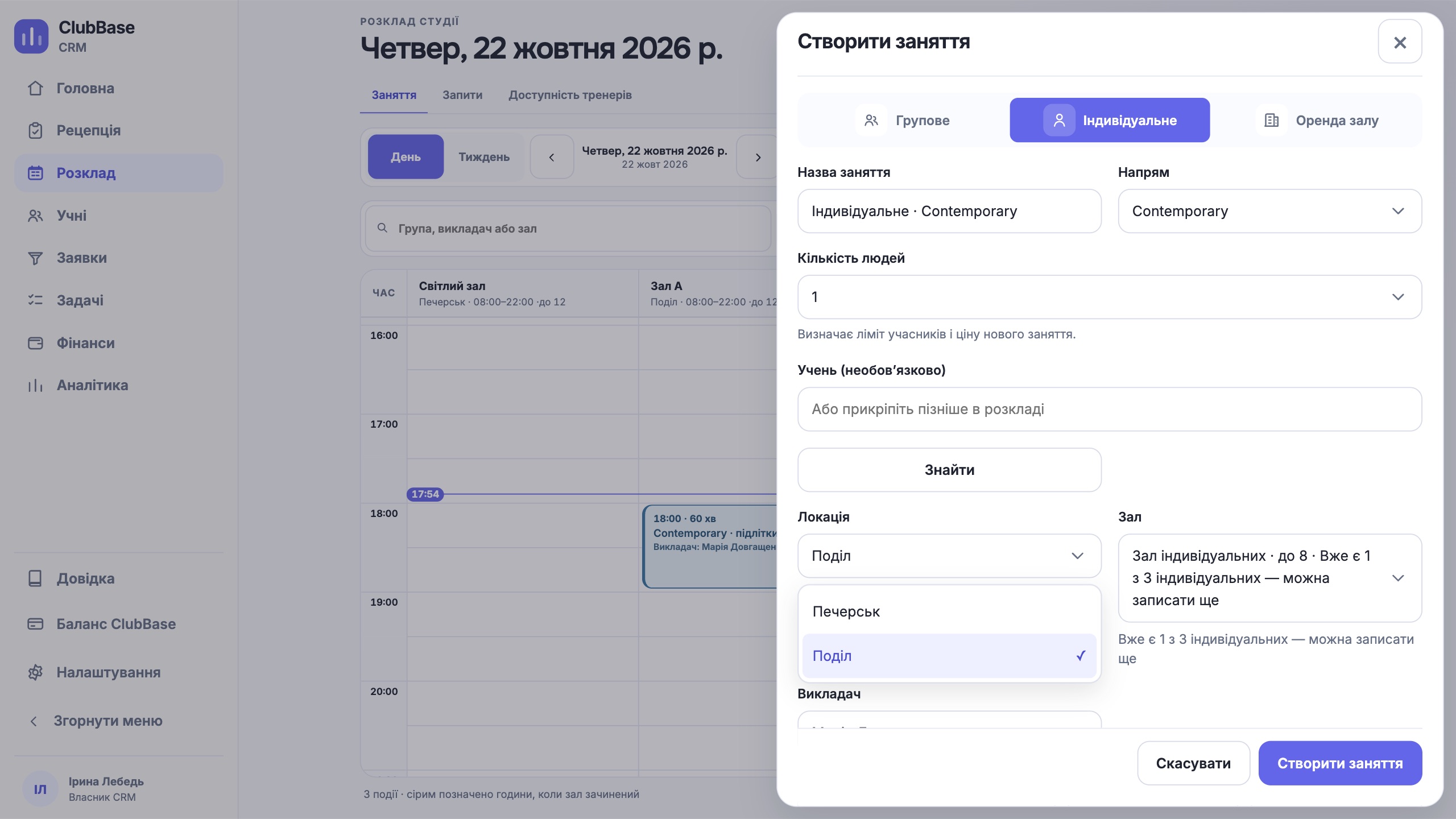
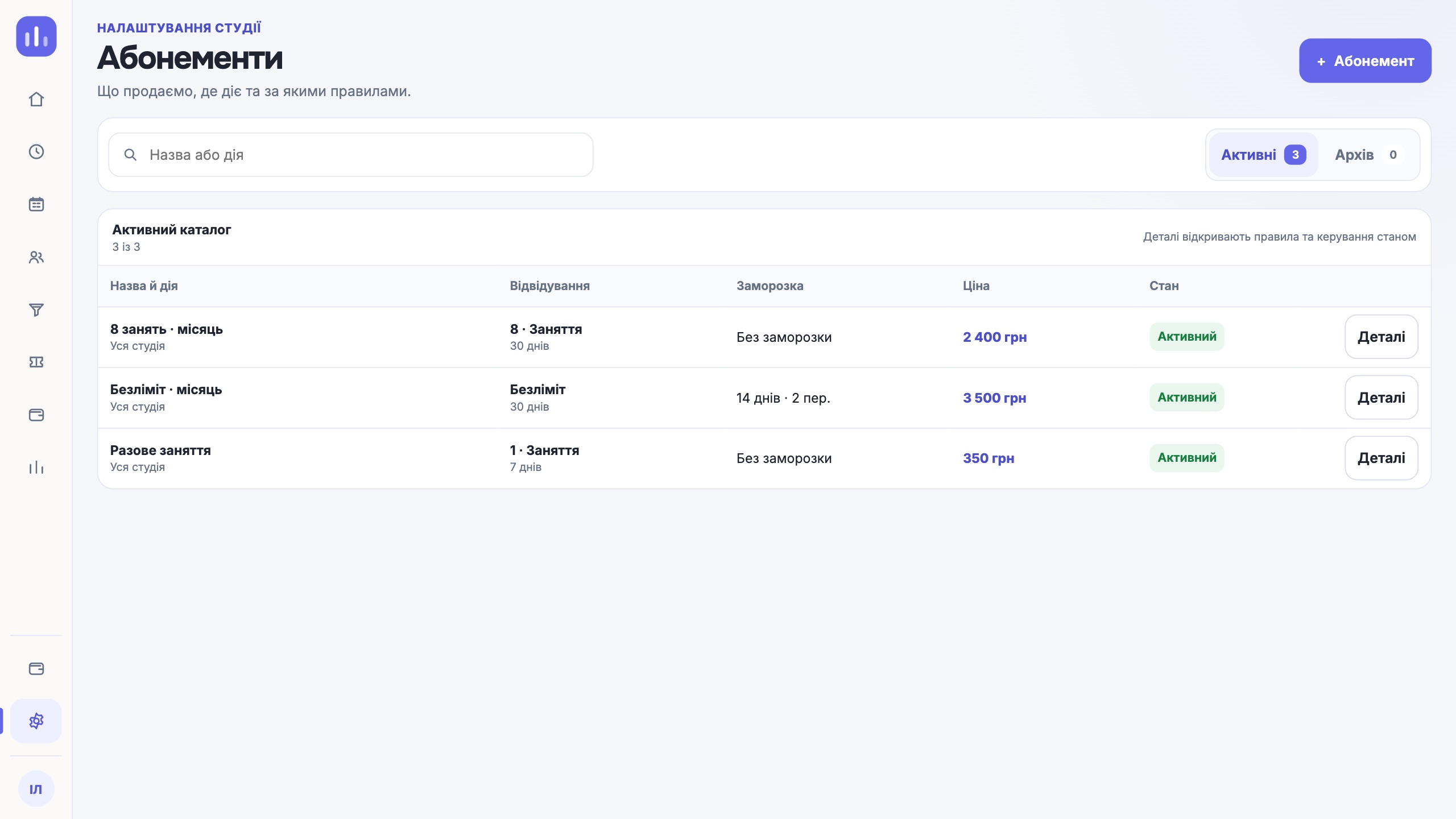
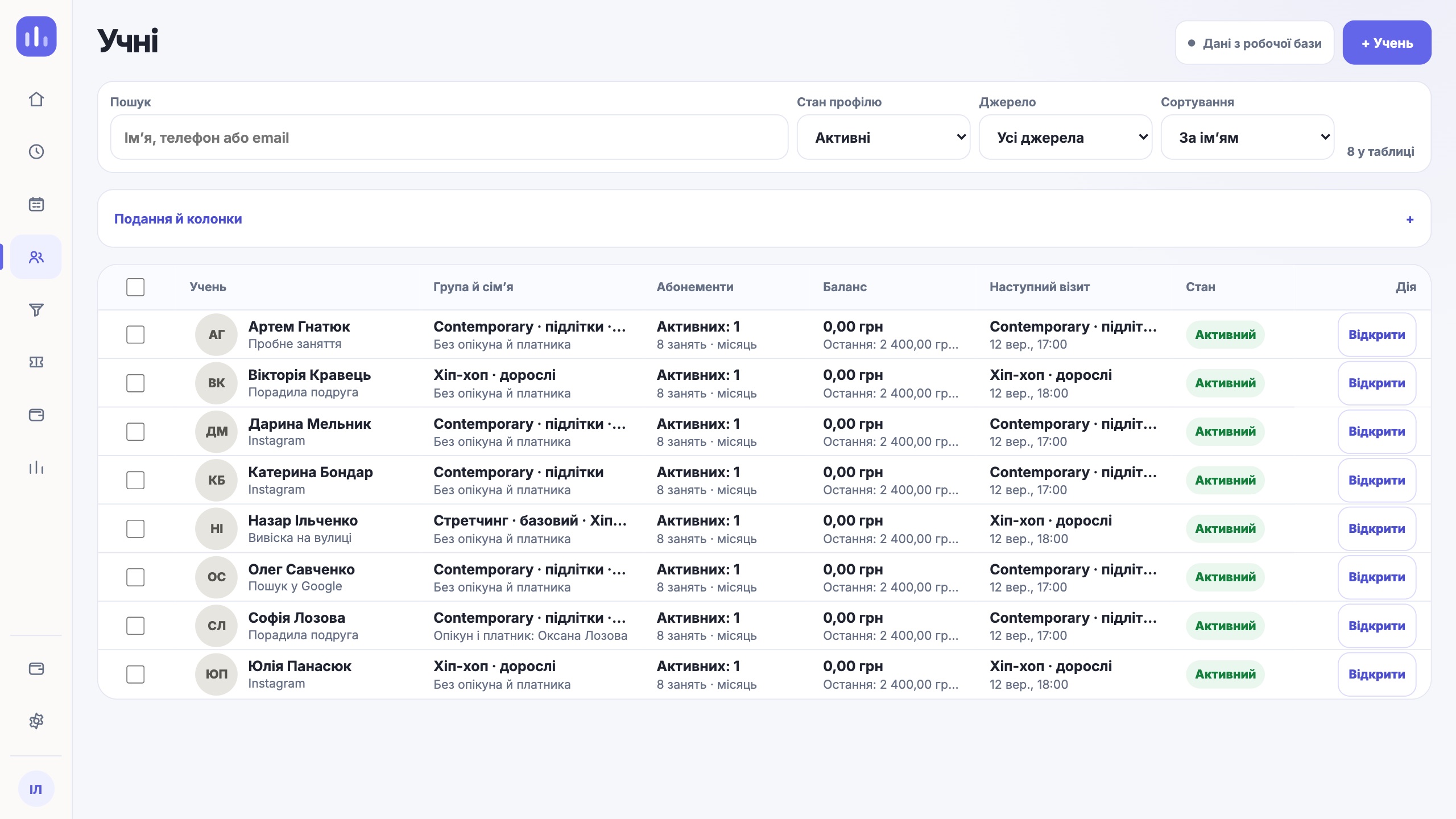
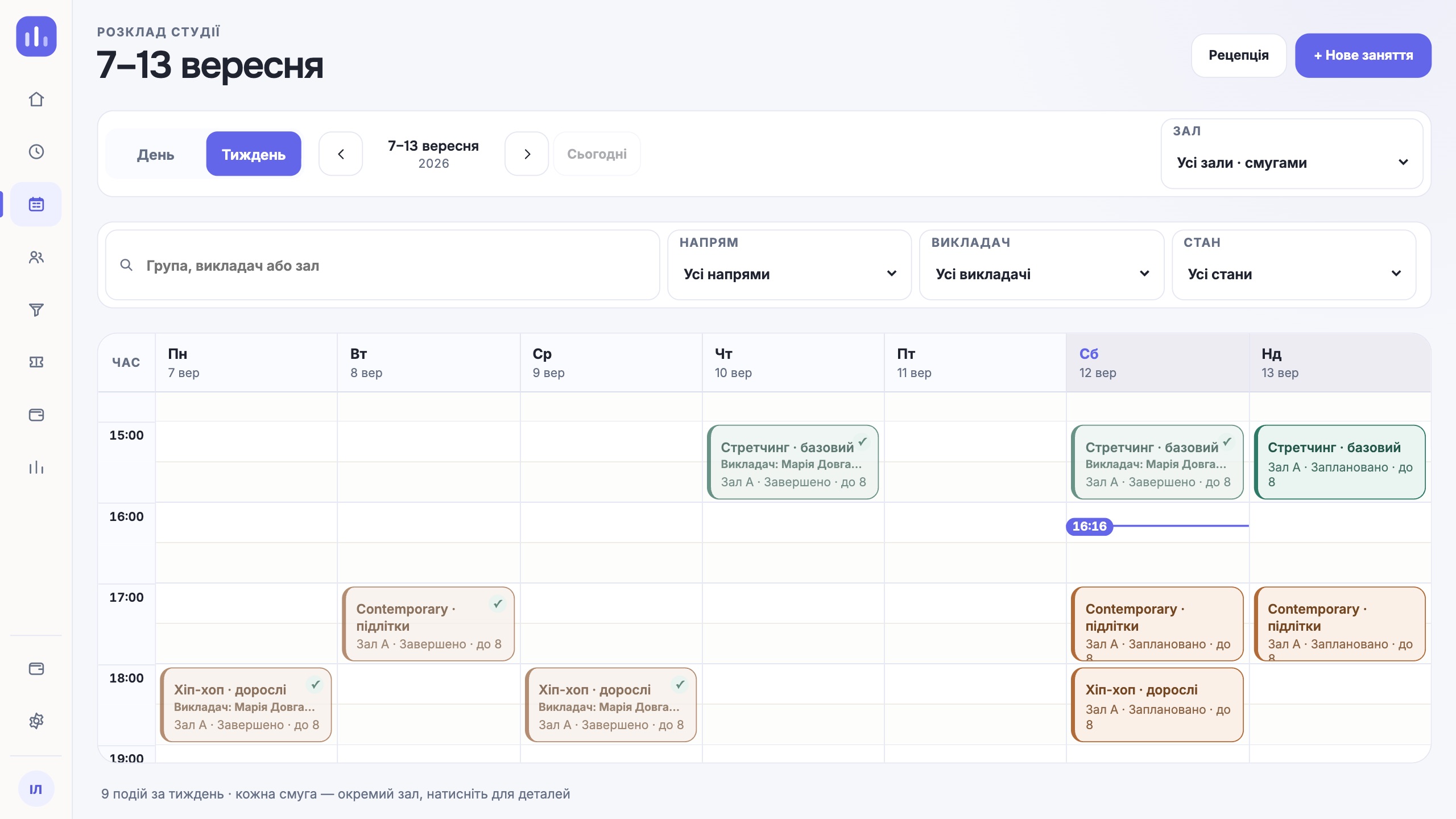
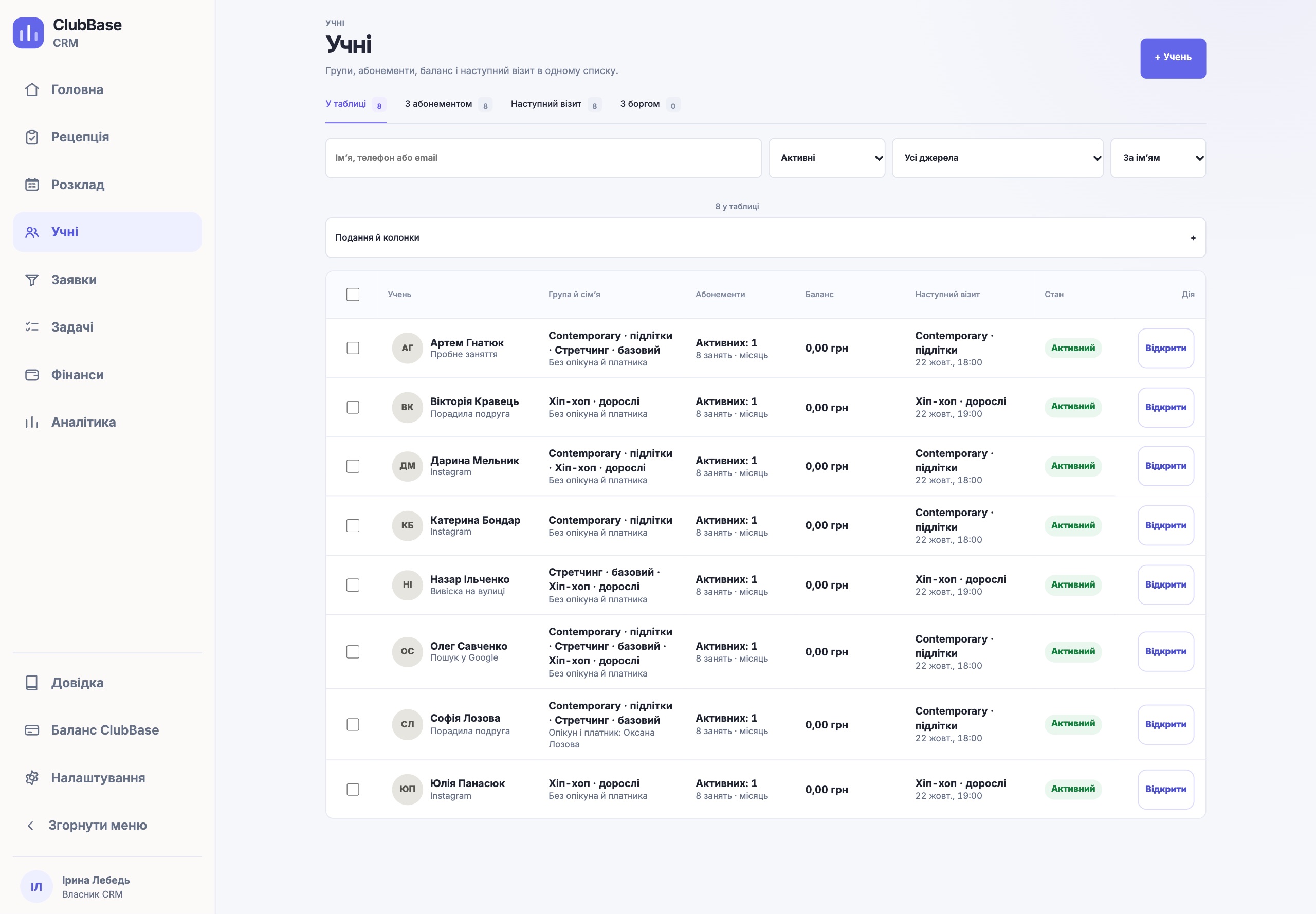
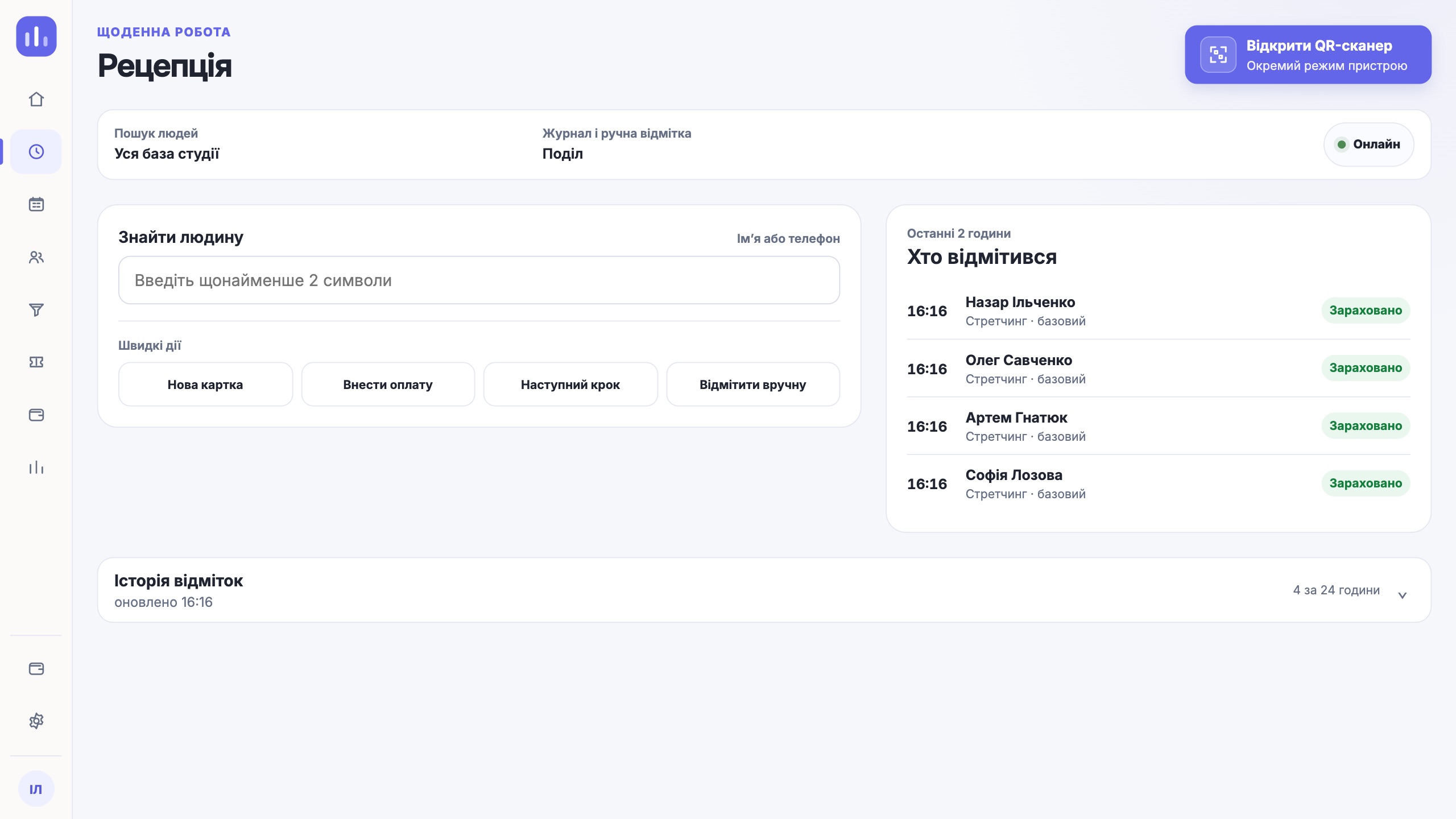
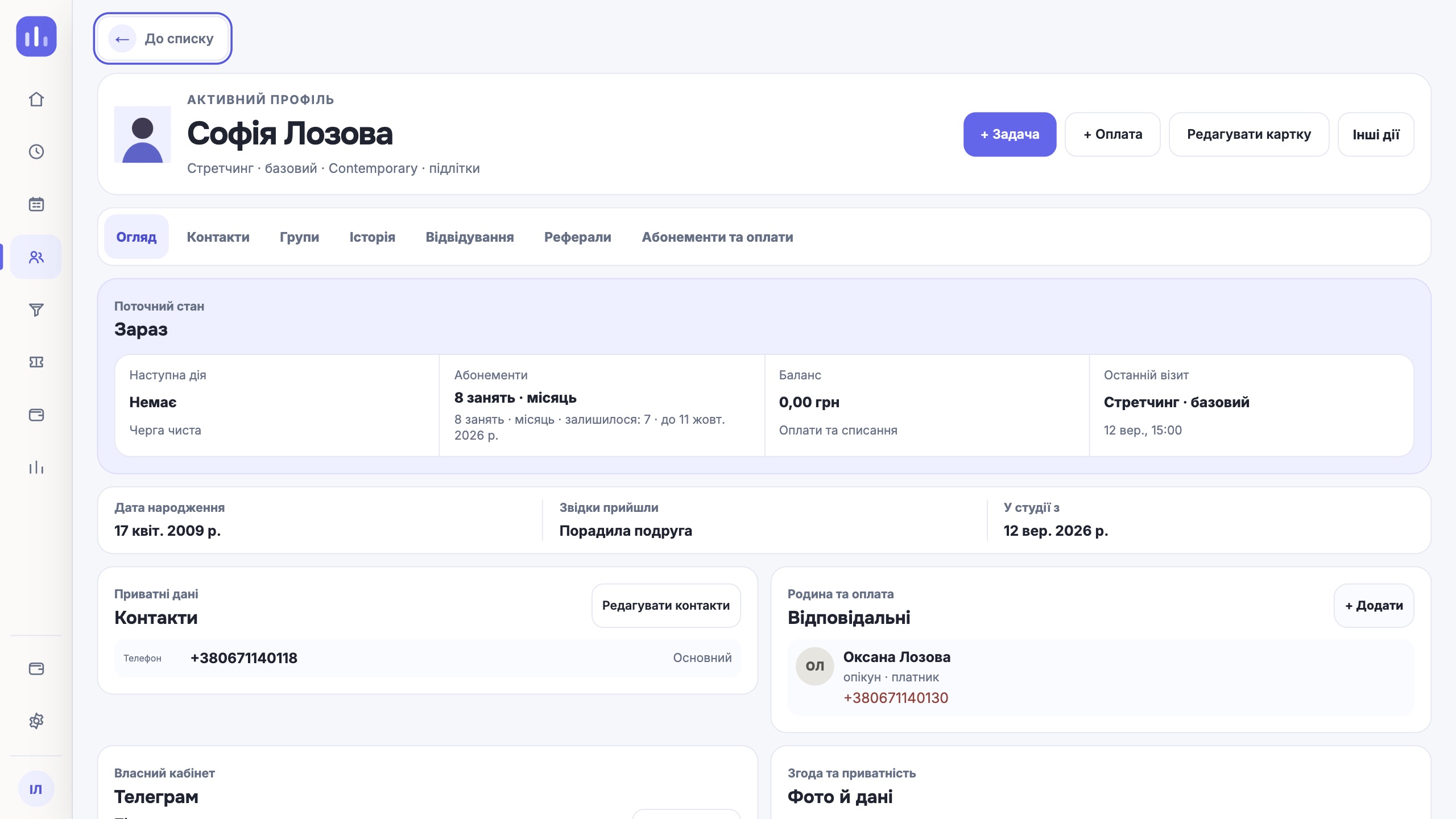
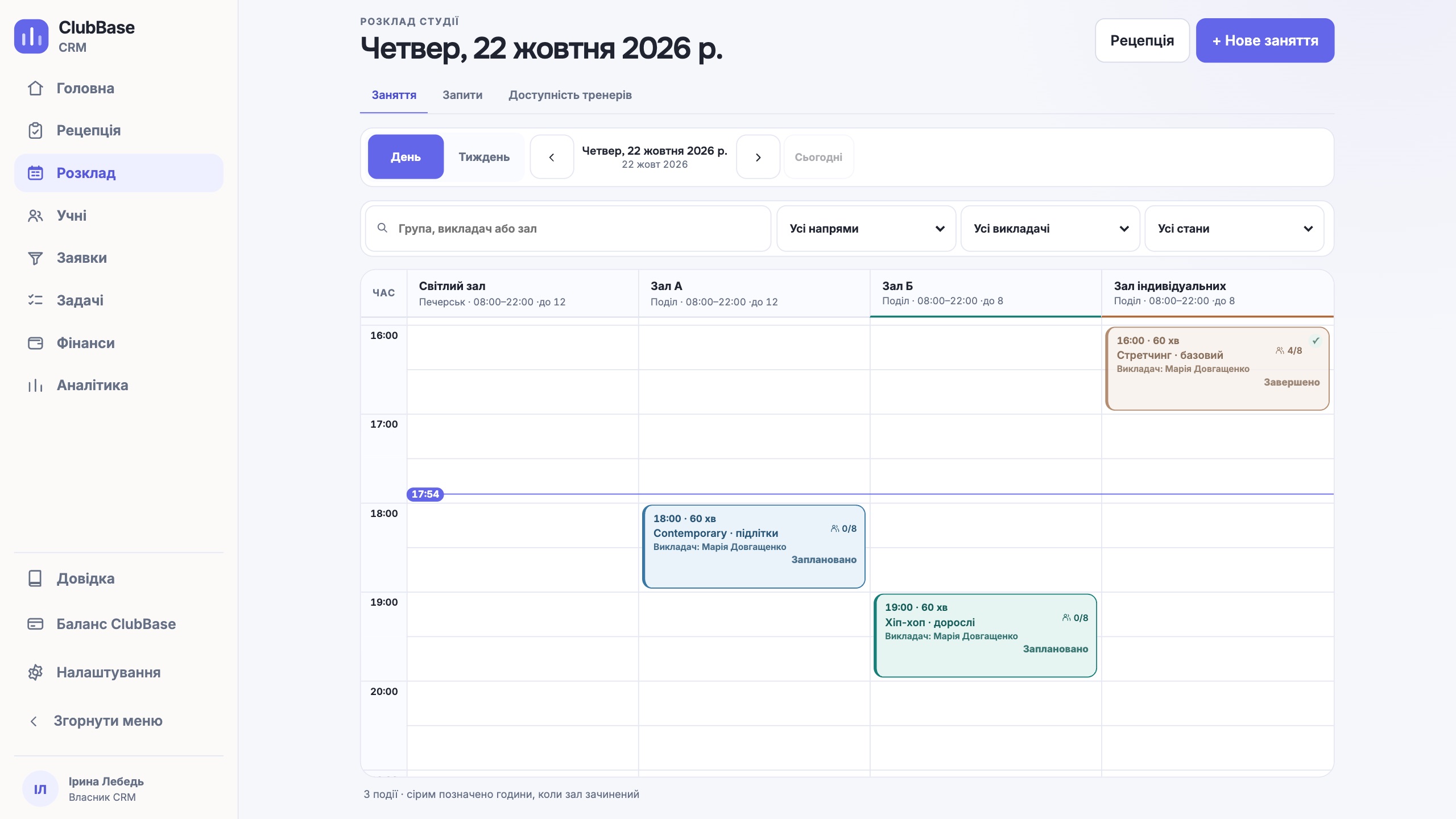
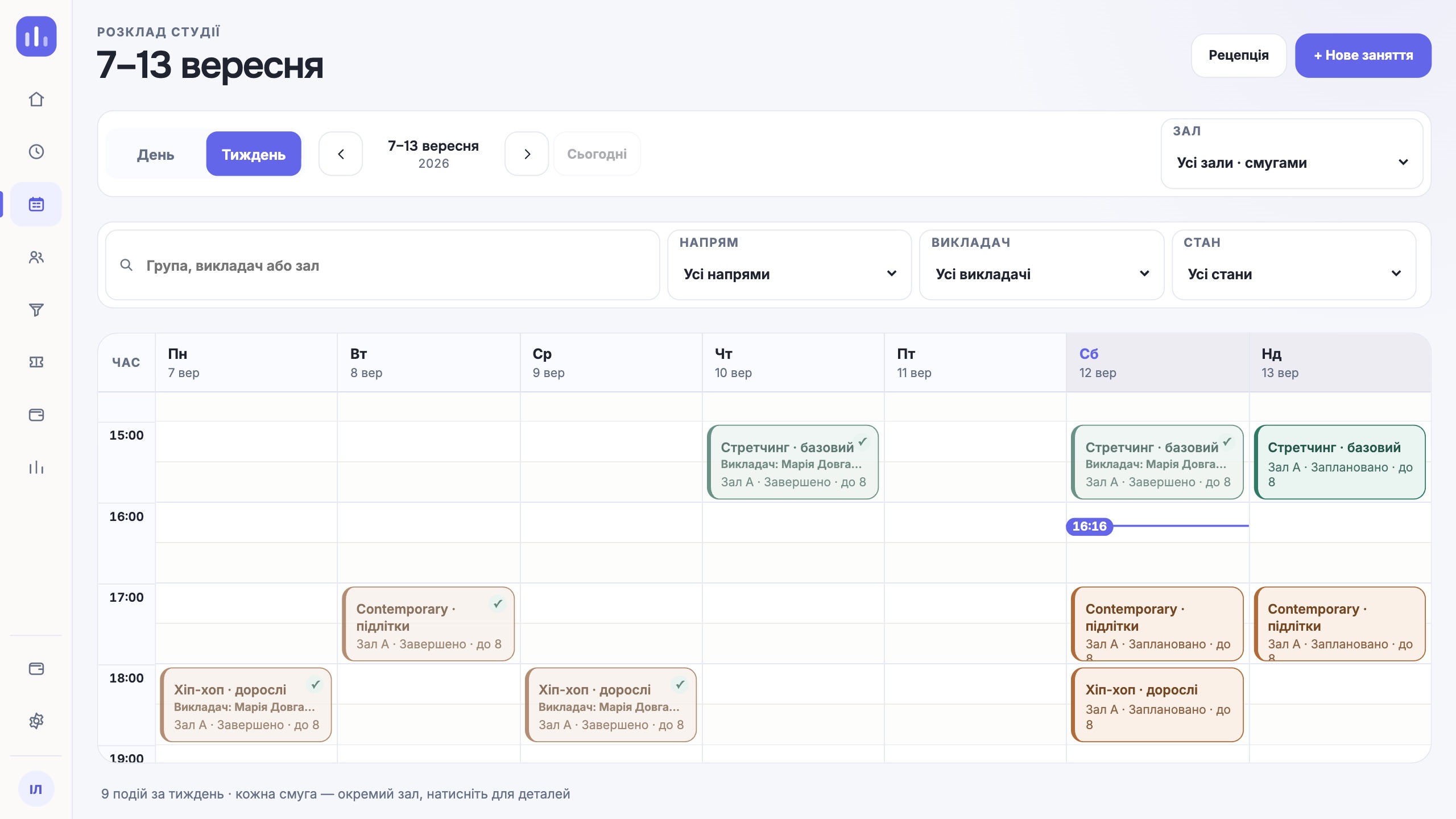
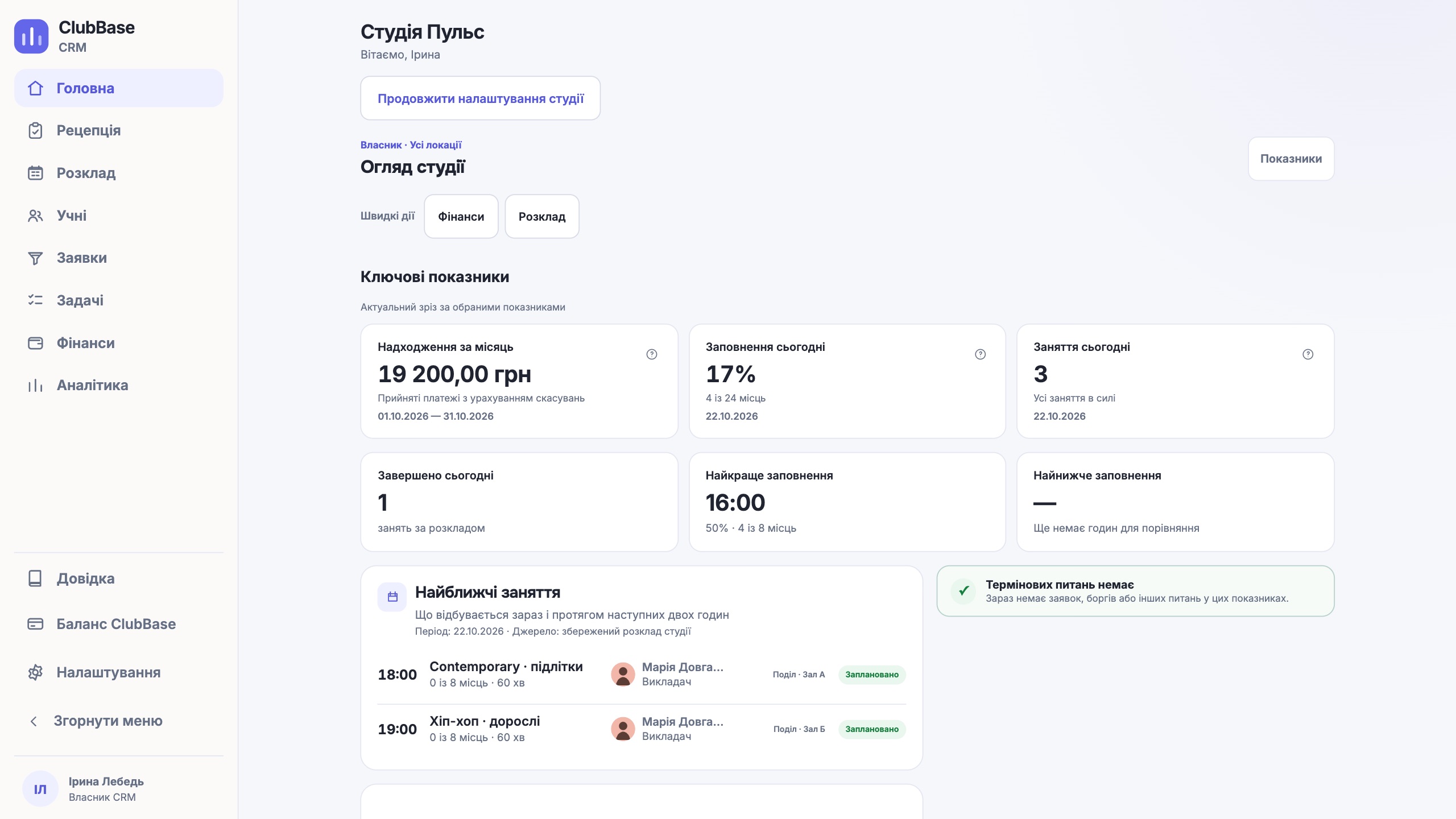
October in ClubBase: tags for students and inquiries, individual classes sharing a room, website leads, webhooks, an assistant action log and self-service membership freezes.
ClubBase journal
Short guides for an ordinary working day: how to start, what to check and where to find the action you need.
Start here
October in ClubBase: tags for students and inquiries, individual classes sharing a room, website leads, webhooks, an assistant action log and self-service membership freezes.

Practice library
Scroll through the articles or pick a topic.
Articles: 20

October in ClubBase: tags for students and inquiries, individual classes sharing a room, website leads, webhooks, an assistant action log and self-service membership freezes.

How a studio client books a group class from Telegram in ClubBase: connecting, self-booking conditions, attendance confirmation, the QR code at the door and what stays with the administrator.

Seven questions to ask a CRM for a children’s sports school or martial arts club: locations and access, paying parents, age groups, missed classes, freezes, coach pay and what ClubBase does not have.

How to run two or more studio branches in one CRM: locations and rooms, a schedule without clashes, a coach at two addresses, time zones, team roles and reports for each site.

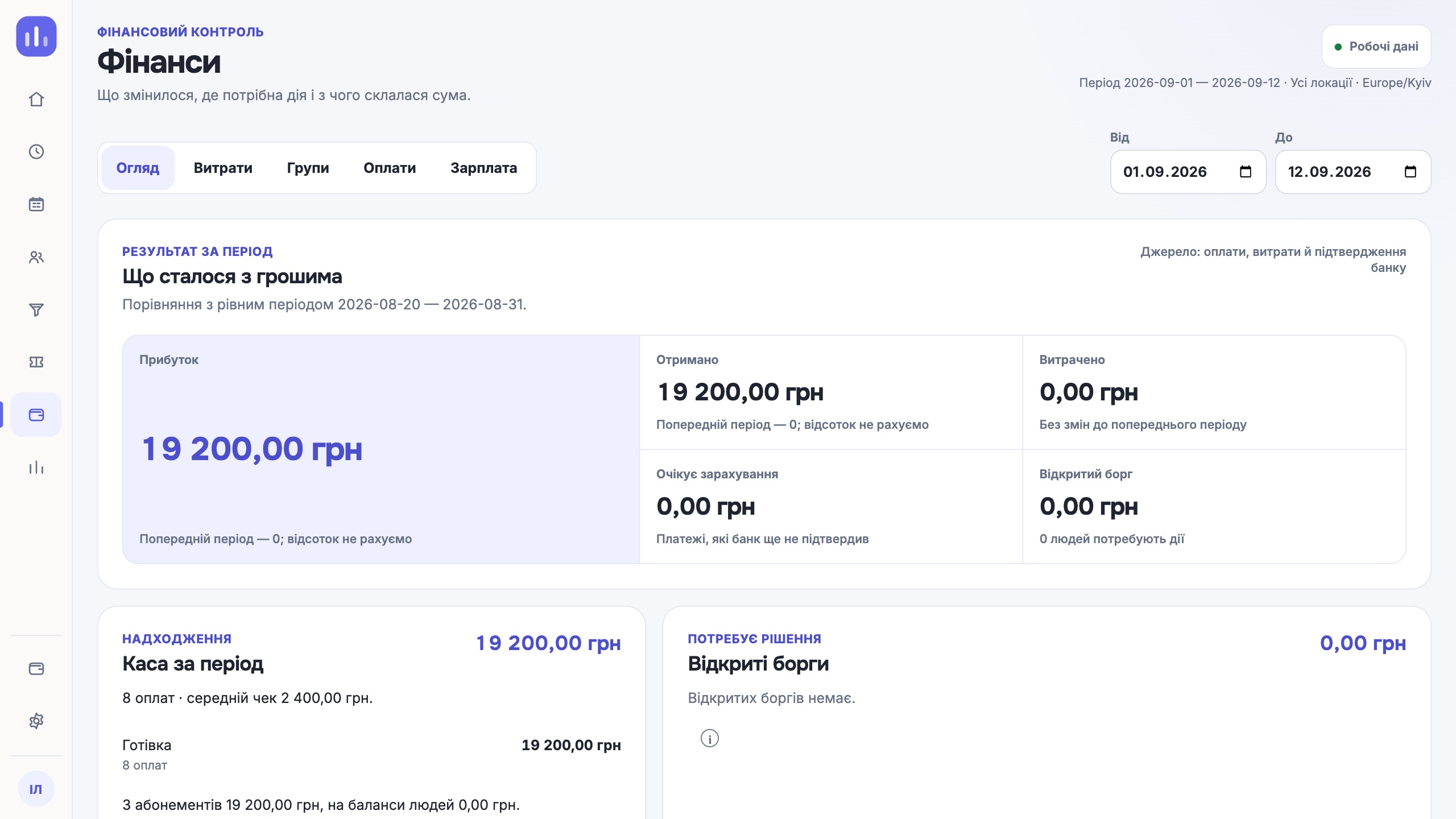
How to calculate coach pay without a spreadsheet: a rate per class, hour or attendee, or a salary; a revenue share, substitutions, fines and bonuses, month close and payout.

How to keep yoga studio memberships consistent: class packs or unlimited, the balance in Telegram, a waitlist, a freeze for holidays and practice levels.

A step-by-step move of a studio from another CRM to ClubBase: what to export to CSV or Excel, what is imported, what is set up by hand and how to check the data before the first working day.

Six situations where booking software for a studio either holds up or breaks: a full class, a cancellation, a child, a client without Telegram, a personal session and a substitution.

How to notice that a student is about to leave: missed classes in the log, a Retention («Утримання») queue after days without visits, reasons for leaving, a freeze instead of cancelling.

How QR check-in works in ClubBase: the client’s personal code in Telegram, a phone scanner by the room, what happens offline, manual marking and a launch checklist for the front desk.

How to take a person from the first enquiry to a membership in ClubBase: lead sources, a dated next step, booking the trial, the studio trial rule, a first-membership discount and loss reasons.

A checklist for choosing membership tracking software for a fitness club or studio: membership types, visit deduction, freezes, debts and the balance a client sees. Plus an honest note on who ClubBase will not suit.

What to check in class scheduling software for a studio: recurring classes, room and coach conflicts, capacity, a waitlist, client booking and substitutions. With examples of how ClubBase handles each.

How to start with ClubBase, import a CSV or XLSX spreadsheet with a review step and request free AI data migration for your studio.

A practical plan for your studio’s first week in ClubBase: one location, people, schedule, attendance and checking the result with your team.

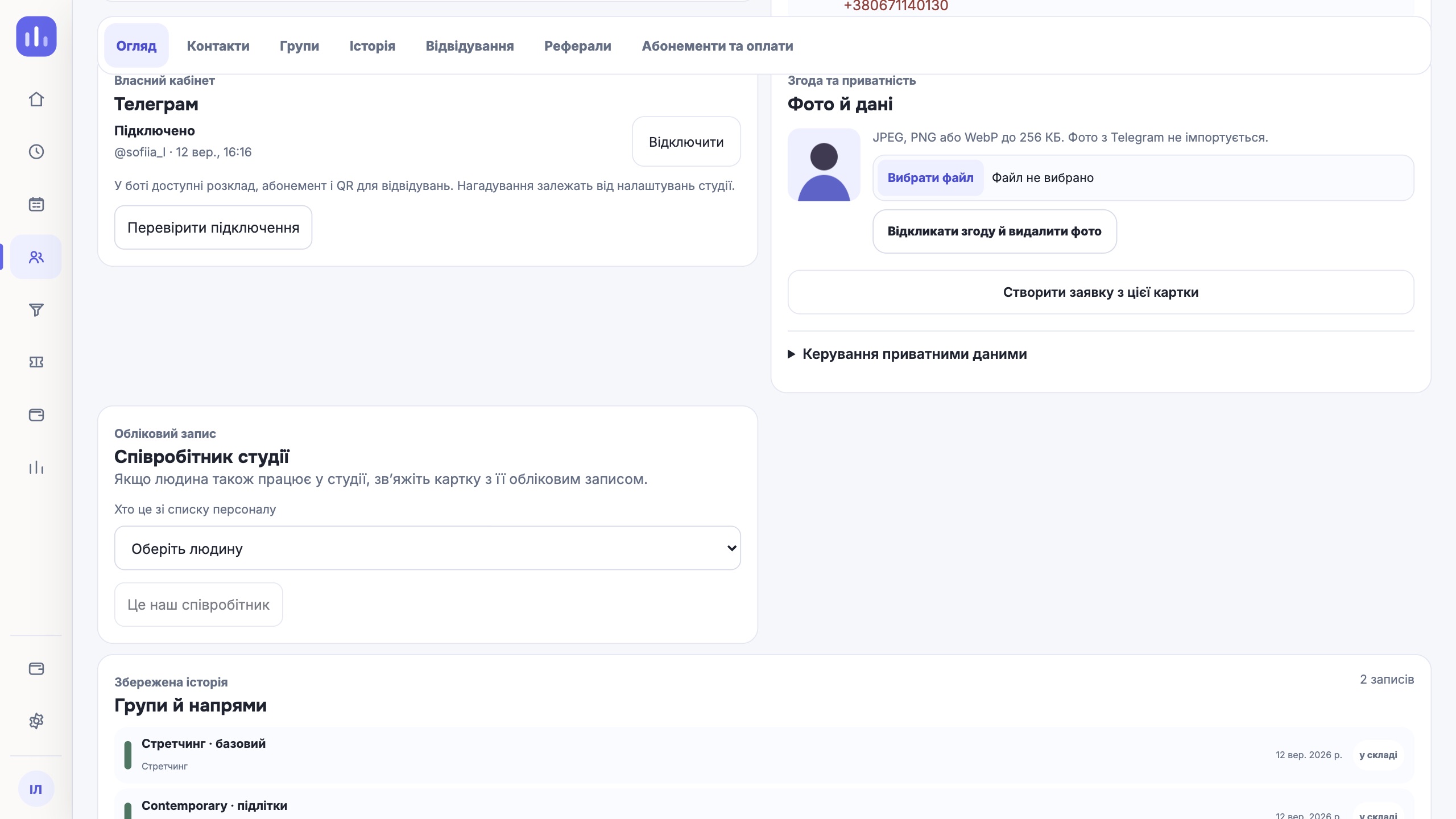
How to fill in a student profile in ClubBase: check the contacts, add a guardian or payer, upload a photo with consent and record the next step.

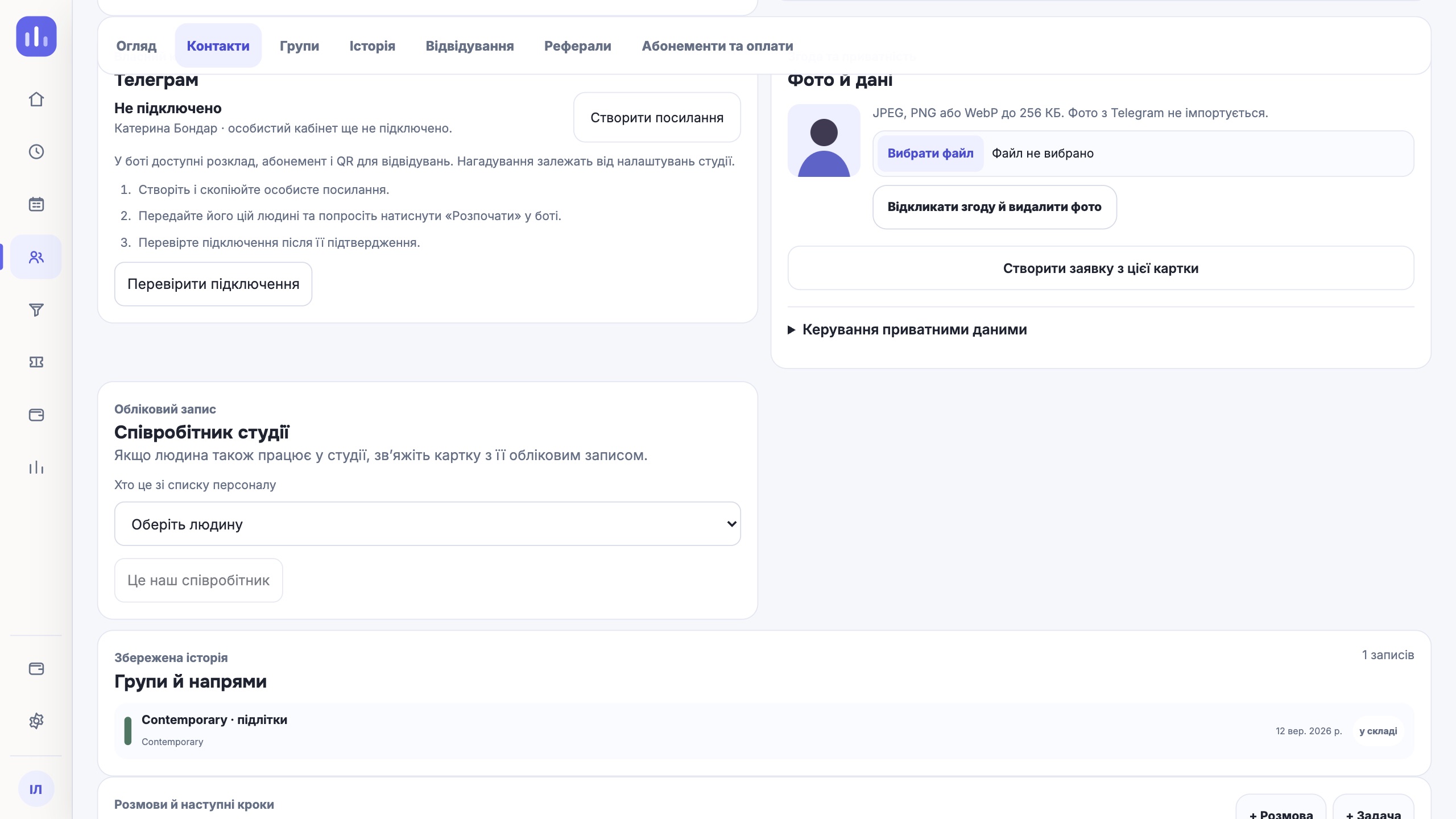
Connecting a client to the Telegram bot step by step: create a personal invitation in the profile, send it to the person and check the connection status.
How to choose a CRM for your studio in practice: test it through real daily workflows, team roles, data and your team’s first week.
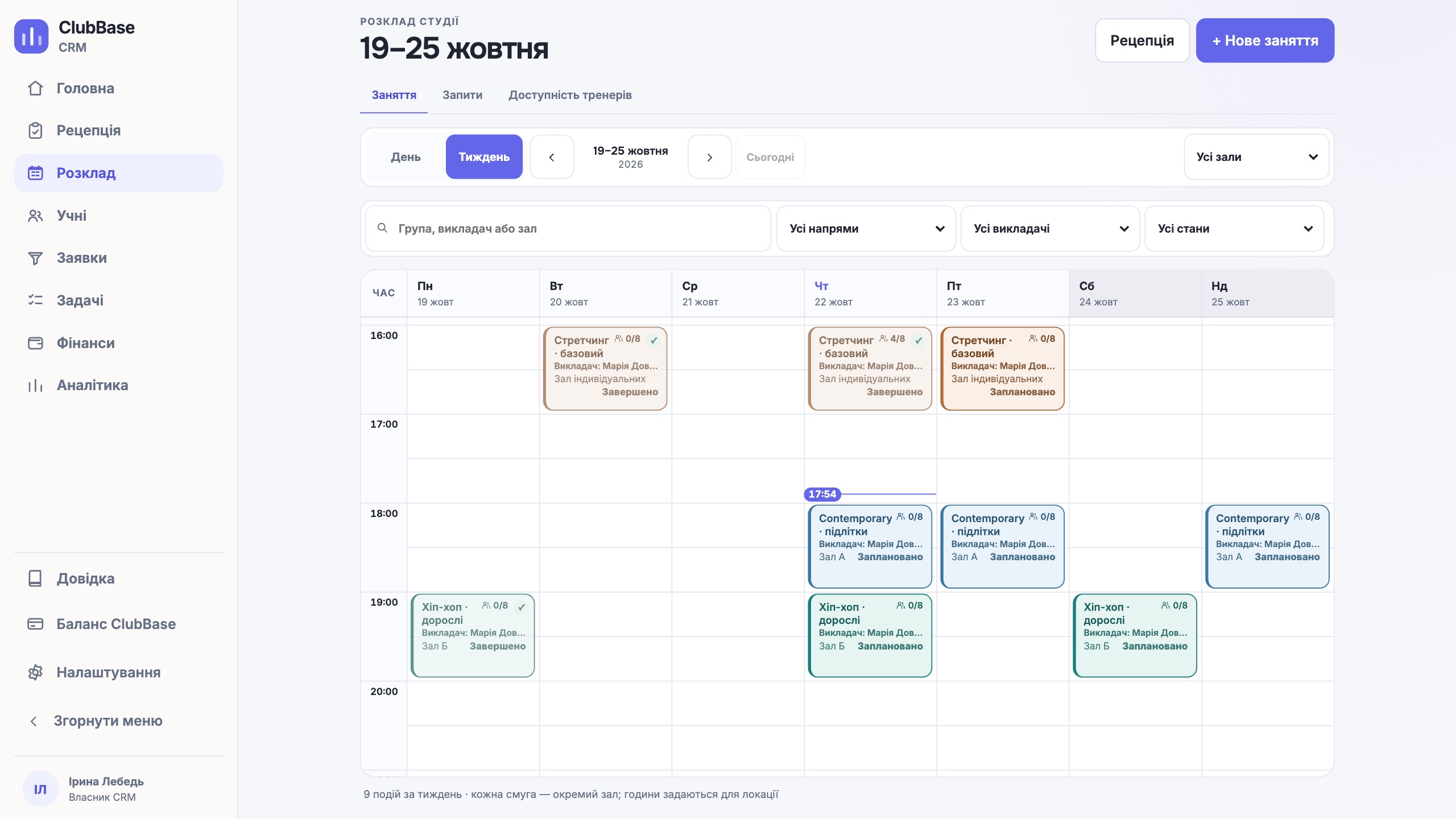
How to build a class schedule without double-booking, where your studio sees room and instructor availability, recurring classes, substitutions and changes.
Moving from spreadsheets to a CRM step by step: take stock of your studio data, set cleanup rules, run a test import, check the result and go live.
From reading to action
Show it in a demo: we will go through the sequence of steps and your team’s questions.