The first signal: missed classes
Leaving starts with irregular attendance. The attendance log in ClubBase shows how regularly each person comes, so a decline is visible at the second or third miss. The coach marks who is absent, and the reason for the miss goes into the log.
The Retention («Утримання») queue
In the settings the studio sets after how many days without a visit a person counts as inactive. Days are counted from the last actual attendance. Whoever crosses that line lands in the Retention («Утримання») queue, and the administrator sees whom to call or message.
You can also turn on Ask after the membership ends («Питати після завершення абонемента»): then a person whose membership has ended will not get lost either.
A freeze instead of cancelling
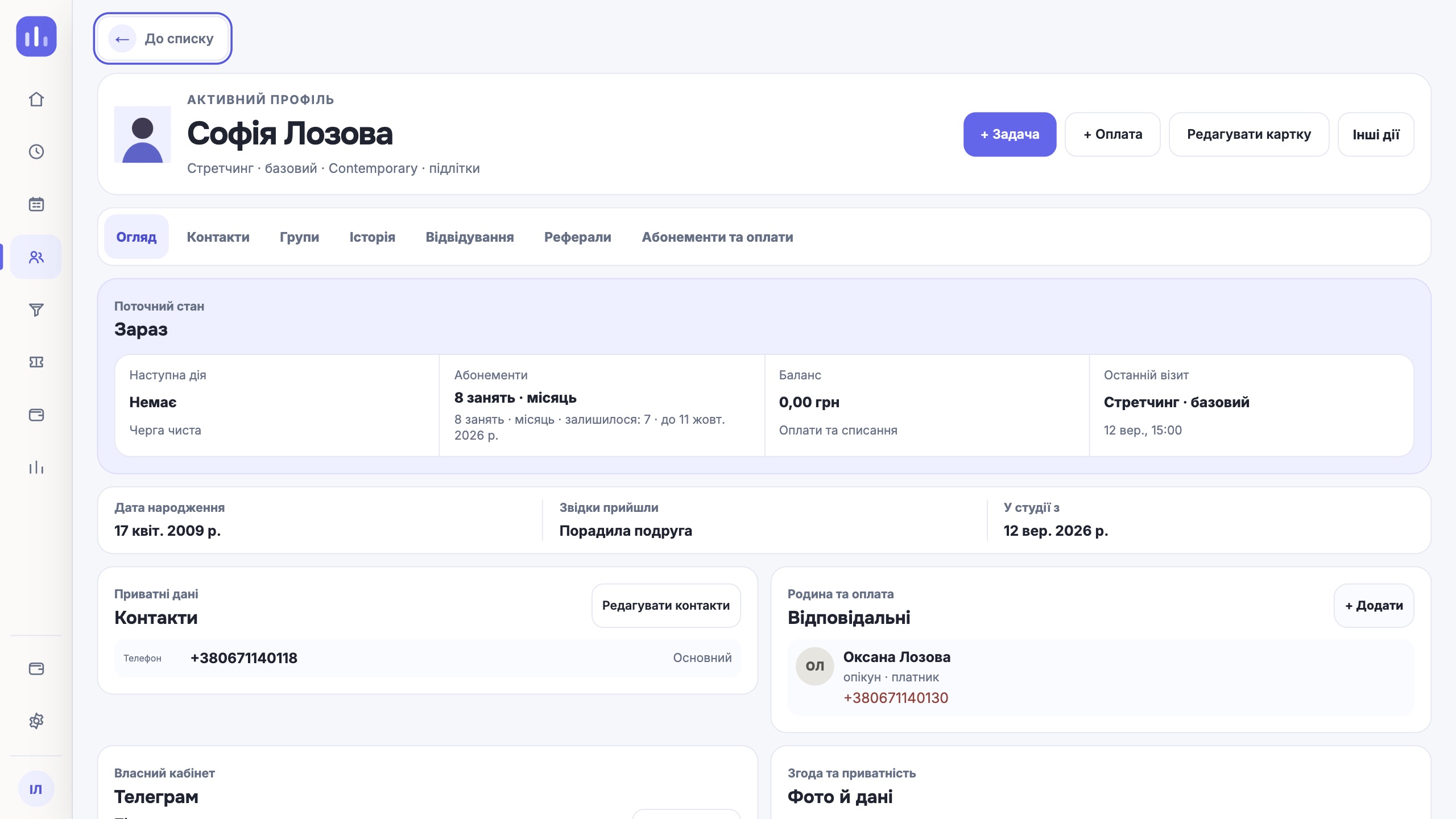
Some students are simply on holiday or ill. For them there is a freeze: the balance and the end date of the membership shift, and the profile shows who set it and when. Offering a freeze in a conversation is often easier than processing a cancellation.
Record why people leave
The studio keeps its own list of reasons a membership ended. The reason is recorded from the client’s words: an inconvenient time, a move, the price, the coach. After a few months you can see which reasons repeat and which of them can be changed in the schedule or the group make-up.
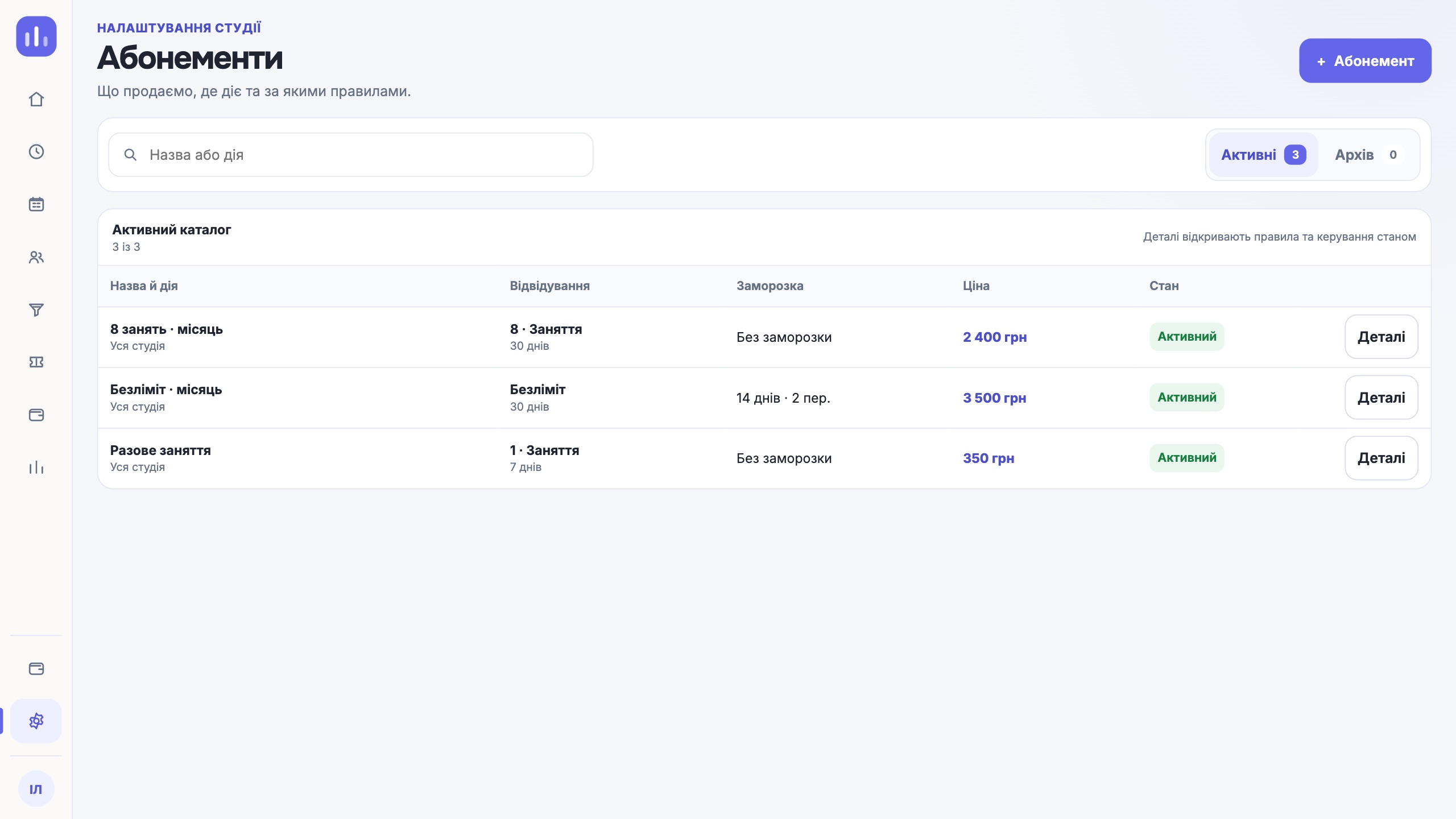
If a client does cancel the membership, the studio chooses in advance what it can offer: a full or partial refund, or crediting the remainder to the balance.
| Stage | Where it shows in ClubBase |
|---|---|
| Two or three misses in a row | Attendance log |
| The set number of days without a visit | Retention («Утримання») queue |
| The membership has ended | Retention («Утримання») queue, if turned on |
| The person has left | The reason in the profile and in the list of reasons |
One next step
Set a days-without-a-visit limit that fits the rhythm of your classes and go through the Retention («Утримання») queue once a week. A call after two weeks of silence costs less than a new student.
Try it free