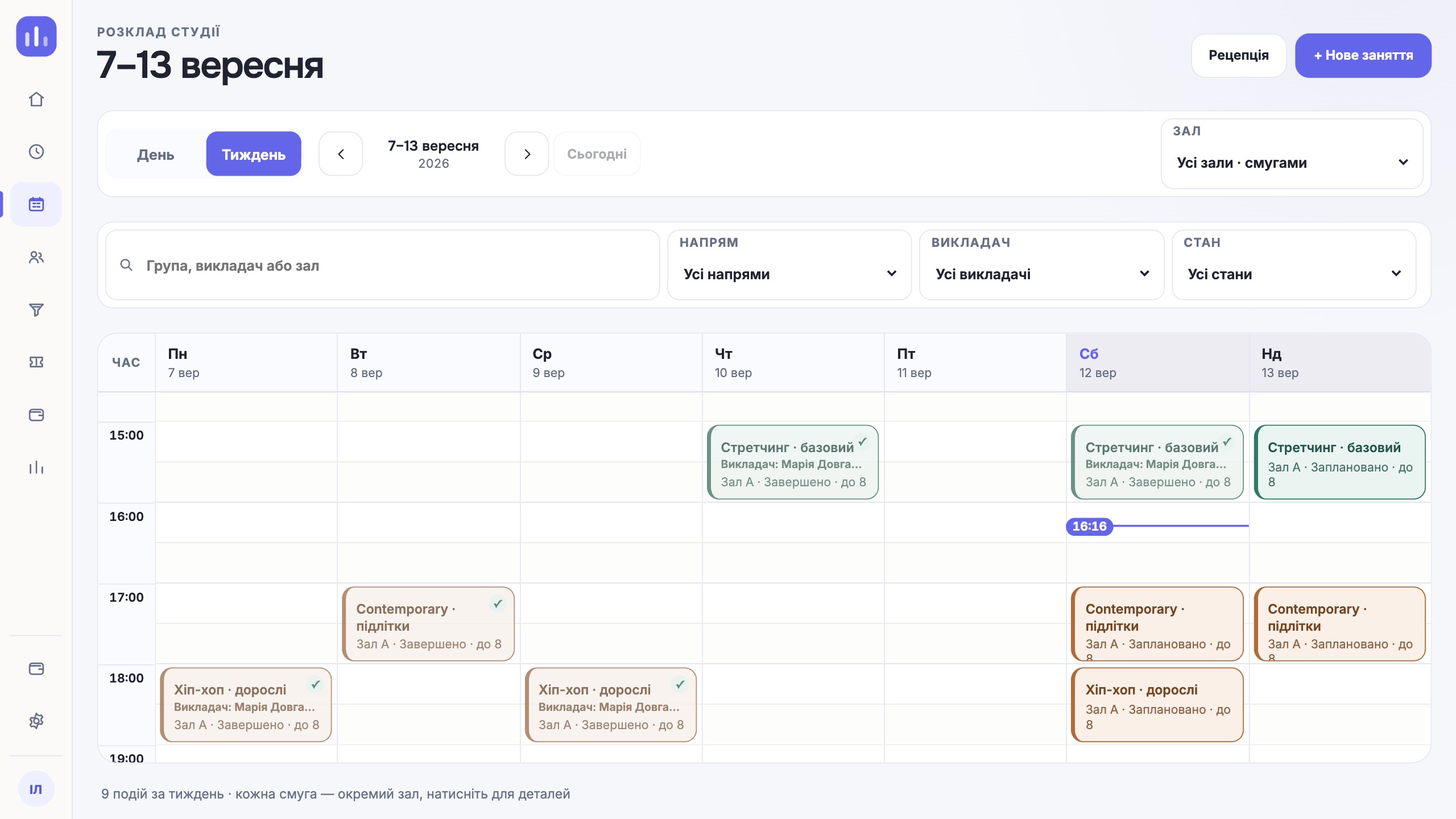
Keep one source for the schedule
The team must know where the current version of a class lives. A chat can announce a change, but it should not be the only place that holds it. The same goes for an instructor’s personal calendar and the paper notebook at the front desk.
The class record should answer the basics: where, when, with whom, how long and whether it repeats. If one field is missing, people start adding context in comments, and later it is hard to find.
Check for conflicts before saving
The system should compare the class time with room and instructor availability. For a chain, the location is part of this check too. A useful message explains exactly what is taken and leaves the person a clear next step.
Check the edge cases separately: a class ends at the moment another begins, an instructor works at different locations, a one-to-one session sits next to a group class. The rules should match how your studio really works.
Separate a recurring series from a one-off change
A weekly group is a series of classes. A substitute instructor on Tuesday should not rewrite all the following weeks unless the admin chose that. Likewise, moving one class should keep its link to the series visible.
Before launch, test creating a series, editing one class and changing the whole series. These three actions look alike on screen but have different consequences for clients and the team.
Agree on who makes changes
If every instructor moves classes on their own, the admin can lose control of rooms and bookings. If every change goes through one person, the studio depends on that person being there. Set up roles to match how you work.
Write down a simple rule: who can change the time, who confirms a substitution, who cancels a class and who sees the financial consequences. The system should back this rule with permissions and action history.
Link the schedule to attendance
After a class, there should be a clear path to check-in. When the register lives separately, the team spends time finding the group again, and a wrong date affects the client’s balance.
Check how late arrivals, absences, trial visits and a wrong check-in are handled. In each case the admin should see the consequence before confirming the action.
Give the team a short daily check
Even a well set-up schedule needs a working rhythm. At the start of the day, the admin reviews changes and the next classes. At the end of the shift, they check for unmarked attendance and unfinished reschedules.
- all substitutions are confirmed;
- no class is missing a room or an instructor;
- the people affected by a change have been told;
- attendance is closed for every class that took place.
One next step
A reliable schedule rests on clear links: each class knows its location, room, instructor and group members, and every change has an author and a clear consequence.
Walk through your workflow in a demo