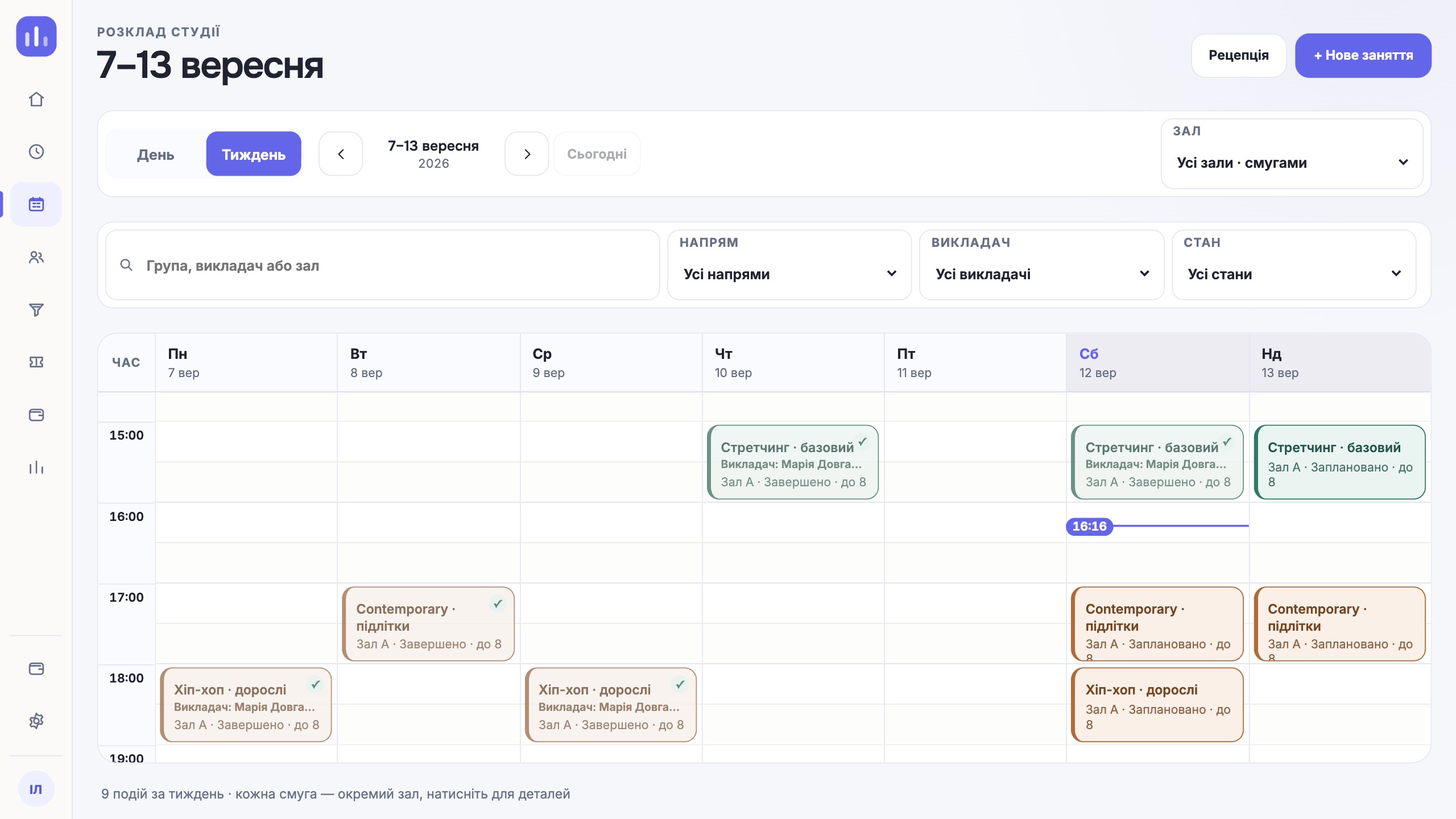
Start by describing one working day
Take an ordinary day with no showcase scenarios. Where does a lead come from? Who books the person for a trial class? Where does the admin check the room, the instructor and a free spot? What happens after the visit and the payment?
This route quickly shows how many times the team copies the same data between chat, calendar and spreadsheet. These are the hand-offs a CRM should remove or make visible.
- a lead, a trial class and the booking that follows;
- group and one-to-one schedules;
- attendance, classes remaining and debt;
- an instructor substitution and a note to the team;
- instructor pay for the work done.
Test the system through each role’s eyes
The owner needs a picture of the whole studio. The admin works with the schedule, bookings and payments. An instructor needs to see their classes and groups quickly. A client needs a clear schedule and no reason to call about every small thing.
Ask the vendor to show one scenario in every role, one after another. If the instructor waits for a chat message after the admin acts, and the owner reconciles a separate spreadsheet, the workflow is still broken.
See how the system links data
In a kids’ studio, the student, a parent and the payer can be three different people. For one-to-one classes, the exact balance of the class pack matters. In a chain, every class must belong to a specific location and room.
Ask where the source of each change is stored: who moved the class, why the balance was adjusted, which payment an instructor’s pay came from. You need action history to settle disputes when the numbers do not match, not to control people for the sake of it.
Prepare your own questions for the demo
Before the meeting, send the vendor a short description of your studio: number of locations, class types, team roles and the most painful process. That way you see the system work on a familiar example instead of a generic presentation.
- What happens if the room is already booked?
- How do I set up a substitute instructor for a single class?
- Can access to the schedule and to finances be separated?
- How do I fix a wrong check-in without losing history?
- In what format can I take my data out?
Run a short working pilot
One typical week on a limited scope is enough for a test: one location, a few groups and the people who actually do the work. The team should create a class, move it, take a payment and fix a mistake on their own.
Record more than failures. Note the places where someone had to ask what to click next. After the pilot you will see which difficulties setup can solve and which are built into the process itself.
Warning signs you should not ignore
A complicated interface can sometimes be put down to habit. Missing history, export or permission separation is a systemic risk. The same goes for the answer “the admin will just remember” when it comes to a regular operation.
- the same data has to be entered in two places;
- a correction changes an amount with no visible source;
- every employee sees the same financial information;
- a recurring schedule breaks after a one-off substitution;
- data migration is discussed only after you pay.
One next step
Choose a system by how it takes your team through a real day. Design and the list of modules matter, but the decision comes down to how actions, data and roles connect.
Walk through your workflow in a demo