1. Several locations and who sees what
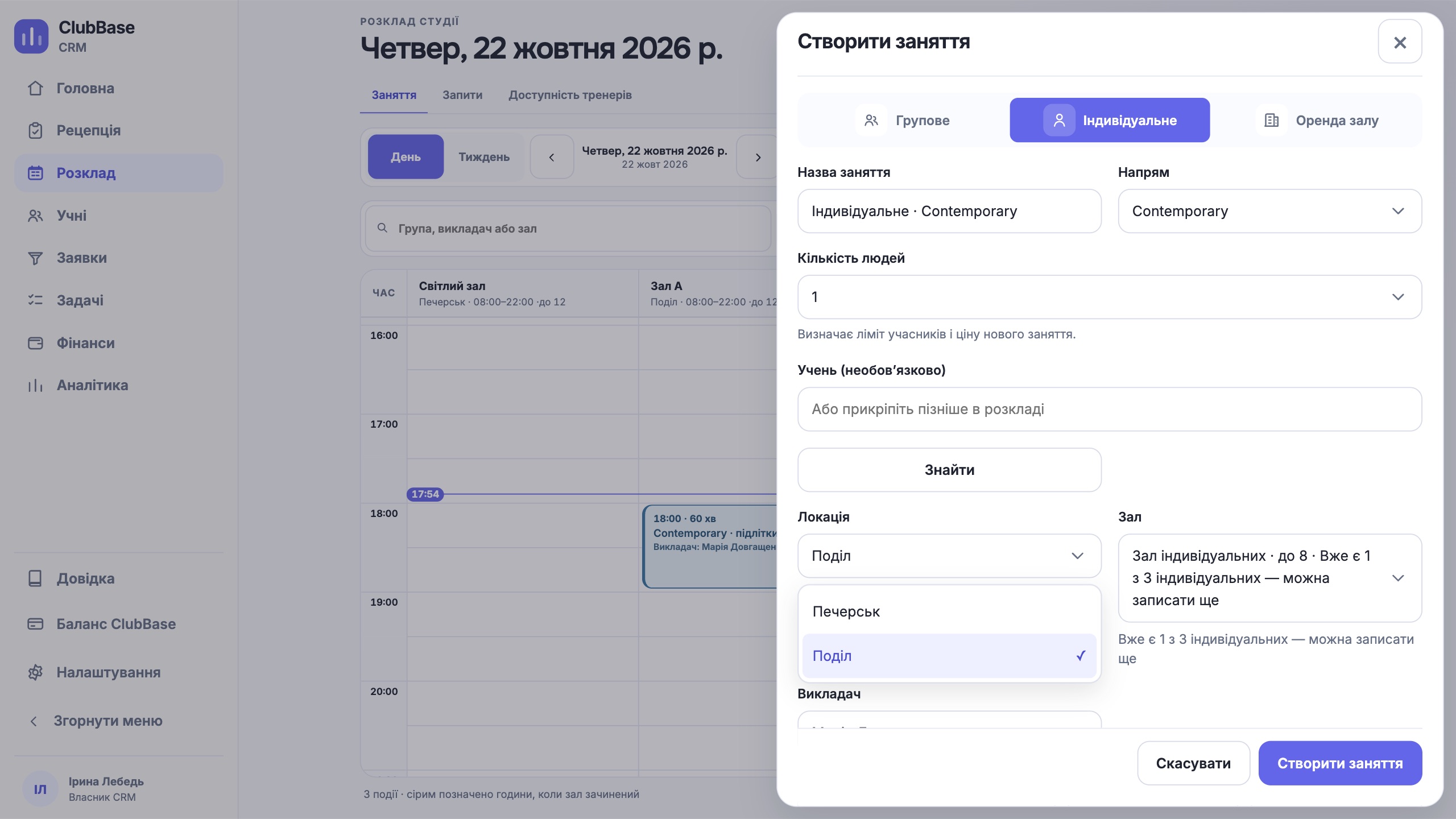
Ask whether you can keep all rooms in one database and still limit an administrator to their own site. In ClubBase each location has its own rooms, schedule and permissions, while the manager sees everything together. You can start with 1 to 20 locations; the first is included in the plan, further ones are paid separately.
2. A child and parents without duplicates
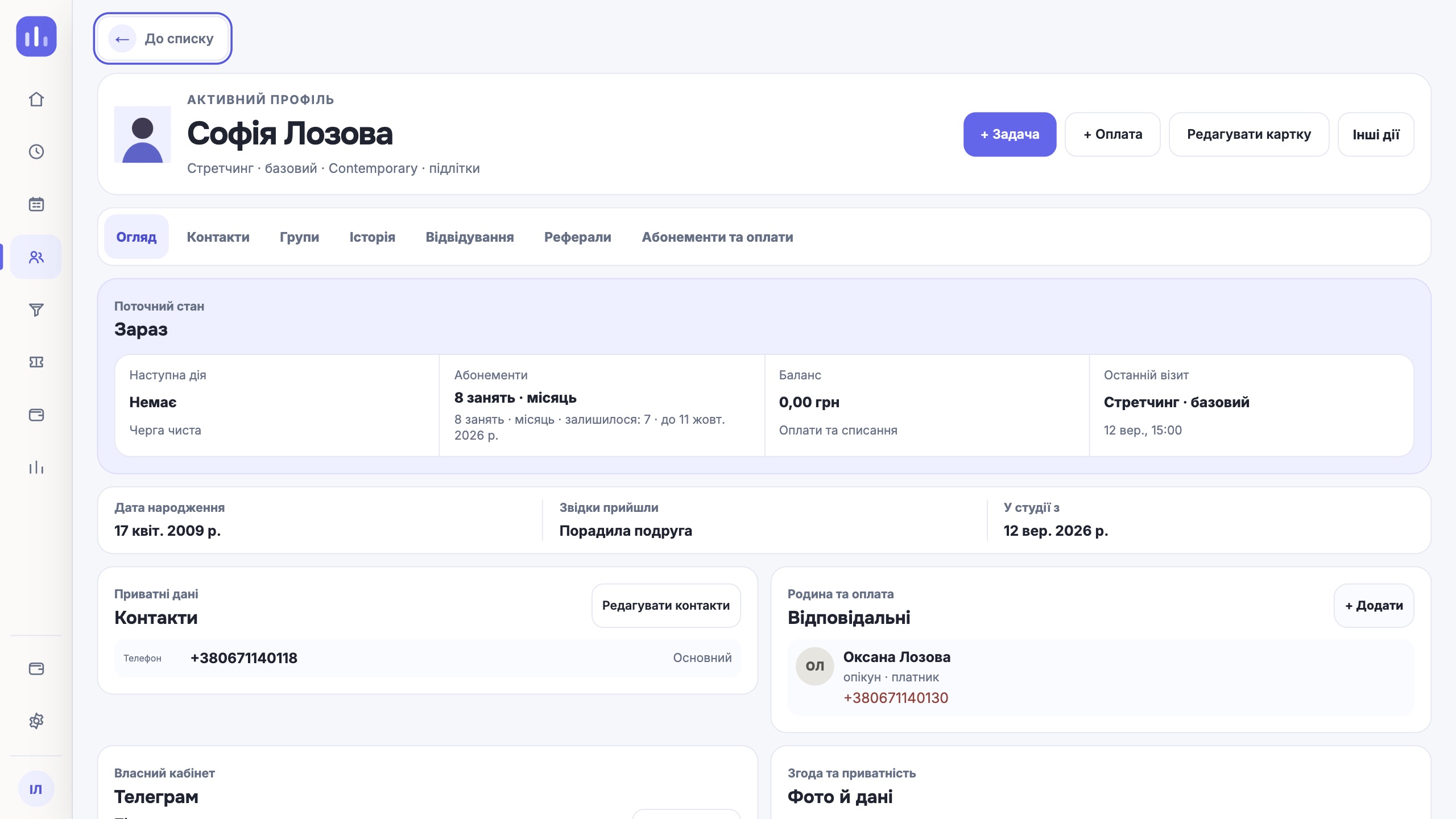
A typical spreadsheet mistake: the mother is entered as a separate client and the child has no contacts. Check whether the CRM stores guardians and the payer as roles in the child’s profile. That is how ClubBase works: one athlete profile, with the parents and the person who pays inside it.
When the child shows the QR code at the door, the visit is marked and the parents get a message that the child has arrived.
3. Age groups and levels
Age, level and section should be separate fields. Then a children’s beginner group and an adult advanced group sit in one schedule but do not mix in reports. A trial class is booked with a check for a free place in the group.
4. Who has stopped coming
Churn in children’s sections starts with missed classes. The attendance log shows how regularly each athlete comes, so a decline is visible at the second or third miss, not when the child has already left. The coach marks who is absent, and the reason for the miss goes into the log.
If a child is ill, the membership is frozen: the balance and the end date shift, and the profile shows who did it and when.
5. A coach at two locations and their pay
A coach gets access to sections, not to a single address. Their week is assembled from all their groups, and the school’s finances stay closed to them. At the end of the month the owner sees coach pay broken down by class.
6. Who changed the data
When a school has several administrators, arguments like “who removed the payment” are inevitable. The action log in ClubBase keeps the real person and the time, and its entries cannot be edited. The roles of owner, administrator, reception, finance and coach are set up separately.
7. What ClubBase does not have
It is better to know the limits before moving your database than after.
| Task | Status in ClubBase |
|---|---|
| Belts and gradings | Not available |
| Sparring, weight, competitions, results | Not available |
| Teams, match line-ups, league tables | Not available |
| Reports for the education authority | Not available, official forms are kept separately |
| Online payment by parents in Telegram | Not available, the studio records the payment in the CRM |
One next step
Take these seven points to the demo of any CRM and ask to see each one on a live screen, not on a slide. For a martial arts club, also look at the martial arts page separately.
CRM for a martial arts club