What to check before you choose
Product descriptions look alike: “memberships”, “attendance”, “reports”. The difference shows when you set up your most awkward membership and run it through an ordinary week at the club. A list of seven points is enough for that.
| What to check | Why the club needs it |
|---|---|
| Visit packs, unlimited memberships for a term, single visits | Every sale lives in one system, with no side spreadsheet for the “non-standard” ones |
| A visit is deducted at check-in | The balance does not depend on whether the administrator entered it in the evening |
| Which classes a membership covers | A group-class pack is not charged for a personal session |
| Freezes with rules | A client’s holiday does not end in an argument about the expiry date |
| Part payments and debt | You see by name who owes the club and how much |
| The client sees the balance | The front desk does not answer the same question twenty times a day |
| What you pay the software for | The bill is clear and does not grow when you switch on a feature you need |
Next we show how each point works in ClubBase. It is worth asking any other system to show the same.
Catalog: packs, unlimited and validity
In the ClubBase catalog every membership has a price, a number of visits and a validity period in days. The number of visits is either fixed or unlimited. Separately you choose the day the term starts from: the purchase date, the first visit or a date set at the sale. For a club where memberships are often bought in advance, starting from the first visit removes the “but I haven’t been yet” conversation.
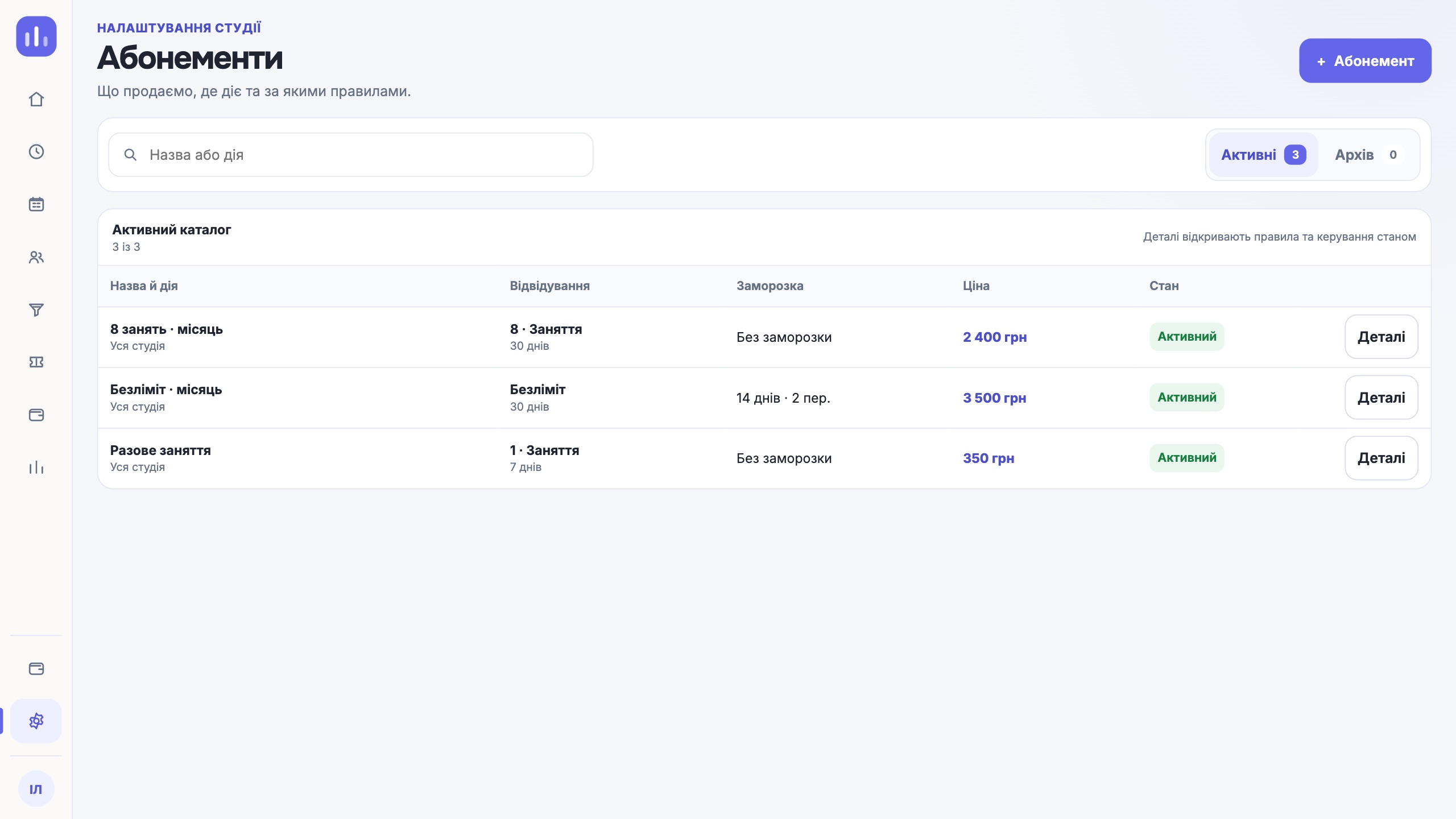
A membership can cover the whole studio or only some classes: a certain activity, group, coach, location or class format. If a person bought a group-class pack and came to a personal session, the visit is deducted from the pack it belongs to, not from the one next to it.
Balance: one number at the front desk and for the client
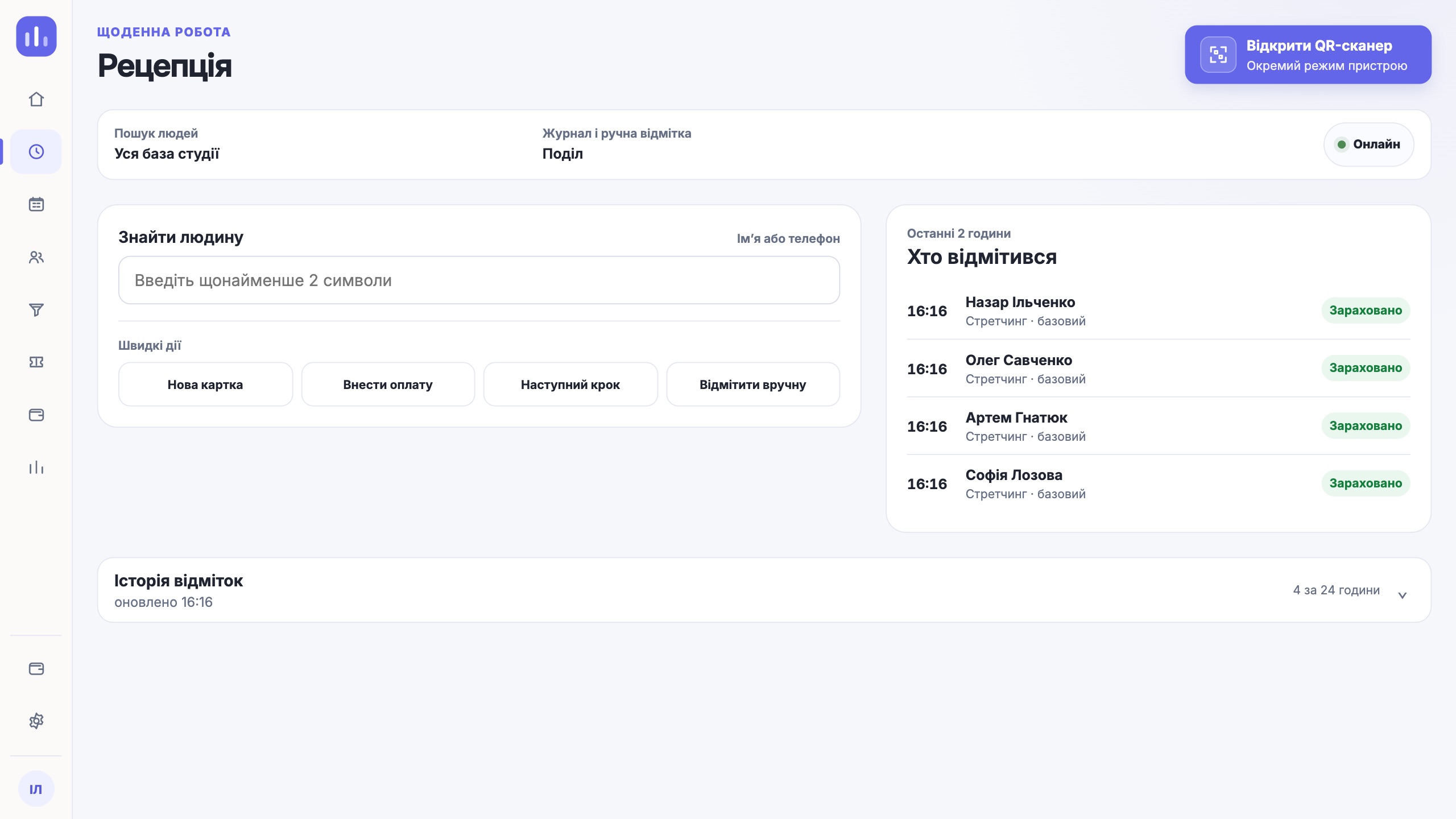
A visit is deducted when the person is checked in: the client showed a QR code at the entrance or the administrator marked them in the class journal. Booking a class deducts nothing by itself. How the scanner works at the door and what happens when the front desk loses internet is covered in the article on QR attendance check-in.
The client sees their balance in Telegram, and it is the same number as in their card in the CRM. “How many do I have left” stops being the administrator’s job.
Freezes by rules, not by verbal agreement
Freezes are what most often breaks tracking in a spreadsheet: someone promised a client two weeks, another administrator does not know, and nobody can explain the expiry date any more. In ClubBase the freeze rules are set in the membership itself, once:
- Whether a freeze is allowed at all.
- How many days and how many separate periods can be used over the membership term.
- The shortest and the longest period.
- How many days of notice are required.
- Who arranges it: the client alone, the client sends a request and waits for the studio’s decision, or only the administrator.
- Whether the expiry date moves by the frozen days.
Before you confirm, the CRM shows the freeze dates and the class bookings that fall within that period. If the available days or periods are already used, the system says so and does not create the freeze.
Part payments, discounts and debts
A membership is not always paid at once. In ClubBase a payment can be made in parts, and the rest becomes a debt. The debt sits in the client’s card and in the finance report from the day it appeared, so at the end of the month you do not collect it from chats.
A discount is a percentage or a fixed amount, including one given by promo code. If several discounts fit a person, they do not add up: the largest applies. A membership in the catalog can be marked as a family one.
Who ClubBase suits and who it does not
ClubBase is built around classes in a schedule: group programs with a seat limit and personal sessions in the coach’s time. There is a separate page for a fitness studio with these formats: CRM for a fitness studio.
There are club formats it will not suit:
- A gym with a turnstile and no class schedule. ClubBase does not connect turnstiles.
- A club that needs stock control: a warehouse, sports nutrition sales.
- A club where clients must pay online.
Prices and features of ClubBase and other systems used by studios in Ukraine are gathered in one table with sources on the studio CRM comparison page. It also has a separate block on where other systems are stronger.
The cost of ClubBase depends on the number of active students, and every feature is included in each range. Current figures are on the pricing page.
Questions about membership tracking
Will ClubBase suit an open-access gym?
If the gym has no schedule and entry goes through a turnstile, no. ClubBase counts attendance at classes that stand in the schedule. It suits a club with group programs and personal training.
What happens to sold memberships if I change the price?
Nothing. The new price applies to later sales, and sold memberships keep their terms, validity and balance.
How do I move balances from a spreadsheet or another system?
Through a CSV or XLSX file: clients, groups, memberships with balances and current debts. After the import, check the balances against the source file. The steps are described in the article on switching from another CRM.
One next step
Take your most complicated memberships: one with a freeze, one paid in parts. Set them up in the software during the free period and check in a few visits. If the balance and the expiry date match your spreadsheet, the software counts the way you do.
Try it free