Step 1. Export the data from the old system
ClubBase has no direct connection to other CRMs. The move goes through a file: if your current system can export to CSV or Excel, that is enough. Check this in advance, including in Instasport or iDance CRM, because export formats differ between systems.
- clients with contacts;
- groups;
- memberships and remaining classes;
- current debts.
Keep the original files separately. You will need them for checking.
Step 2. Prepare the file
| Parameter | Requirement |
|---|---|
| Format | CSV in UTF-8 encoding or XLSX with a single sheet |
| Size | up to 2 MiB and up to 2,000 rows |
| First row | column names |
| Values | no formulas |
More than 2,000 rows? Split the file into parts and import them one by one. Details on the requirements are on the migration page.
Step 3. Import with a check
In the import you choose the data type, map the columns and review the rows. Rows with errors are marked, and you can confirm the import only once no errors are left. The data reaches the studio only after you confirm.
Step 4. What to set up by hand
The schedule, team roles, correspondence and accounting documents are not carried over by the spreadsheet import. It is convenient to build the schedule again: that way room and coach clashes show up immediately. You invite the team by email and give each person a role.
If your data is not in spreadsheets but in photos, documents or several files, there is AI migration: the agent prepares a proposal and you approve it before it is saved. The ClubBase team activates it.
Step 5. Check before the first working day
Take ten clients from the source file and compare them with their profiles in ClubBase: contacts, group, remaining classes and debt. Separately check those whose membership is frozen or ends this week.
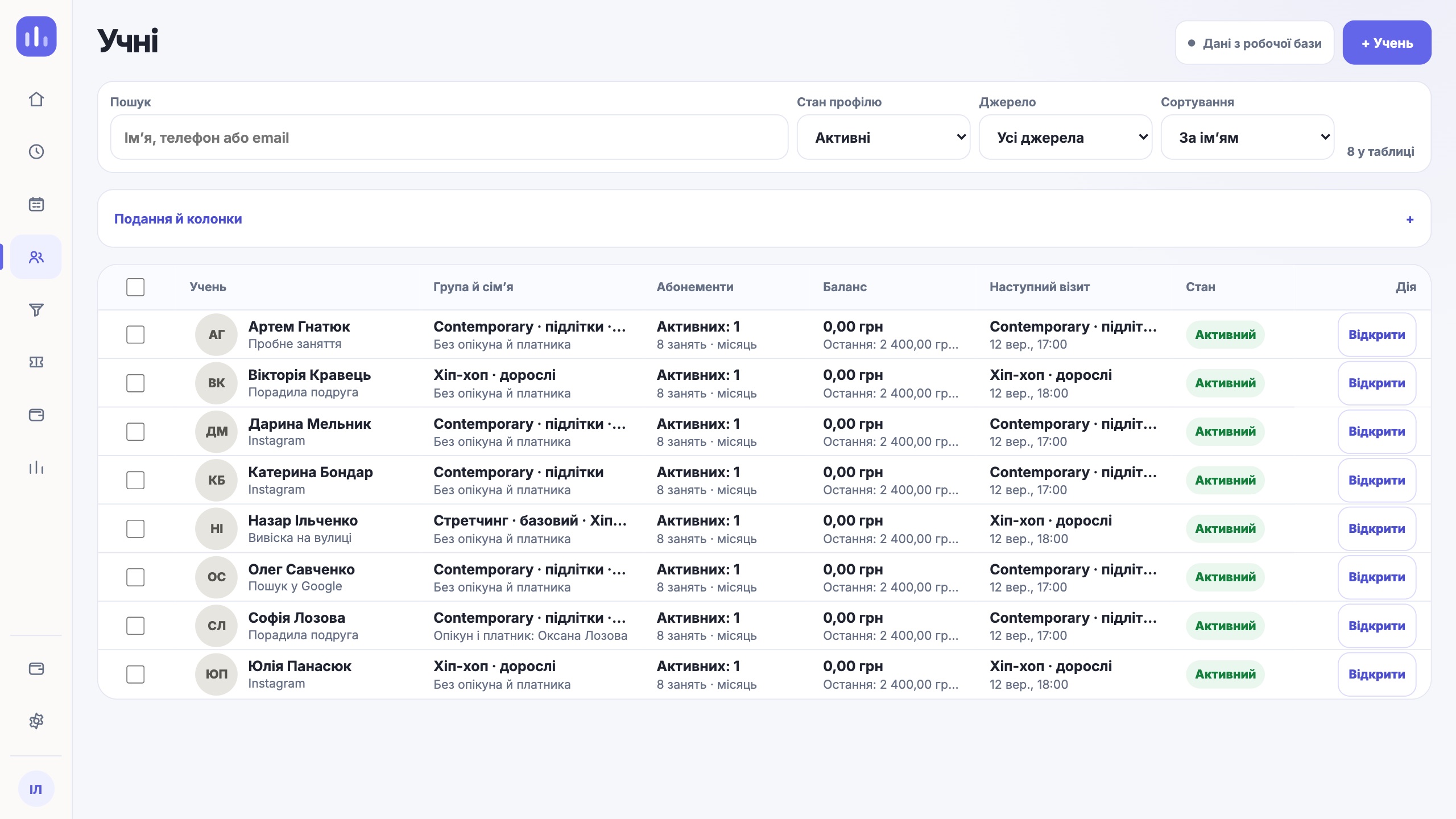
You can keep the old system read-only for a few days while the team gets used to the new one. Keep new payments and marks in ClubBase from the start, so there are not two sources of truth.
One next step
Export one group, import it and check ten profiles. When everything matches, move the rest.
How to move a spreadsheet