Why a family breaks an ordinary spreadsheet
A spreadsheet knows one row per person, so families get recorded however it works out. Sometimes the row belongs to the mum and the children are listed in a note. Sometimes each child has a row and the mum’s phone is copied into every one. Six months later she changes her number, and it gets updated in one row out of three.
Money is harder still. The dad pays for two children in one transfer, but their memberships differ: the older girl does gymnastics three times a week, her brother dances twice. The administrator splits the sum by hand, and at the end of the month nobody can say which child the debt belongs to.
That gives the rule to start from: records are kept per child, and parents are linked to their children. The group, membership and visits then belong to whoever actually attends, and the contacts and payments to whoever is responsible.
Student, guardian and payer: three roles in one profile
A student profile in ClubBase has a “Responsible people” block. You add a link to another person in the database there and mark their role: guardian, payer or both. The mum who books the child and picks them up after class is the guardian. The dad who sends the money is the payer. If one person does everything, they hold both roles.
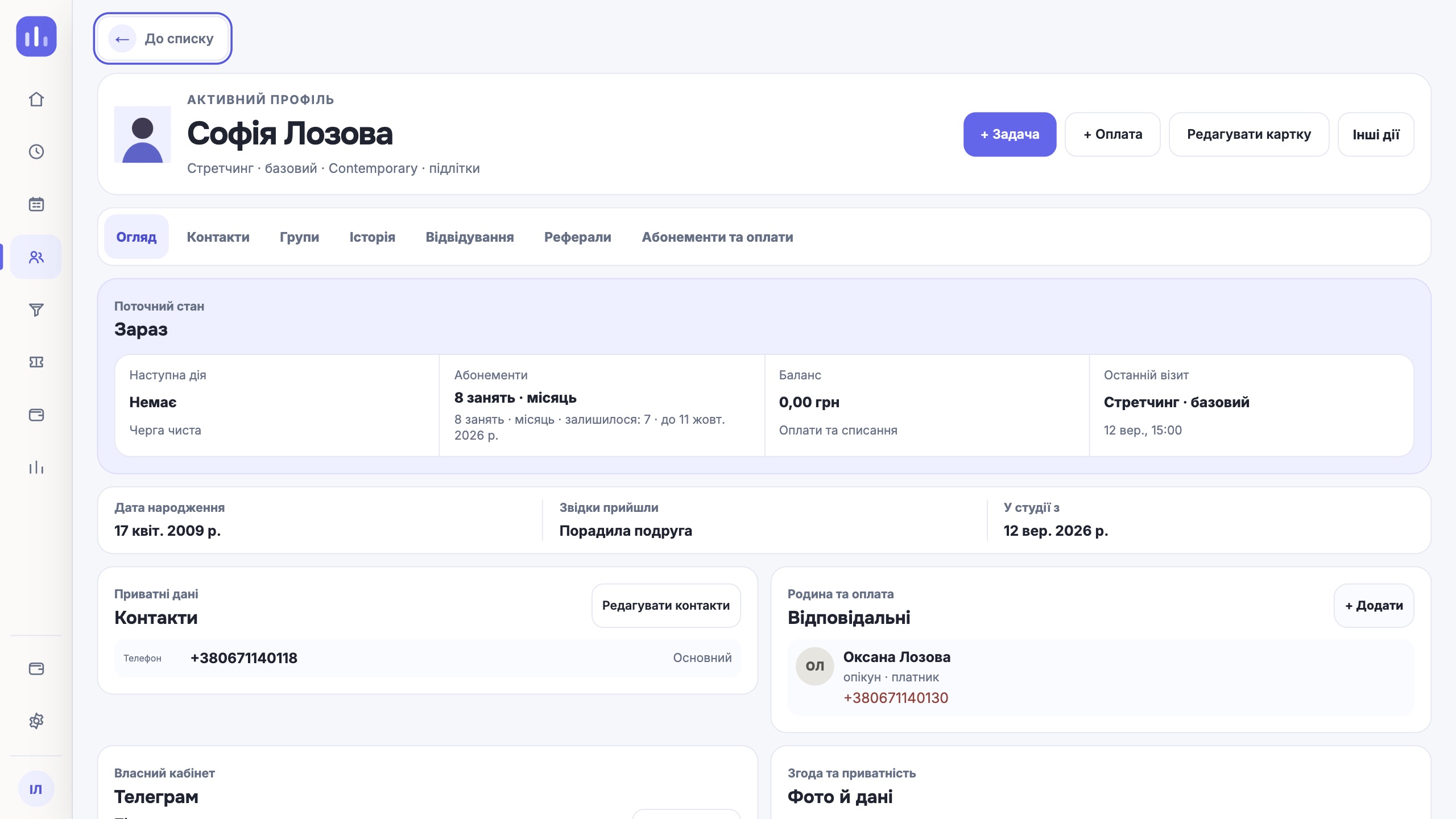
A child can have several guardians: mum, dad, a grandmother who brings them on Wednesdays. There is one payer. Every adult exists in the database once, so the mum’s new phone number is changed in one profile and is correct for all her children.
How to fill in a profile completely, with contacts, a photo and the next step, is covered in the article on the student profile.
Several children in different groups
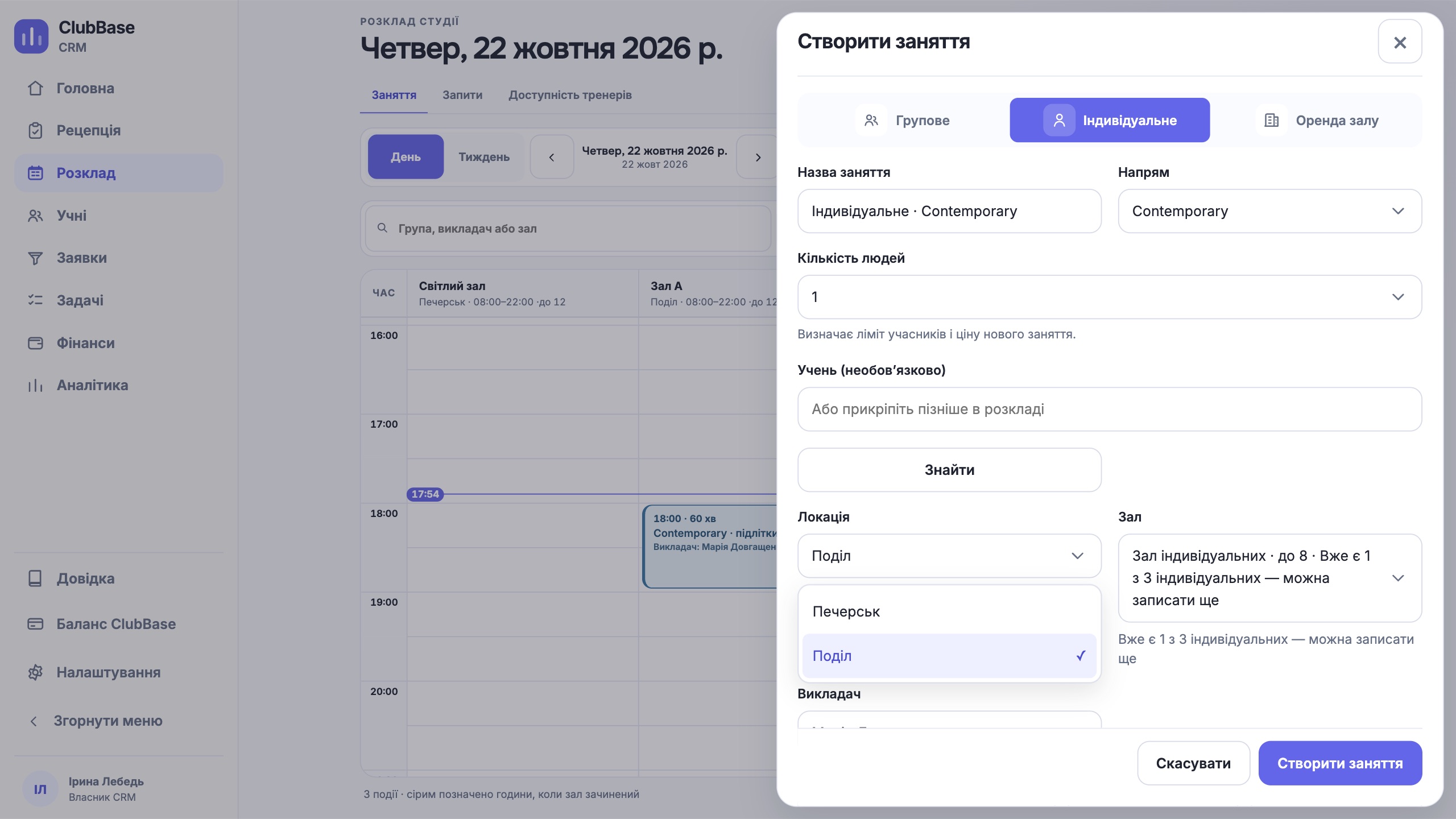
Once each child has a profile, different groups stop being a problem. The older child has her own schedule, membership and class balance. Her brother has his. A check-in takes the class from the membership of the child who came, not from a shared family account.
The guardian sees the children in Telegram. A child does not need an account: in the cabinet the guardian picks the profile marked as being in their care and books a group class, if the studio has opened self-booking. The child’s schedule, membership and QR are there too, so at the door the child can show the QR from mum’s phone. How the check-in itself works is described in the article on QR attendance check-in.
The studio can turn on attendance notifications in Telegram for guardians. A guardian who does not need them can opt out.
How ClubBase is set up for children’s classes is shown on the pages for dance studios and gymnastics schools.
A family membership or a family discount
ClubBase can handle a family’s money in two ways. The choice depends on how the studio sells classes.
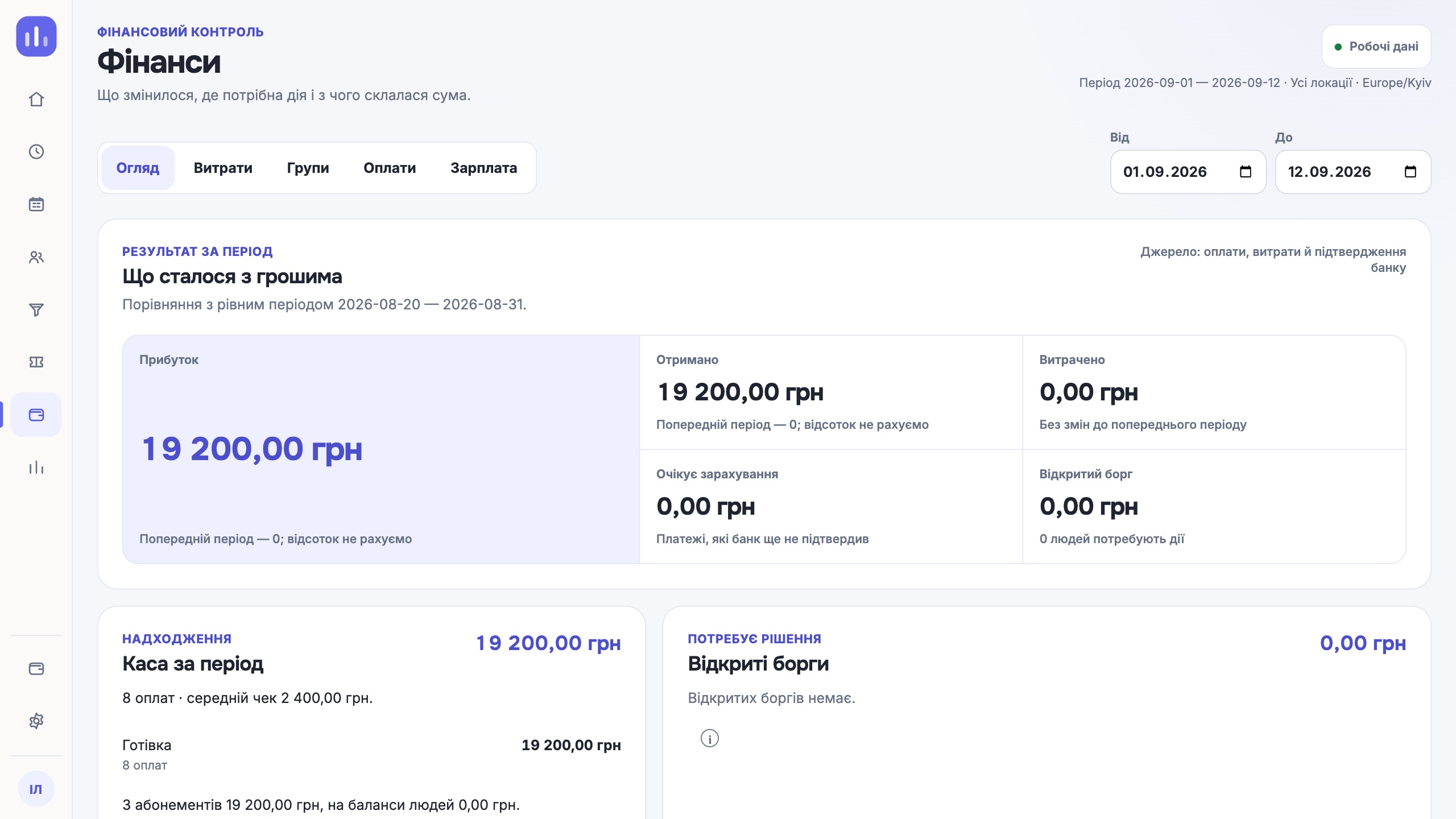
A family membership. Membership settings have a “Family: other people can be added” option. One person buys such a membership, and their profile gets a “Who uses it” block where the administrator adds other people from the database. There is no limit on the number of people. Everyone’s classes come off one balance, while the payment and freezes stay with the buyer. The option applies to new purchases: a membership sold earlier as an ordinary one does not become a family one.
Separate memberships with a family discount. Each child has their own membership and balance, and the family gets a discount. Discount settings include a “For a family” rule with a condition for which membership in the family it starts from, for example the second. The system treats people who share a guardian or a payer as a family, so two children of the same mum count as one family. It counts people, not purchases: if one child has two memberships, the family does not get bigger.
| Family membership | Separate memberships with a discount | |
|---|---|---|
| Class balance | One for everyone who uses it | Each child has their own |
| Who buys | One person; others are added under “Who uses it” | A membership is issued for each child |
| When it fits | The children attend together or irregularly, and it does not matter to the studio who used a class | The children are in different groups with a different number of classes a week |
| What the administrator sees | The balance in the buyer’s profile and the list of people under “Who uses it” | Balance and debt separately for each child |
For children in different groups the second way usually fits better: each child’s balance is visible on its own, and there is no argument about which of them used a class. How to see debts and balances per person is covered in the article on membership debts and balances.
Setting up a family in the CRM: a checklist
- Create a profile for every child, even if they attend just one group.
- Search the database for the adults before adding new ones. If the mum is already the guardian of the older child, do not create her a second time.
- In each child’s Responsible people block, add the guardians and the payer with the right roles.
- Decide how the studio handles family money: a family membership or separate memberships with a discount. Set up the “For a family” discount once.
- Invite the guardian to connect Telegram so they see the children, the schedule and the QR.
- A week later open any child’s profile and check that a colleague can find, without help, whom to call and who pays.
If the studio is moving to ClubBase from spreadsheets, check family links on a small sample of profiles before the full transfer. How the database is moved is described on the data migration page.
Questions about families in a CRM
Can a child have several guardians?
Yes. There can be several guardians and one payer. Each adult is recorded once and linked to all their children.
Does a child need their own Telegram?
No. The guardian books the child from their own cabinet by choosing the child’s profile, and sees the child’s schedule, membership and QR there.
Can a membership that is already sold become a family one?
No. The Family option applies to new purchases. A membership sold as an ordinary one stays a one-person membership until it ends.
Can parents pay for a membership online in Telegram?
Not yet. The studio takes money the way it is used to and records the payment and its method in the CRM. Online payment by clients in Telegram has not been verified with real money, so we do not promise it.
One next step
Keep records per child and link parents to children as guardians and payer. For children in different groups, separate memberships with a family discount are easier; for classes taken together, a family membership with one balance fits.
Try it free