Below are six scenarios and how each works in ClubBase. Go through them in the trial of any system you are considering. The difference between software for a studio and booking for a single specialist is explained on the page about client booking software.
1. The thirteenth person in a class of twelve
Book twelve people into a group with 12 places, then try a thirteenth. In ClubBase capacity is checked at booking, and the system will not let the extra person in. They can be put on the waitlist.
2. A cancellation a few hours before the class
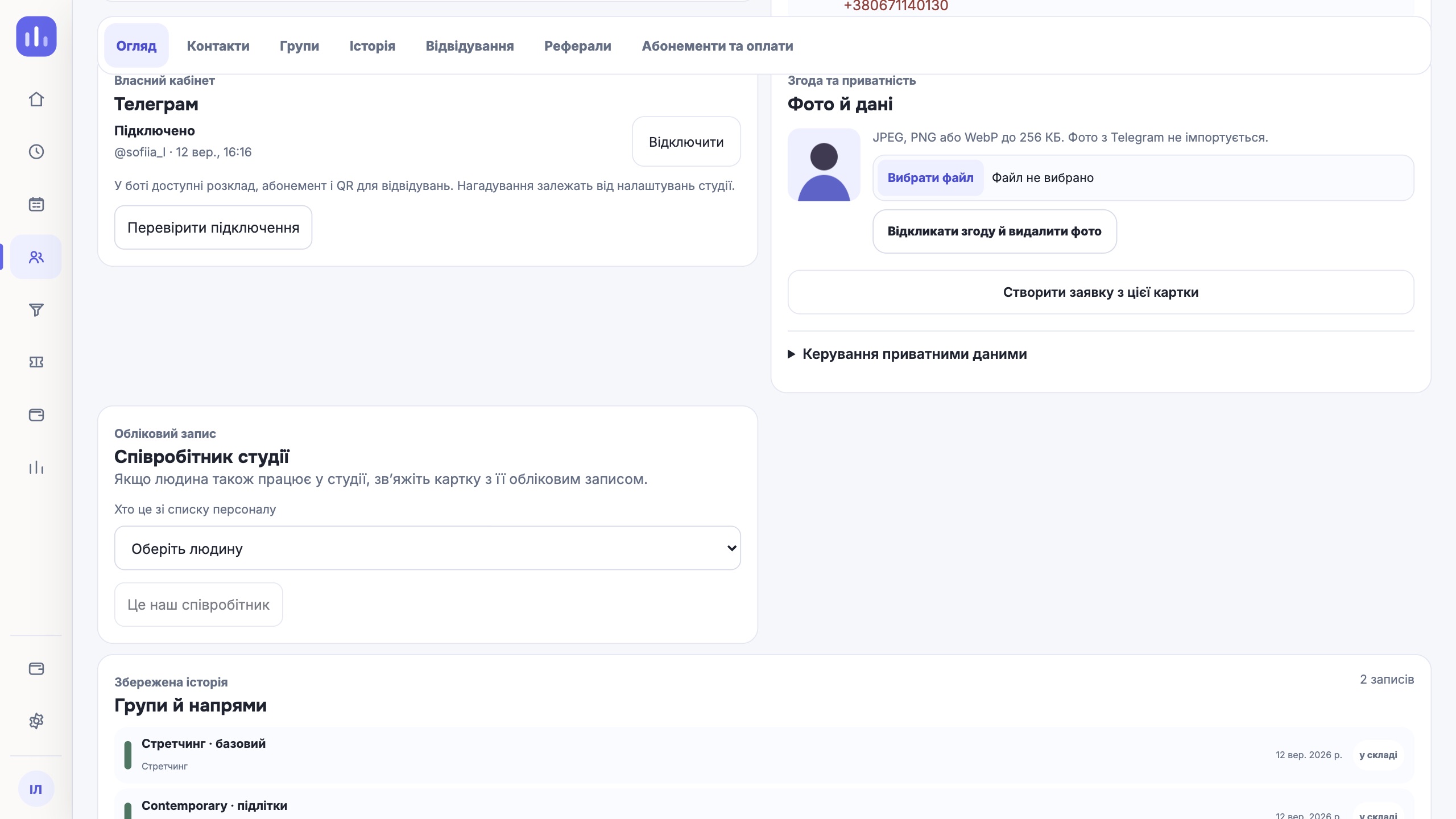
A day before the class the client gets a reminder in Telegram. If they tap Won’t come («Не прийду»), the spot is freed and the first person on the waitlist gets an offer. See whether the software you are testing passes the spot on by itself, or whether the administrator has to message everyone by hand.
3. A child booked by their mother
In children’s groups the child attends, but the mother books and pays. In ClubBase the client, the guardian and the payer are stored separately in one profile. The guardian books the child from the Telegram client area by choosing the child’s profile.
4. A client without Telegram
Not everyone uses the messenger. The administrator books and marks such a client in the CRM, and the membership balance is the same in both cases. Check that in the system you choose, a client without the app does not drop out of the records.
5. A personal session next to a group
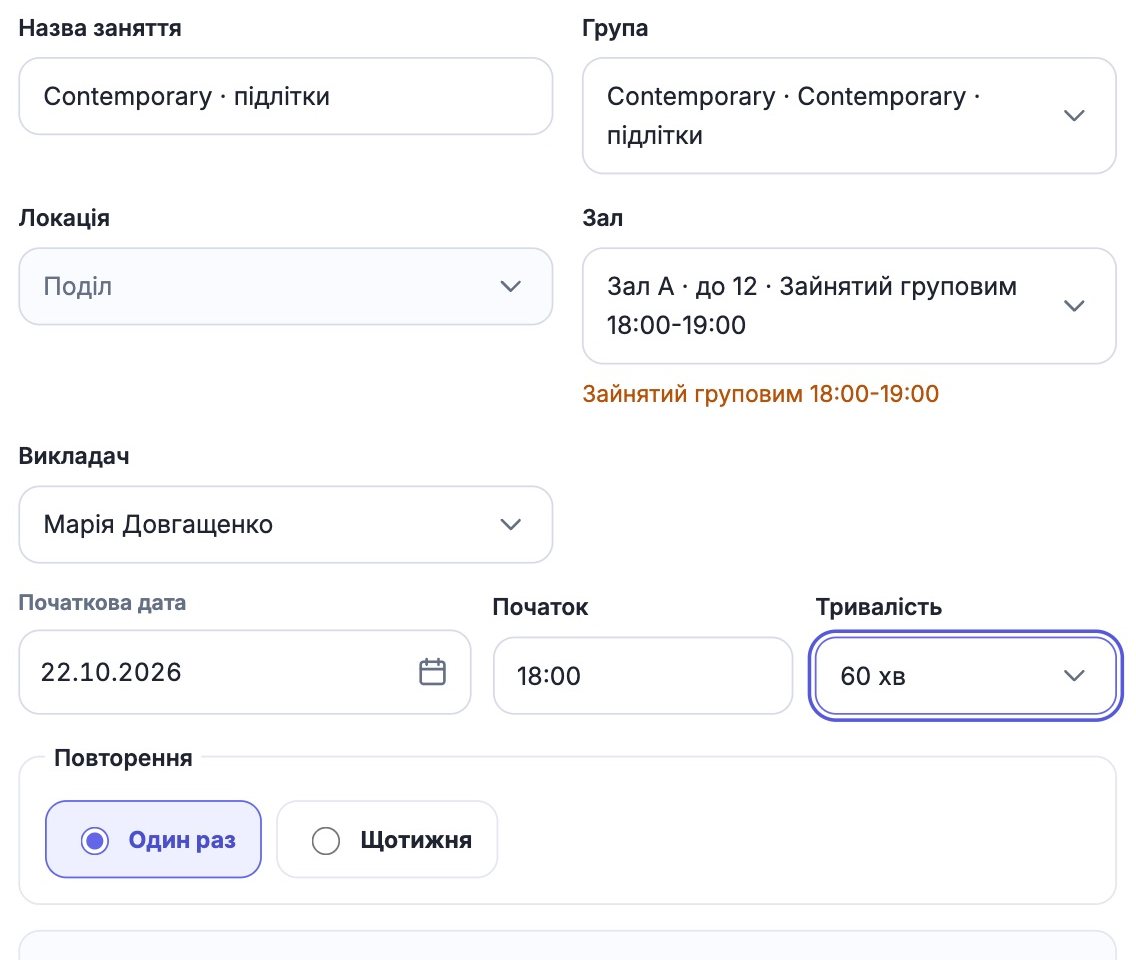
Group and individual classes sit in one schedule, so room and coach availability is visible together. A group class takes up the whole room. If several coaches can run personal sessions in the room at the same time, turn on Several individual sessions at once («Кілька індивідуальних одночасно») with a limit.
6. A coach substitution for one class
A coach is ill. The substitution goes through the studio’s confirmation and updates the schedule where clients see it. In pay calculations the class is marked as a substitution, and the money goes to the person who ran it.
| Scenario | What should happen |
|---|---|
| A thirteenth person in a group of 12 | Booking fails, there is a waitlist |
| Won’t come («Не прийду») a few hours before | The spot is offered to the next person |
| A mother books her child | Guardian and payer are separate from the child |
| A client without Telegram | The administrator books them in the CRM |
| A personal session next to a group | The clash is visible before saving |
| A coach substitution | Schedule and pay are updated |
One next step
Ask to be shown exactly these six situations in the demo, not the main screen. What works here will also work on an ordinary Tuesday.
Client booking software