How it works
The studio keeps the schedule, memberships and attendance in ClubBase. The client uses the @ClubBase_Bot bot and a client area that opens right inside Telegram. The data is the same in both places: the bot stores nothing separately from the CRM.
- In the bot the client sees their classes, the studio schedule, the remaining membership balance and a personal QR code.
- There they can also confirm or cancel attendance, join a waitlist or ask for a membership freeze.
- Booking a class itself is done in the client area. It opens from the same Telegram, and sign-in is confirmed with a code.
Step 1. Connect the client
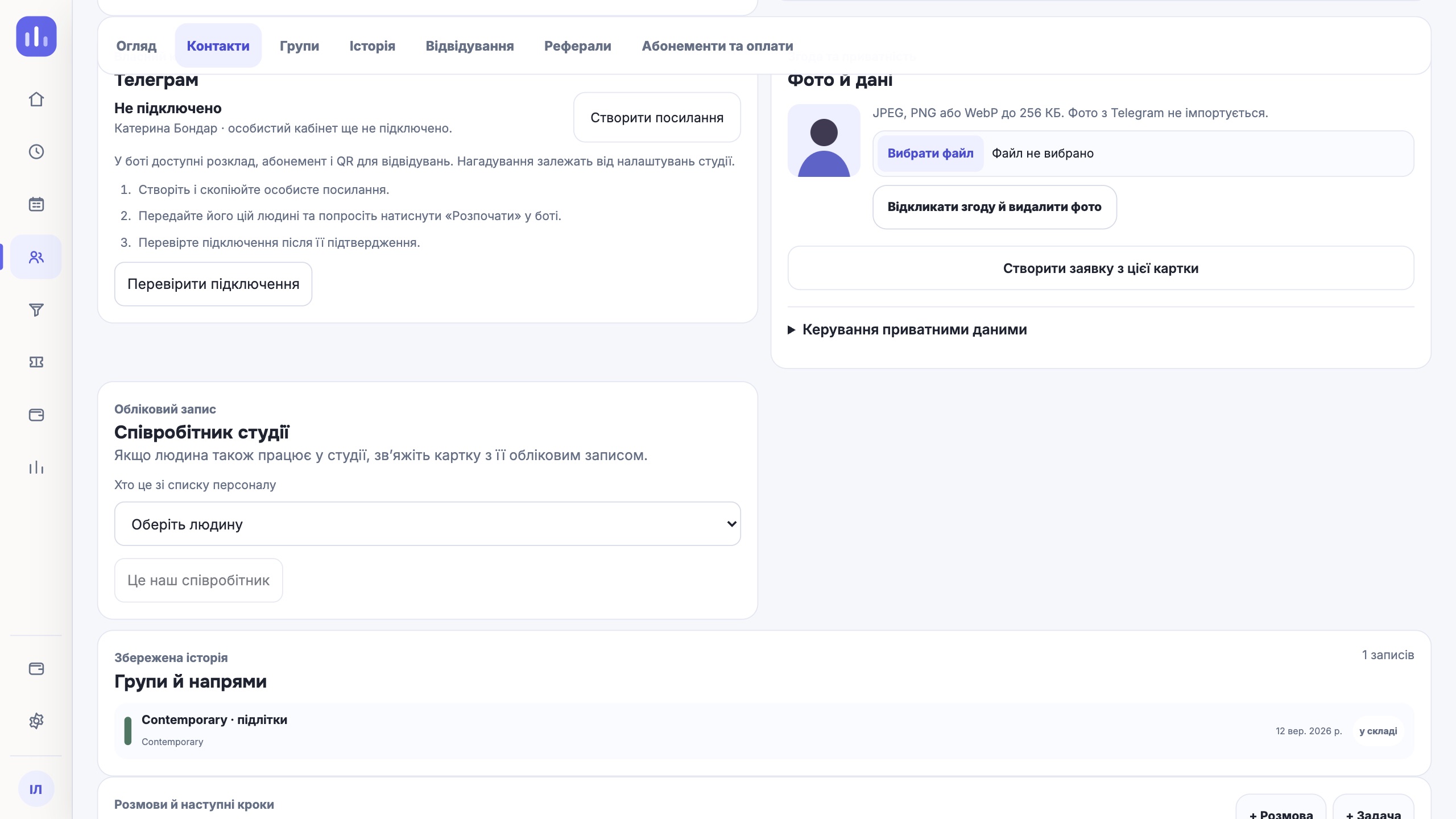
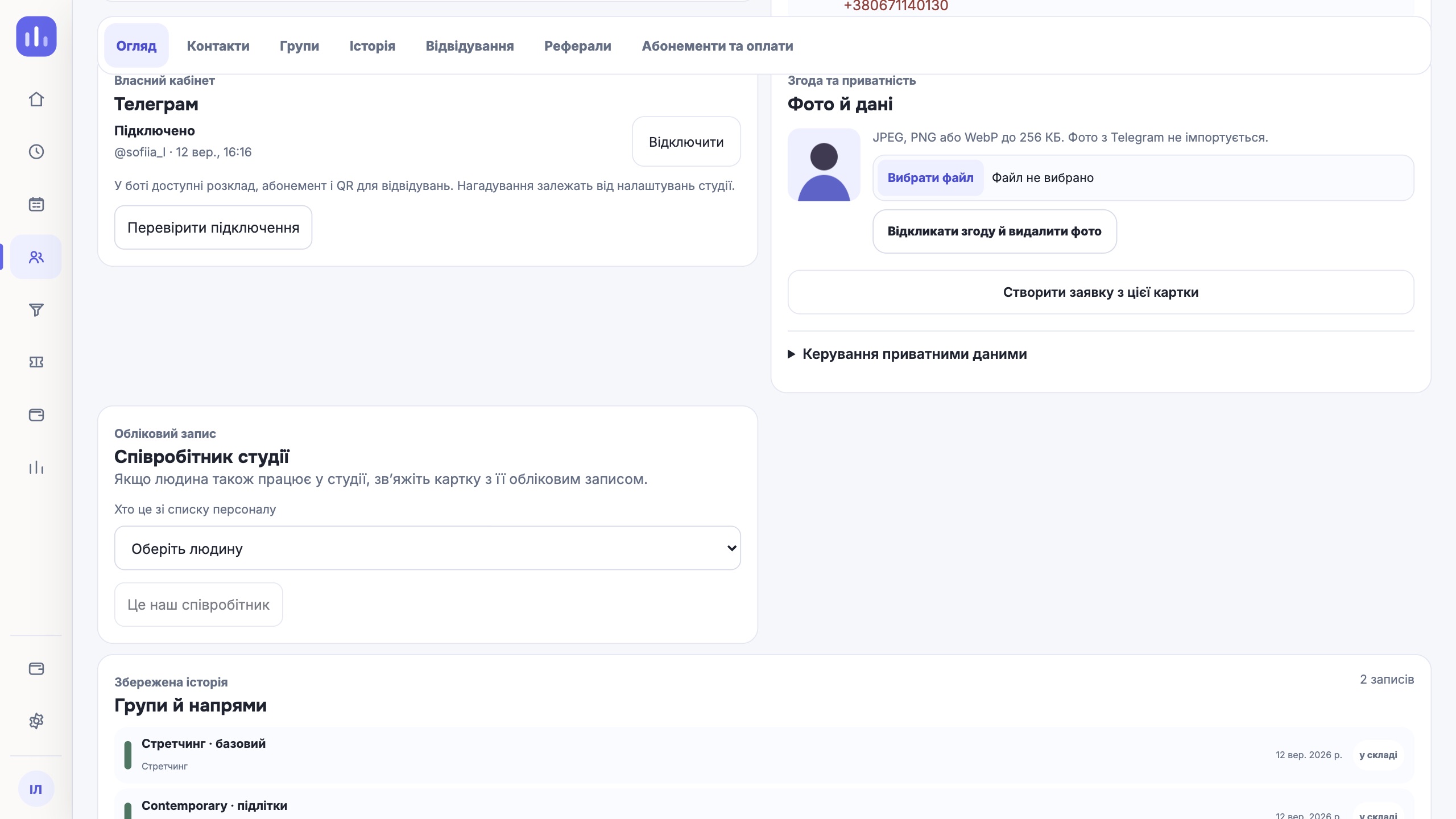
The administrator opens the person’s profile and creates a personal link. The client follows it and starts the bot. The link is valid for 24 hours and is shown once; a new link cancels the previous one.
Simply finding the bot in search is not enough: without the link from the profile it does not know which studio the person belongs to. Step-by-step guide: how to connect Telegram to a profile.
Step 2. The client books on their own
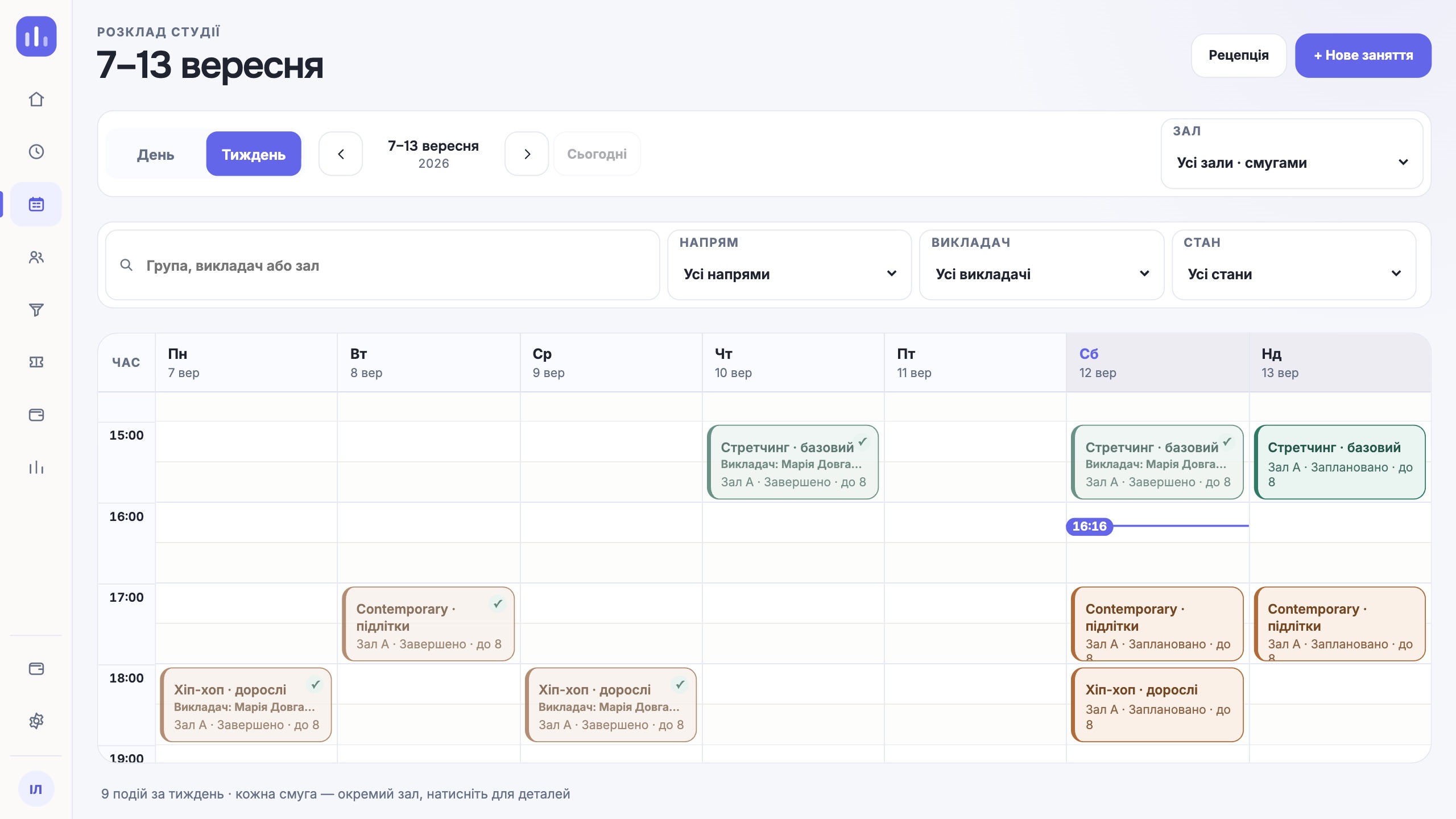
The client area shows the date, time, group, location, room and the number of free spots. The time is shown in the location’s time zone. The client taps Book («Записатися») and immediately sees You are booked («Ви записані»).
For a child, the guardian books: in the client area they choose the profile marked Under guardianship («під опікою»). The child does not need a separate account.
Step 3. Confirmation and free spots
For some groups the studio asks clients to confirm attendance by a set time. A reminder arrives a day before the class. Whoever taps Won’t come («Не прийду») or does not confirm in time frees the spot, and the waitlist offers it to the next person.
Booking does not yet deduct a class from the membership. The deduction happens when the studio marks the visit.
Step 4. The QR code at the door
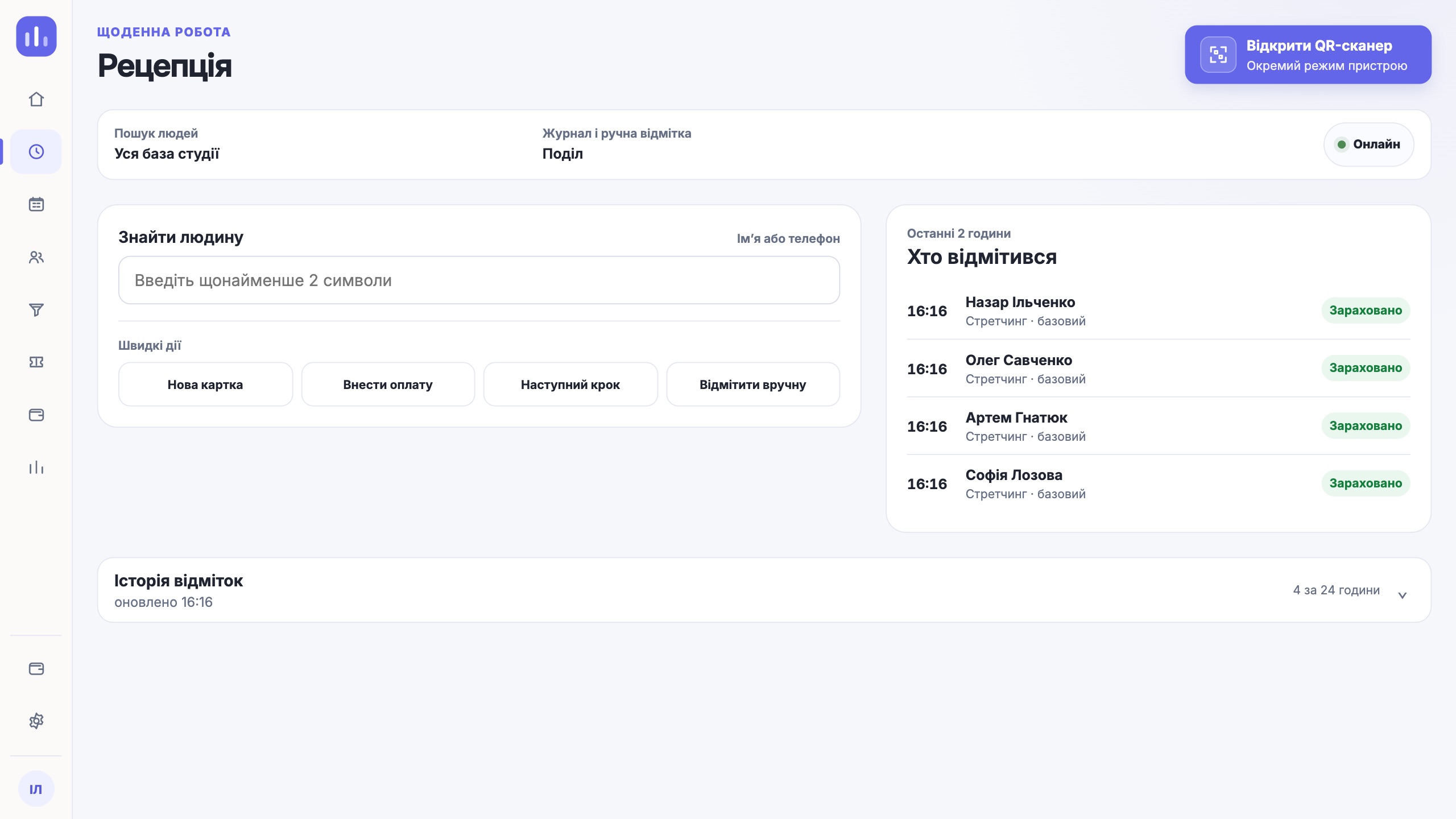
The client’s QR code is permanent: it sits in the bot and in the client area. Reception scans it in the browser, and the system checks the class, the right to attend and the membership. The visit goes into the attendance log and the membership balance is updated.
What stays with the studio
| Action | Who |
|---|---|
| Booking a group class with self-booking open | Client |
| Confirming, cancelling, waitlist | Client |
| Booking an individual class | Studio |
| Booking a client without Telegram | Studio, in the CRM |
| Paying for a membership | Studio records the payment in the CRM |
There is currently no online payment for memberships by the client in Telegram. The studio takes cash, a card on the terminal or a bank transfer and records the payment in the profile.
One next step
Start with one group: open self-booking for it, connect two or three regular clients and see how many booking messages the administrator no longer has to write.
Try it free