Telegram for clients
Membership, classes and QR code side by side.
Clients use a bot in Telegram, and your team runs the schedule, memberships and attendance in ClubBase. Connecting links Telegram to a specific client profile in your studio.
Start with the client profile
- Your team opens the right person's profile in the CRM and gets a Telegram connection link.
- The client opens the link and starts the bot. The bot checks the link to the studio and the person.
- Once connected, bot commands show the schedule, the membership and a personal QR code. The data comes from the CRM.
If the connection did not complete, ask the admin to check the profile and send a fresh link. Simply opening the bot gives no access to another studio.
Connection guide →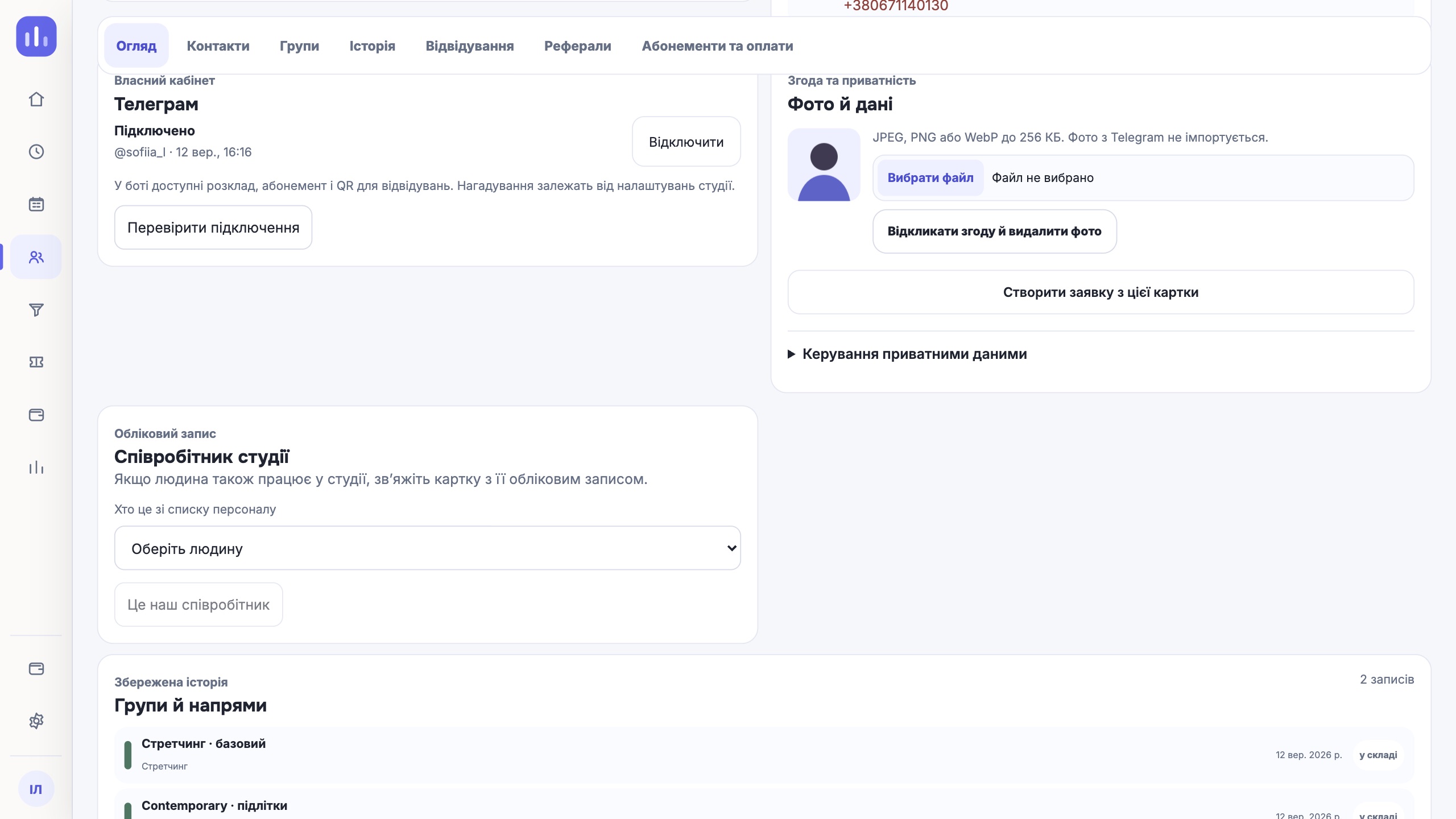
From a personal QR code to a check-in
- The client opens the QR codeIn Telegram, after connecting to their profile.
- The studio scans itA scanner in the browser checks the class, the right to attend and the membership.
- The result shows in the CRMAttendance and the balance update according to the membership rules.
A repeat check-in, an expired QR code, no class or no valid membership each get their own result. The offline queue marks a check-in as provisional until it syncs.
A QR code in Apple Wallet and Google Wallet is planned separately. These are future passes for check-in at the door.
All of a client's information on one screen
Profile and studio contacts, membership, upcoming classes, self-booking and the QR code are the next client scenario. The schedule, membership and QR code can already be opened with the bot commands described above.
Online payment for memberships by studio clients is not part of the current product.